
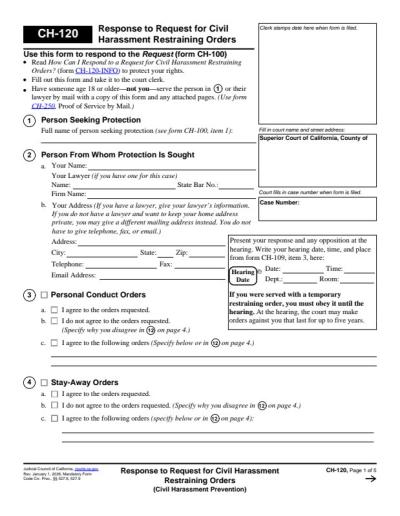
CH-120 Response to Request for Civil Harassment Restraining Orders, filled in online.
CH-120 Response to Request for Civil Harassment Restraining Orders is the official fillable form from Judicial Council of California.
Type in the panel and watch each answer land on the page. Filling in and signing is free; downloading needs a free account, which includes 5 downloads a month.
Or fill it another way:
- Category
- Legal
- Fillable fields
- 92
- Pages
- 5
- Paper size
- US Letter, 8.5 × 11 in
Five ways to fill this form.
-
Fill it in here
Type in the panel and watch it land on the form. Sign it, then download.
Free to fill and sign Start filling -
Many at once, from a spreadsheet
One row per person, one finished PDF for each.
Paid plan · you can walk through it Start with a spreadsheet -
Send it to someone to fill in
Email a link. They fill it in without an account and you get the answers back.
Paid plan · you can walk through it Send a request -
From your own software
Fill it over the API. One request returns the finished PDF.
Paid plan -
Let an AI assistant do it
Connect ChatGPT or Claude once, then describe what goes on the form.
With a free account
What is this form?
Form CH-120, Response to Request for Civil Harassment Restraining Orders, is the Judicial Council of California form used by the person who is asked to be restrained to tell the court whether they agree or disagree with the orders requested on Form CH-100. It provides space to answer proposed personal-conduct and stay-away orders, additional protected persons, firearm and body-armor restrictions, animal-protection provisions, other requested orders, and the factual allegations supporting the request.
Filing CH-120 lets the judge review the respondent’s position before or at the hearing, but the form does not replace attendance at the hearing shown on the Notice of Court Hearing. A response should address the actual case and orders, remain factual, and be supported by relevant declarations or exhibits when appropriate. Because a restraining-order case can affect contact, residence, work, firearms, and other legal rights, consider advice from a California attorney or the court’s self-help center before filing.
Who needs to fill this out?
- A person named as the respondent on a California Form CH-100 request for civil harassment restraining orders.
- A respondent who agrees with some requested orders but wants the court to deny or modify others.
- A respondent who disputes the allegations and wants to give the judge a written explanation before the hearing.
- An attorney preparing the response for a client, using the attorney name, State Bar number, firm, address, telephone, and email fields.
- A respondent who must disclose compliance with firearm, ammunition, firearm-parts, or body-armor requirements.
CH-120 is not the form used by the protected person to start the case. The requesting party normally uses CH-100, while CH-120 is for the person from whom protection is sought. Each respondent should use the case number and party names exactly as printed on the court papers received.
Where and how to submit
File the completed CH-120 with the clerk of the California superior court shown on the CH-100 and hearing notice. Filing methods vary by county and may include in-person filing, mail, an approved drop box, or electronic filing. File early enough to complete service before the hearing. A person who is at least 18 and not involved in the case generally must serve the requesting party with the response and attachments; the respondent should not perform service personally. Review the current CH-120-INFO instructions and local court rules to determine the permitted service method, deadline, and required proof-of-service form. Bring copies of CH-120, evidence, filed proofs, and all restraining-order papers to the hearing. Filing the response does not cancel the hearing or change any temporary order already in effect.
How to fill it out
- Step 1 — Court and case information: Enter “Superior Court of California, County of,” the courthouse address if requested, and the exact “Case Number” from CH-100 or the hearing notice. Copy the hearing “Date,” “Time,” “Dept.,” and “Room” so the response matches the pending case.
- Step 2 — Parties and contact details: Complete “Full name of person seeking protection” and “Your Name.” If represented, enter the lawyer’s “Name,” “State Bar No.,” “Firm Name,” “Address,” “City,” “State,” “Zip,” “Telephone,” “Fax,” and “Email Address.” A self-represented respondent should follow the printed instructions for their own contact information.
- Step 3 — Personal conduct and stay-away orders: For each group of requested orders, select “I agree to the orders requested,” “I do not agree to the orders requested,” or “I agree to the following orders.” When agreeing only in part, use “Specify orders” or “Specify stay-away orders” and state precise alternatives, including distances, people, places, or conduct.
- Step 4 — Other protected persons and weapons: Answer “Additional Protected Persons” and each firearm question truthfully. Indicate whether you own or control firearms, firearm parts, or ammunition; whether items were surrendered, sold, or stored with a licensed dealer; and whether the receipt is attached or already filed. Complete any employment-related exception request and explain the work need.
- Step 5 — Body armor, animals, and other orders: Select the applicable body-armor statement and attach an authorization letter if an exception applies. Respond separately to “Possession and Protection of Animals” and “Other Orders,” specifying any limited agreement or proposed alternative in the related explanation field.
- Step 6 — Response to allegations: Use the explanation section to state why you disagree with any request. Organize events by date, identify people involved, refer to exhibits clearly, and avoid unrelated accusations. Attach additional pages when needed and label them with the case number and item being continued.
- Step 7 — Declaration, signature, and review: Read the declaration under penalty of perjury, enter the date, type or print your name, and sign where required. Verify all pages contain the correct case number, include promised attachments, and retain a complete copy before filing and service.
Frequently asked questions
Do I have to file CH-120?
A written response is generally optional, but filing one gives the judge and requesting party advance notice of your position. Even without a response, follow every existing temporary order and attend the hearing if you want to oppose the request.
Does filing CH-120 replace going to the hearing?
No. The court can make orders at the scheduled hearing, and a filed response does not by itself postpone or cancel it.
Can I attach evidence to CH-120?
You may attach relevant declarations, messages, photographs, records, or other exhibits allowed by court rules. Remove unnecessary private information, label exhibits, and provide copies through the required filing and service process.
What if I agree with only part of the request?
Select the partial-agreement option for the applicable order and state exactly which terms you accept and which alternative you propose. Refer to the continuation section or an attached page if the available space is insufficient.
What must I do about firearms or ammunition?
Obey every temporary or permanent prohibition immediately and follow the surrender, sale, storage, and receipt requirements stated in the order and California instructions. Do not wait for the CH-120 filing deadline to comply.
Who can serve my response?
Service is generally completed by an adult who is not a party to the case. Check CH-120-INFO and local rules for the deadline, method, documents to serve, and proof that must be filed.
Can I create Form CH-120 in bulk?
Yes. PDFengine supports bulk generation of Form CH-120 through an Excel or CSV upload with one row per response, and automated creation is available through the PDFengine API. Each response still requires individual legal review, signature, filing, and service.
Ready to fill it in?
Fill in this formMore forms in this category
-
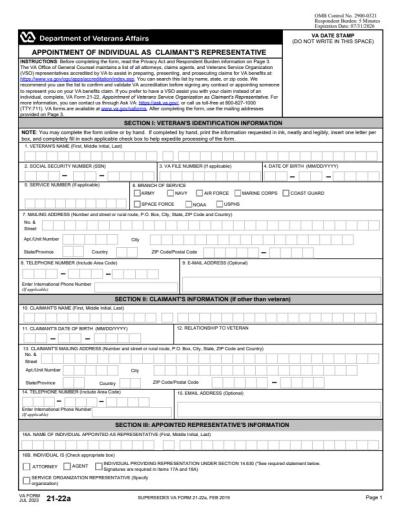 VA Form 21-22a — Appointment of Individual as Claimant's RepresentativeOfficial VA form used to appoint an individual representative such as an attorney, agent,...
-
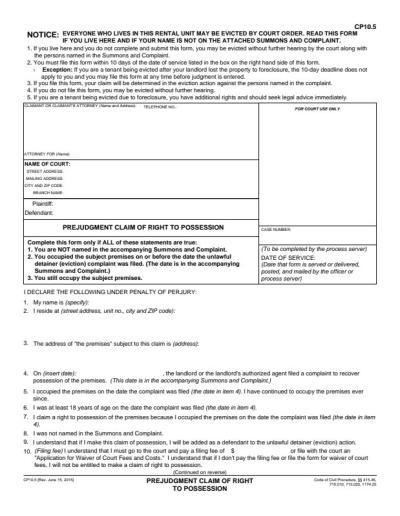 CP10.5 Prejudgment Claim of Right to PossessionCP10.5 Prejudgment Claim of Right to Possession is the official fillable form from Judicia...
-
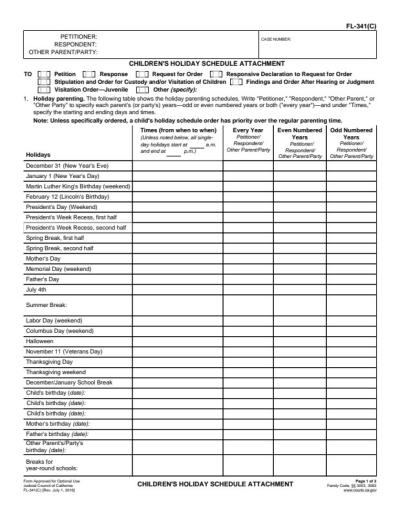 FL-341(C) Children's Holiday Schedule AttachmentFL-341(C) Children's Holiday Schedule Attachment is the official fillable form from Judici...
-
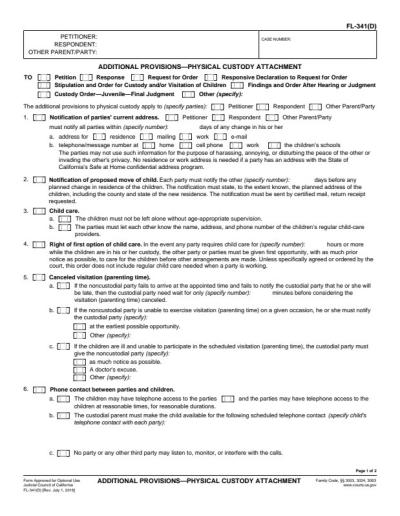 FL-341(D) Additional Provisions Physical Custody AttachmentFL-341(D) Additional Provisions Physical Custody Attachment is the official fillable form...