
Convert PST to PDF
Transform your Outlook PST and OST archives into PDF documents. Extract and convert all emails with attachments for archiving, compliance, or migration purposes.
More information about this conversion
From simple conversions to a more complex automation using workflows, PDFengine provides professional-grade tools for every PDF task.
Complete Archive Conversion
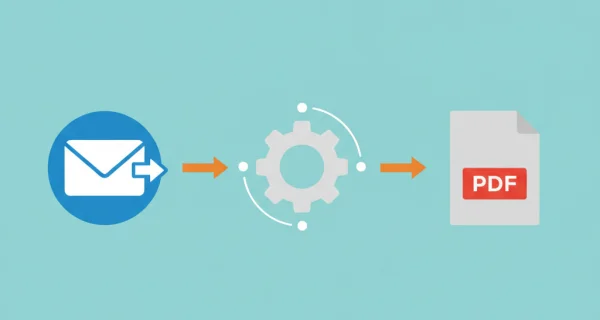
Convert entire Outlook PST or OST archives to PDF. All emails are extracted and converted individually, preserving folder structure and email metadata including sender, recipients, date, and subject.
Attachments Included
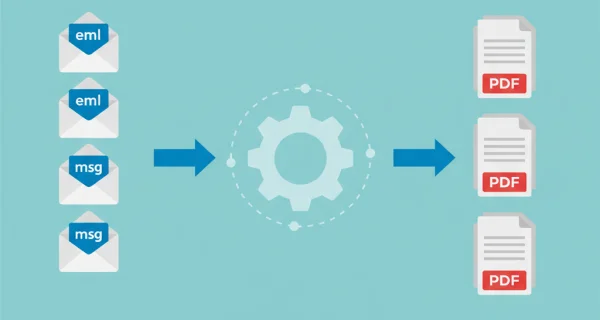
Email attachments are automatically converted along with the email body. Office documents, images, and PDFs are all processed to create comprehensive archive PDFs.
Secure Processing
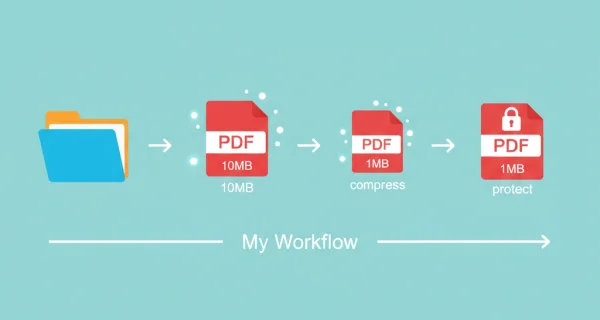
Your PST files are processed securely on our servers. Files are deleted after conversion, ensuring your sensitive email data remains protected.
Why choose us to convert your files
Lightning Fast Conversion
Our advanced conversion engine processes your files in seconds, not minutes. Upload, convert, and download - all within moments.
Focus on business
Archive and convert email, AutoCAD, Visio, and Office files in one streamlined workflow. Perfect for companies with recurring document processes.
Perfect Quality Every Time
Our intelligent algorithms preserve formatting, fonts, images, and layouts. What you see is what you get - no quality loss.
How it works
Process your documents easily and quickly in three steps
Upload PST File
Upload your Outlook PST or OST archive file. Files up to 500MB are supported for registered users.
Automatic Extraction
We extract all emails from the archive, preserving folder structure and email relationships. Invalid or corrupted emails are skipped automatically.
Download PDFs
Each email is converted to a separate PDF file. All PDFs are packaged in a ZIP archive for easy download and organization.
Frequently Asked Questions
What is a PST file?
PST (Personal Storage Table) is Microsoft Outlooks file format for storing email messages, contacts, calendar entries, and other items. OST (Offline Storage Table) is similar but used for cached mailbox data. Both formats can be converted to PDF.
Do I need to log in to convert PST files?
Yes, PST conversion requires a registered account. This is because PST files can be large and contain many emails, requiring more processing power. Create a free account to get started.
How many emails can a PST file contain?
File size and bulk conversion limits depend on your active subscription level. Consult our pricing page for the current limits. If your PST contains too many emails, consider splitting it in Outlook first.
What happens to email attachments?
Email attachments are processed the same way as regular email-to-PDF conversion. Office documents are converted to PDF, images and existing PDFs are included directly. All attachments are merged with the email body into a single PDF per email.
What can I do if my PST file is too large?
If your PST file is too large, consider compressing it through ZIP. This is really simple. Just go to your file library, right-mouse click on your file and select ‘compress in ZIP-file’. Your file size can be greatly reduced, and you can still use the ZIP file on PDFengine
Are password-protected PST files supported?
No, password-protected PST files cannot be converted. Please remove the password protection in Outlook before uploading. Go to File > Account Settings > Data Files, select the PST, and click "Change Password" to remove it.
How long does PST conversion take?
Processing time depends on the number of emails and attachments in your PST file. A typical archive with 50 emails takes 2-5 minutes. Larger archives may take longer.
What if some emails fail to convert?
Our system uses resilient processing - if individual emails fail (due to corruption or unsupported formats), the remaining emails are still converted. You will receive a report of any skipped items.
Ready to convert your email archive?
Transform your Outlook PST archives into organized PDF documents for compliance, migration, or long-term storage.
Related Conversions
Convert other email formats and documents to PDF.
Word to PDF
Convert Word documents (.docx) to PDF format
Email to PDF
Convert email files (EML, MSG) to PDF with attachments
Compress PDF
Reduce PDF file size while maintaining quality
Convert to PDF/A
Convert PDF to archival PDF/A format for long-term preservation