
Convert ODS to PDF
Transform your OpenDocument Spreadsheets into professional PDF format. Perfect for sharing LibreOffice Calc data without compatibility concerns.
More information about this conversion
From simple conversions to a more complex automation using workflows, PDFengine provides professional-grade tools for every PDF task.
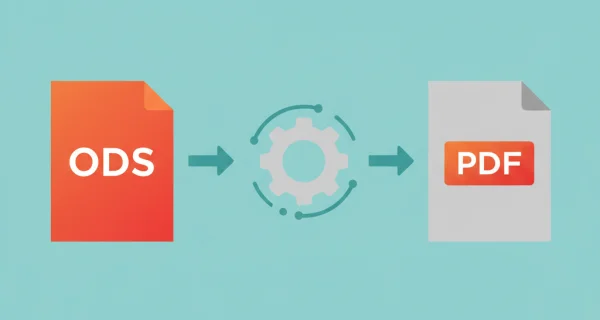
Preserve Spreadsheet Layout
Maintain cell formatting, formulas, charts, and data integrity. Your LibreOffice Calc spreadsheets convert with perfect fidelity. Create presentation-ready PDFs from your spreadsheets. Perfect for reports, invoices, and data sharing without editing risks.
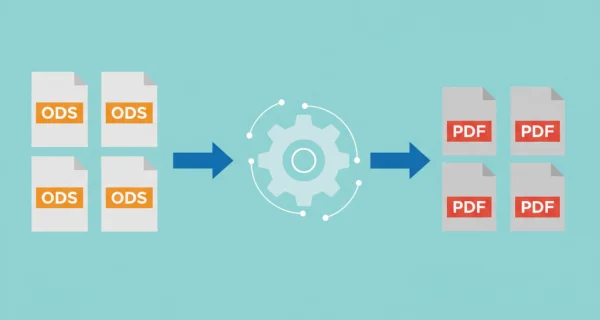
Batch Processing
Convert multiple ODS documents simultaneously or upload ZIP archives containing multiple files for efficient batch processing.
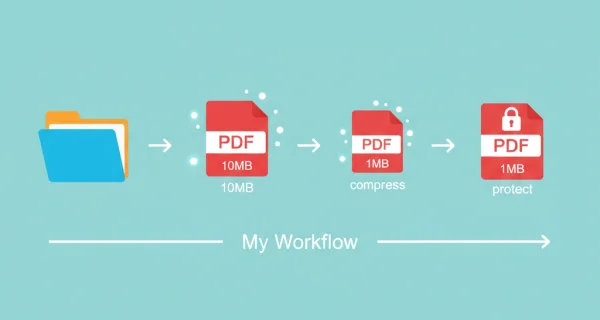
Even greater efficiency with PDFengine workflows
Take document management to the next level by combining and sequencing PDF conversion, optimalization, and/or organization tools. With fully customizable workflows, complicated PDF tasks cost just seconds to complete.
Why choose us to convert your files
Lightning Fast Conversion
Our advanced conversion engine processes your files in seconds, not minutes. Upload, convert, and download - all within moments.
Focus on business
Archive and convert email, AutoCAD, Visio, and Office files in one streamlined workflow. Perfect for companies with recurring document processes.
Perfect Quality Every Time
Our intelligent algorithms preserve formatting, fonts, images, and layouts. What you see is what you get - no quality loss.
How it works
Process your documents easily and quickly in three steps
Upload ODS Files
Select your OpenDocument Spreadsheet files or upload a ZIP archive containing multiple workbooks.
Configure Layout
Choose page size, orientation, and fit-to-page options to optimize your spreadsheet layout for PDF output.
Download PDFs
Get your converted PDF files ready for distribution. Multiple files are automatically packaged in a ZIP archive.
Frequently Asked Questions
What is ODS format?
ODS (OpenDocument Spreadsheet) is the native spreadsheet format used by LibreOffice Calc and OpenOffice Calc. It's an open standard for spreadsheet documents, similar to Microsoft Excel's XLSX format.
Are formulas converted or displayed?
Formulas are evaluated and only their calculated results are displayed in the PDF. This ensures data integrity while presenting final values to readers.
What about charts and graphs?
All charts, graphs, and visualizations are rendered as high-quality images in the PDF output, maintaining their appearance and readability.
Ready to Convert Your ODS Files?
Turn your OpenDocument Spreadsheets into professional PDF documents for secure sharing.
Other Conversions
Convert between PDF and various document formats.
Excel to PDF
Convert Excel spreadsheets to PDF format
CSV to PDF
Convert CSV and Excel files to PDF
PDF to Excel
Convert PDF documents to Excel format