
Convert Microsoft Publisher to PDF
Transform your Publisher (.pub) files into universal PDF format. Perfect for sharing publications, newsletters, and marketing materials.
More information about this conversion
From simple conversions to a more complex automation using workflows, PDFengine provides professional-grade tools for every PDF task.
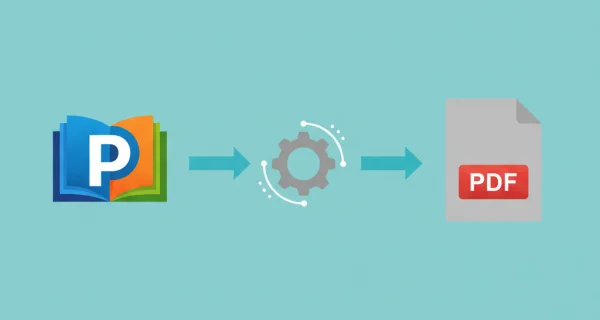
Preserve Design & Layout
Maintain pixel-perfect quality for your creative work in PDF format. All publication designs, fonts, images, and layout integrity are fully preserved. Allow your audience to view documents wherever, without the need of Microsoft Publisher.
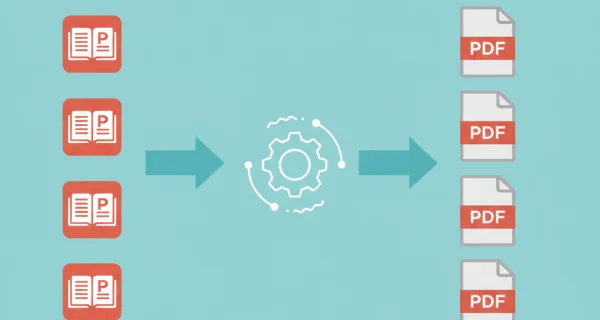
Batch Processing
Convert multiple Publisher files simultaneously or upload ZIP archives for efficient bulk conversion.
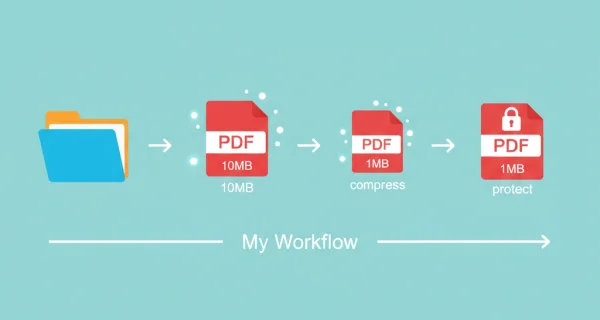
Even greater efficiency with PDFengine workflows
Take document management to the next level by combining and sequencing PDF conversion, optimalization, and/or organization tools. With fully customizable workflows, complicated PDF tasks cost just seconds to complete.
Why choose us to convert your files
Lightning Fast Conversion
Our advanced conversion engine processes your files in seconds, not minutes. Upload, convert, and download - all within moments.
Focus on business
Archive and convert email, AutoCAD, Visio, and Office files in one streamlined workflow. Perfect for companies with recurring document processes.
Perfect Quality Every Time
Our intelligent algorithms preserve formatting, fonts, images, and layouts. What you see is what you get - no quality loss.
How it works
Process your documents easily and quickly in three steps
Upload Publisher Files
Select your .pub files or upload a ZIP archive containing multiple publications.
Choose Settings
Select page size and orientation to match your publication requirements.
Download PDFs
Get your converted PDF files ready for sharing. Multiple files are packaged in ZIP archive.
Frequently Asked Questions
Are fonts preserved in the PDF?
Yes, all fonts are embedded in the PDF output to ensure your publication displays correctly on any device, even if the viewer doesn't have the fonts installed.
Will images and graphics look the same?
Yes, all images, graphics, and design elements are preserved with high quality. The PDF maintains the exact look of your Publisher document.
Can I convert old Publisher files?
Yes, we support Publisher files from various versions. Both modern and legacy .pub formats are compatible with our converter.
What about multi-page publications?
All pages in your Publisher document are converted. The resulting PDF maintains the correct page order and pagination.
Ready to Convert Your Publications?
Turn your Microsoft Publisher files into professional PDF documents for universal sharing.
Other Conversions
Convert between PDF and various document formats.
Word to PDF
Convert Word documents (.docx) to PDF format
PowerPoint to PDF
Convert 1 or more PowerPoint(s) presentations to PDF format
PDF to Images
Convert PDF pages to image files