
Convert CSV & Excel Files to PDF
Transform your CSV, XLS, XLSB, and XLTX spreadsheets into professional PDF format. Perfect for reports, archives, and sharing data.
More information about this conversion
From simple conversions to a more complex automation using workflows, PDFengine provides professional-grade tools for every PDF task.
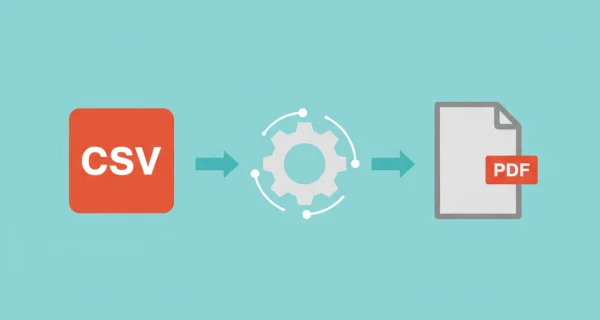
Multiple Format Support
Convert all kinds of Excel formats supported for maximum flexibility. Automatically fit tables to page width or choose custom page sizes and orientations. Data remains readable and professional.
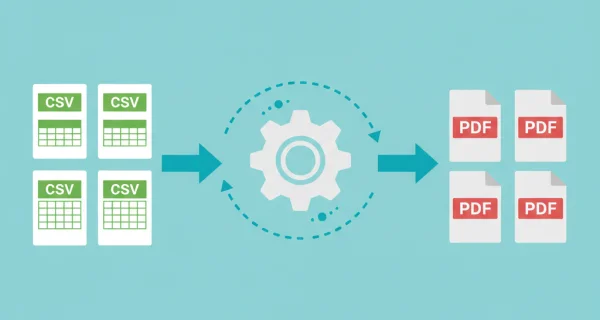
Batch Conversion
Convert multiple spreadsheet files simultaneously or upload ZIP archives for efficient bulk processing.
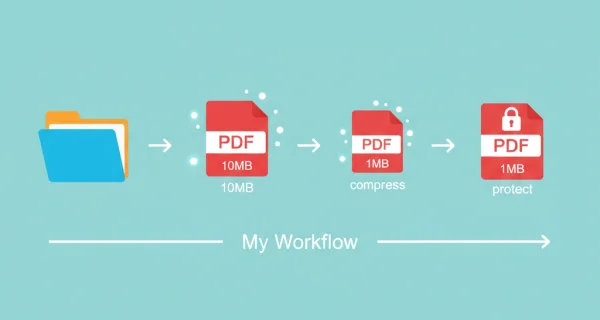
Even greater efficiency with PDFengine workflows
Take document management to the next level by combining and sequencing PDF conversion, optimalization, and/or organization tools. With fully customizable workflows, complicated PDF tasks cost just seconds to complete.
Why choose us to convert your files
Lightning Fast Conversion
Our advanced conversion engine processes your files in seconds, not minutes. Upload, convert, and download - all within moments.
Focus on business
Archive and convert email, AutoCAD, Visio, and Office files in one streamlined workflow. Perfect for companies with recurring document processes.
Perfect Quality Every Time
Our intelligent algorithms preserve formatting, fonts, images, and layouts. What you see is what you get - no quality loss.
How it works
Process your documents easily and quickly in three steps
Upload Spreadsheets
Select your CSV or Excel files, or upload a ZIP archive containing multiple spreadsheets.
Configure Layout
Choose page size, orientation, and fit-to-page options for optimal readability.
Download PDFs
Get your converted PDF files ready for sharing. Multiple files are packaged in ZIP archives.
Frequently Asked Questions
Which file formats are supported?
We support CSV (comma-separated), XLS (Excel 97-2003), XLSB (binary Excel), and XLTX (Excel template) formats. All standard Excel file types work.
What happens to wide tables?
Tables wider than the page can be auto-fitted to page width, or you can choose Landscape orientation for better visibility. The converter intelligently handles column widths.
Are formulas preserved?
The PDF shows calculated formula results, not the formulas themselves. This ensures data integrity when sharing with others.
Can I convert Excel files with multiple sheets?
Yes, all sheets in an Excel workbook are converted. Each sheet becomes a separate page in the resulting PDF document.
What does the 'fit to page' setting do?
With the setting turned on tables and other content may be scaled to fit all content onto a single page. If turned off, content may be separated over multiple pages but preserves its original dimensions.
Ready to Convert Your Spreadsheets?
Turn your CSV and Excel files into professional PDF documents for easy sharing and archiving.
Other Conversions
Convert between PDF and various document formats.
Excel to PDF
Convert Excel spreadsheets to PDF format
PDF to Excel
Convert PDF documents to Excel format
PDF to CSV
Extract tables from PDF to CSV format