
Merge multiple images into one PDF
Upload multiple images or ZIP archives containing images and convert them to a single PDF file. Perfect for creating photo albums, combining scanned documents, or organizing visual content.
More information about this conversion
From simple conversions to a more complex automation using workflows, PDFengine provides professional-grade tools for every PDF task.
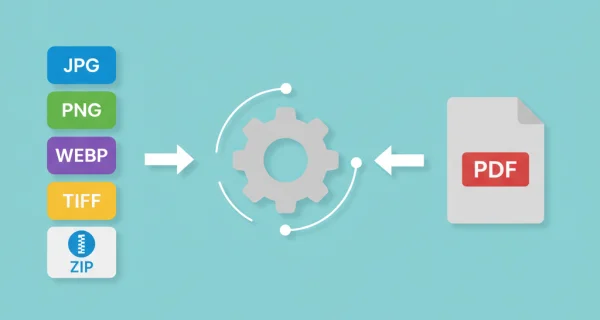
Multiple image formats supported
Supports JPG, PNG, WEBP, TIFF, and HEIC formats. Upload individual images or ZIP archives containing multiple image files.
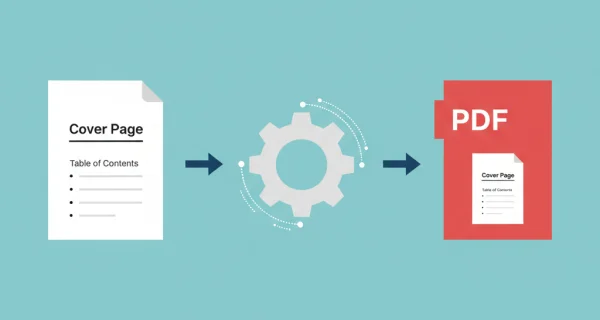
Enhanced administration and archiving with cover pages
Give your merged PDF a professional start with a custom cover page. Add a logo, title, summary, or table of contents as the first page of any document, and apply it in seconds.

Greater efficiency with PDFengine workflows
Take document management to the next level by combining and sequencing PDF conversion, optimalization, and/or organization tools. With fully customizable workflows, complicated PDF tasks cost just seconds to complete.
Why choose us to convert your files
Lightning Fast Conversion
Our advanced conversion engine processes your files in seconds, not minutes. Upload, convert, and download - all within moments.
Focus on business
Archive and convert email, AutoCAD, Visio, and Office files in one streamlined workflow. Perfect for companies with recurring document processes.
Perfect Quality Every Time
Our intelligent algorithms preserve formatting, fonts, images, and layouts. What you see is what you get - no quality loss.
How it works
Process your documents easily and quickly in three steps
Upload images
Select your image files (JPG, PNG, WEBP, TIFF, HEIC) or upload ZIP archives containing multiple images.
Arrange order and settings
Drag and drop to reorder your images. Choose page size, orientation, and quality settings.
Download merged PDF
Get your merged PDF file with all images combined in the order you specified.
Frequently Asked Questions
Which image formats are supported?
We support JPG, PNG, WEBP, TIFF, and HEIC image formats. You can also upload ZIP archives containing these image types.
How many images can I combine?
You can upload up to 50 individual images or ZIP archives with a total size limit of 500MB.
Can I change the order of images?
Yes, you can drag and drop images to reorder them before conversion. The order determines how they appear in the final PDF.
Will image quality be preserved?
Yes, images are embedded in the PDF without compression, maintaining their original quality and resolution.
What does the setting "Page Size" do?
This determines the PDF page dimensions. "Fit to Image" creates pages matching each image size (recommended for mixed sizes). Standard sizes like A4 or Letter create uniform pages with margins around smaller images.
What does the setting "Page Orientation" do?
Controls page direction. "Auto" chooses portrait/landscape per image. "Portrait" (vertical) or "Landscape" (horizontal) forces all pages to one orientation. Auto works best for mixed image types.
What does the setting "Margin Size" do?
Adds white space around images on each page. Default is 0 px. You can add margins both horizontally and vertically, by indicating through pixels. Useful when you want consistent spacing or need room for hole-punching printed documents.
Ready to merge your images?
Combine multiple images into a single PDF document that can be shared, printed, or archived easily.
Other Conversions
Convert between PDF, Word, Excel, PowerPoint, and image formats. Our converter preserves formatting and quality.
Image to PDF (Convert)
Convert individual images to separate PDF files
Word to PDF
Convert Word documents (.docx) to PDF format
PowerPoint to PDF
Convert 1 or more PowerPoint(s) presentations to PDF format
PDF to Images
Convert PDF pages to image files
Compress PDF
Reduce PDF file size while maintaining quality
Convert to PDF/A
Convert PDF to archival PDF/A format for long-term preservation