
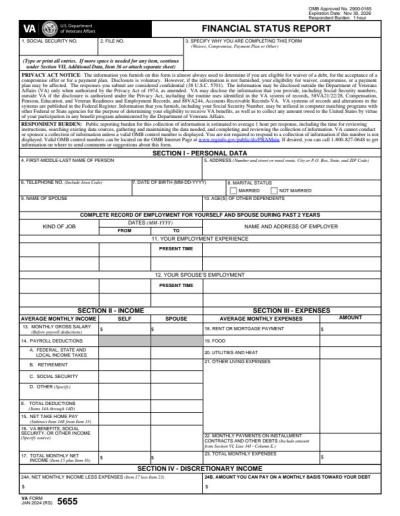
VA Form 5655 Financial Status Report, filled in online.
Financial status report for VA debt, waiver, compromise, or payment plan requests
Type in the panel and watch each answer land on the page. Filling in and signing is free; downloading needs a free account, which includes 5 downloads a month.
Or fill it another way:
- Category
- Business
- Fillable fields
- 137
- Pages
- 2
- Paper size
- US Letter, 8.5 × 11 in
Five ways to fill this form.
-
Fill it in here
Type in the panel and watch it land on the form. Sign it, then download.
Free to fill and sign Start filling -
Many at once, from a spreadsheet
One row per person, one finished PDF for each.
Paid plan · you can walk through it Start with a spreadsheet -
Send it to someone to fill in
Email a link. They fill it in without an account and you get the answers back.
Paid plan · you can walk through it Send a request -
From your own software
Fill it over the API. One request returns the finished PDF.
Paid plan -
Let an AI assistant do it
Connect ChatGPT or Claude once, then describe what goes on the form.
With a free account
What is this form?
VA Form 5655, Financial Status Report, is the Department of Veterans Affairs form used to document a veteran's or debtor's full financial situation when requesting debt relief. It is commonly used in waiver, compromise, repayment-plan, and collection matters where the VA needs a detailed picture of household income, living expenses, installment contracts, assets, and other debts before deciding what relief is appropriate.
The form is detailed and asks for personal data, employment status, dependent information, monthly income, monthly expenses, liquid assets, real estate, vehicles, credit obligations, and a proposed payment amount. PDFengine makes it easier to complete those sections digitally, keep figures readable, and share a clean PDF with the VA or an assisting representative.
Who needs to fill this out?
- Veterans or beneficiaries responding to a VA debt notice and asked to document financial hardship
- People requesting a waiver, compromise, or repayment plan from the Department of Veterans Affairs
- Accredited representatives, caseworkers, or family members helping assemble a complete VA financial disclosure packet
Where and how to submit
VA Form 5655 is usually submitted to the VA office, Debt Management Center, or claims contact that requested the financial status report. The exact return address or upload path depends on the debt notice or correspondence you received. Include any supporting statements the VA requested, such as proof of income, bills, or bank information, and keep a copy of the completed report for your records.
How to fill it out
- Step 1 — Case and identity details: Enter your Social Security number, file number, reason for completing the form, full name, address, phone number, date of birth, and marital status.
- Step 2 — Household and employment: Complete the sections covering dependents, employer details, occupation, spouse information, and any other household earners.
- Step 3 — Monthly income: List wages, VA benefits, retirement income, Social Security, other government benefits, and any additional monthly income sources for you and your household.
- Step 4 — Monthly expenses: Enter housing, food, utilities, insurance, transportation, medical costs, child support, and other recurring monthly obligations as accurately as possible.
- Step 5 — Assets and debts: Report cash, bank accounts, vehicles, real estate, installment contracts, credit cards, and any other debts or property requested by the form.
- Step 6 — Proposed resolution and signature: State the payment amount you can realistically afford, review the certification, and sign and date the report before submitting it with supporting documents if requested.
Frequently asked questions
What is VA Form 5655 used for?
It gives the VA a detailed snapshot of your finances so it can evaluate a hardship claim, waiver request, compromise offer, or repayment plan. The form is about ability to pay, not just the debt balance.
Do I need supporting documents with VA Form 5655?
Often yes. The VA may ask for pay stubs, bank statements, bills, or other proof that supports the numbers listed on the report.
Should I include my spouse's income and expenses?
If the form asks for household financial information, include spouse or household amounts where applicable. Leaving out shared finances can make the report incomplete.
Can I propose my own monthly payment?
Yes. The form includes space to show what you can realistically pay, but the VA will decide whether that proposal is acceptable after reviewing the full financial picture.
Can I create VA Form 5655 in bulk?
Yes. PDFengine supports bulk generation of VA Form 5655 via Excel or CSV upload — upload a spreadsheet with one row per form and PDFengine generates all PDFs at once. You can also automate bulk creation programmatically via the PDFengine API.
Ready to fill it in?
Fill in this formMore forms in this category
-
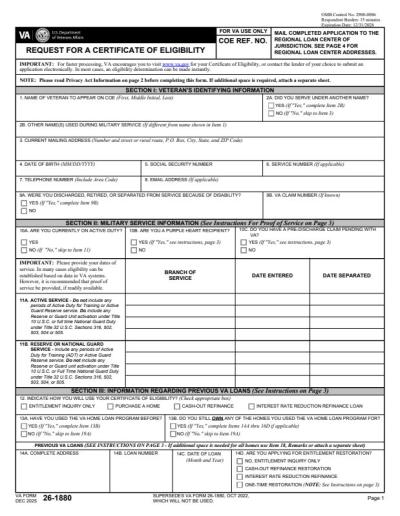 VA Form 26-1880 — Request for a Certificate of EligibilityOfficial VA home loan form used to request a Certificate of Eligibility.
-
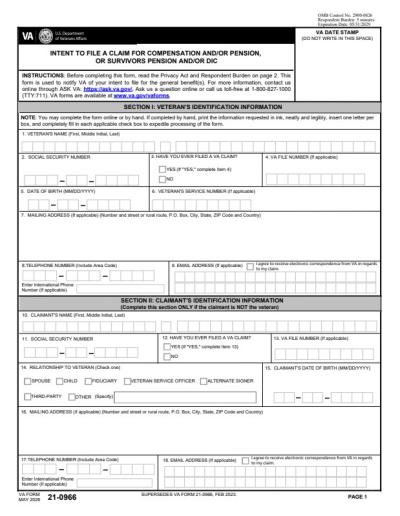 VA Form 21-0966 — Intent to File a Claim for Compensation, Pension, or Survivors BenefitsOfficial VA form used to preserve a potential effective date before filing a full claim.
-
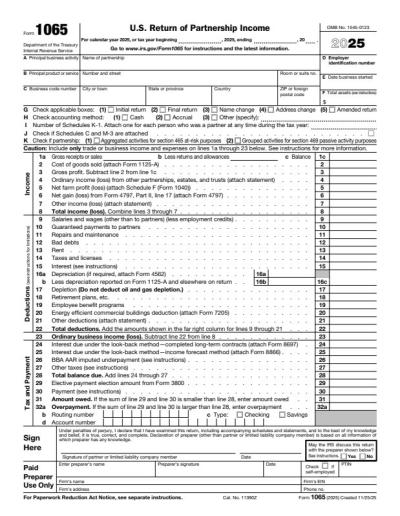 Form 1065U.S. Return of Partnership Income
-
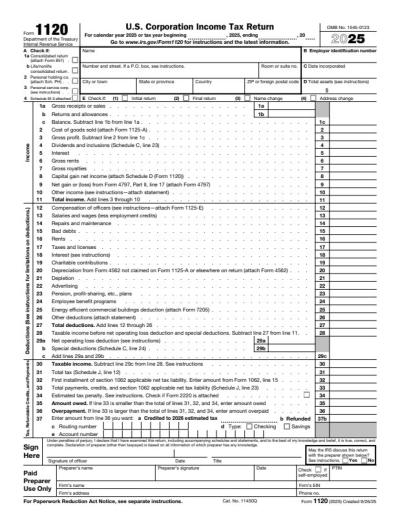 Form 1120U.S. Corporation Income Tax Return