
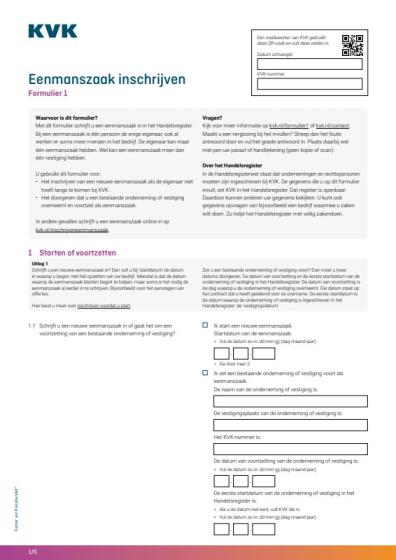
KVK Form 1 — Sole Proprietorship Registration, filled in online.
Official KVK form for registering a Dutch sole proprietorship in the Handelsregister.
Type in the panel and watch each answer land on the page. Filling in and signing is free; downloading needs a free account, which includes 5 downloads a month.
Or fill it another way:
- Category
- Government
- Fillable fields
- 57
- Pages
- 5
- Paper size
- A4, 210 × 297 mm
Five ways to fill this form.
-
Fill it in here
Type in the panel and watch it land on the form. Sign it, then download.
Free to fill and sign Start filling -
Many at once, from a spreadsheet
One row per person, one finished PDF for each.
Paid plan · you can walk through it Start with a spreadsheet -
Send it to someone to fill in
Email a link. They fill it in without an account and you get the answers back.
Paid plan · you can walk through it Send a request -
From your own software
Fill it over the API. One request returns the finished PDF.
Paid plan -
Let an AI assistant do it
Connect ChatGPT or Claude once, then describe what goes on the form.
With a free account
What is this form?
KVK Form 1, Eenmanszaak inschrijven, is the official Chamber of Commerce form for registering a Dutch sole proprietorship in the Handelsregister. It records when the business starts, its trading names and activities, its addresses and contact details, and the identity of the owner. Registration creates the public business record used by customers, suppliers, banks, insurers, municipalities, and the Dutch Tax Administration. The form is intended for a business owned by one natural person; it is not the correct form for a partnership, private limited company, foundation, or association.
The PDF contains five form pages and 69 fillable fields. Some questions use paired checkboxes with the same technical field name, so select the answer that matches the printed option beside the box. Completing the PDF does not by itself finish registration: KVK must verify the filing and the owner’s identity. Read the current instructions on kvk.nl before submission because appointment, identification, evidence, and fee requirements can change.
Who needs to fill this out?
- Individuals starting a new sole proprietorship in the Netherlands and carrying on business independently for their own account and risk.
- Owners continuing an existing business as a sole proprietorship after a change of legal form, takeover, or other transition that KVK says must be registered with Form 1.
- Entrepreneurs who use one or more trading names, sell goods online or from a physical location, import or export, or employ staff and need those facts recorded in the Handelsregister.
- The sole proprietor personally. An adviser may help prepare the form, but KVK normally requires the owner’s identity and authority to be checked.
- Do not use Form 1 to register a vof, cv, maatschap, bv, nv, stichting, vereniging, cooperative, or a branch of a foreign entity; KVK publishes separate forms for those situations.
Where and how to submit
Follow the submission route shown on the current KVK page for Form 1. Depending on the situation, you may start the registration online and attend a KVK appointment, or provide the completed form with the required supporting documents. Bring or provide a valid identity document and any evidence KVK requests for the business address, takeover, or start date. The registration is not effective merely because you downloaded or completed this PDF: KVK must accept and process it. After registration, check the Handelsregister extract for the correct trading name, activities, addresses, and contact details, and report later changes promptly through the appropriate KVK procedure.
How to fill it out
- Step 1 — Registration situation and dates: Use
1.1_ondernemingto indicate whether this is a new sole proprietorship or a continuation. Enter the relevant dates in1.1.1_datumdag,1.1.1_datummaand, and1.1.1_datumjaar. If an existing business is involved, complete1.1.2_naam,1.1.3_vestigingsplaats,1.1.4_KVK, and the requested transition dates. Copy dates and the KVK number from supporting records rather than estimating them. - Step 2 — Trading name and business activities: Select the appropriate
2.1_handelsnaamoption and enter the main trading name in2.1.1_handelsnaam. Add other names in2.1.2_handelsnamen. Describe all actual activities clearly in2.2_activiteiten, then identify the activity expected to generate the most turnover in2.3_activiteit. Use concrete wording such as “web development for business clients” instead of broad labels such as “consultancy.” - Step 3 — Sales, wholesale, import, and export: Answer the paired
2.4_verkoopcheckboxes and select the applicable sales channels in2.4.1_verkoop-1through2.4.1_verkoop-6. Use2.4.1_verkoop-eldersfor another channel. Complete the yes/no pairs2.5_groothandel,2.6_import, and2.7_export. Choose only the printed option that applies; duplicate technical names represent different boxes on the original PDF. - Step 4 — Business addresses and contact details: Enter the physical business location in
2.8.1_bezoekadres. State with2.9_adreswhether the postal address is the same and, when it differs, fill2.9.1_adres. Answer the address-shielding question in2.10_afschermen. Add the public telephone numbers, website, and email in2.11.1_telefoonnummer,2.11.2_telefoonnummer,2.11.3_internetadres, and2.11.4_email. - Step 5 — People working in the business: Enter the requested headcounts in
2.12.1_personeeland2.12.2_personeel. Follow the distinction printed on the form, and count people rather than full-time equivalents unless the current KVK instructions say otherwise. Keep payroll or staffing information available in case KVK asks for clarification. - Step 6 — Owner’s identity: Enter the proprietor’s surname, given names, BSN, date of birth, birthplace, country of birth, gender selection, and home address in
3.1.1_achternaamthrough3.8_adres. These details must match the identity document and municipal registration. Then answer the advertising question in4.1_reclameand the Waadi question in5.1_waadiif the business will make workers available to third parties. - Step 7 — Contact person, date, and final review: Complete
6.1.1_naam,6.1.2_email, and6.1.3_telefoonnummerwith the contact person’s details, then enter the completion date in6.1.4_datumdag,6.1.4_datummaand, and6.1.4_datumjaar. Review every checkbox against its printed caption, confirm all dates use the requested format, and save a copy before submitting.
Frequently asked questions
Is KVK Form 1 only for a new business?
It is primarily used to register a sole proprietorship, but the form also contains questions for certain continuations or transitions. Use the option that matches the printed instructions and ask KVK which form applies if the legal form is changing.
Can I register a bv or partnership with this form?
No. Form 1 is for a sole proprietorship owned by one natural person. KVK has separate forms and procedures for legal entities and partnerships.
What should I write as the business activity?
Describe what the business actually supplies, to whom, and by what method. Specific wording helps KVK assign the correct SBI activity code and reduces follow-up questions.
Why do some checkboxes have the same field name?
The official PDF contains separate visual options that share a technical AcroForm name. Always read the printed text beside each box and select only the answer that applies.
Does submitting Form 1 automatically create a VAT number?
KVK sends relevant registration details to the Dutch Tax Administration, which determines the tax registrations and communicates separately. Do not invent tax numbers on this form.
Can someone else submit the form for me?
An adviser can help prepare it, but KVK may require the proprietor to identify themselves or provide authorization and supporting evidence. Check the current KVK instructions before relying on a representative.
Can I create KVK Form 1 in bulk?
Yes. PDFengine supports bulk generation of KVK Form 1 via Excel or CSV upload — upload a spreadsheet with one row per form and PDFengine generates all PDFs at once. You can also automate bulk creation programmatically via the PDFengine API.
Ready to fill it in?
Fill in this formMore forms in this category
-
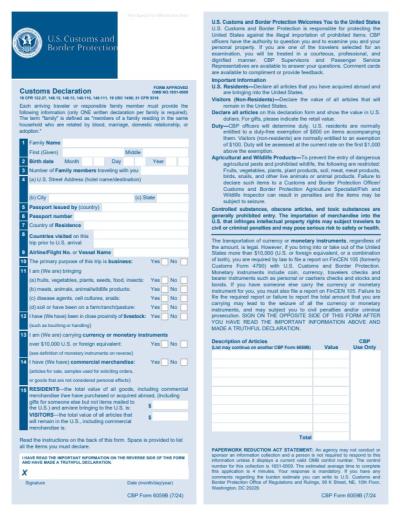 CBP Form 6059B — Customs DeclarationOfficial U.S. Customs and Border Protection arrival declaration form for travelers enterin...
-
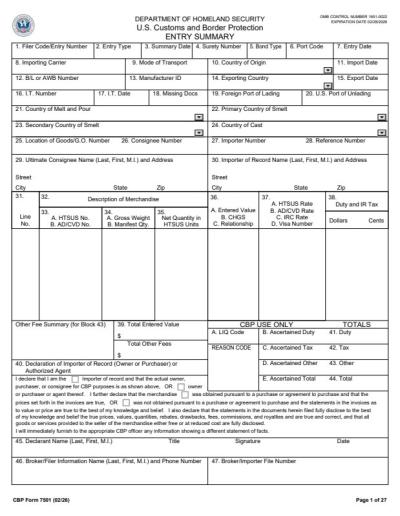 CBP Form 7501 — Entry SummaryOfficial U.S. Customs and Border Protection form used to summarize imported merchandise en...
-
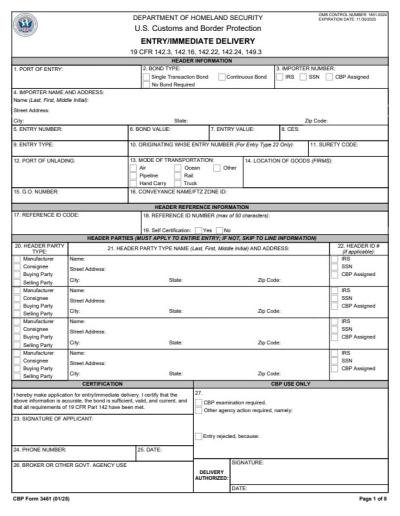 CBP Form 3461 — Entry/Immediate DeliveryOfficial U.S. Customs and Border Protection form for entry and immediate delivery of impor...
-
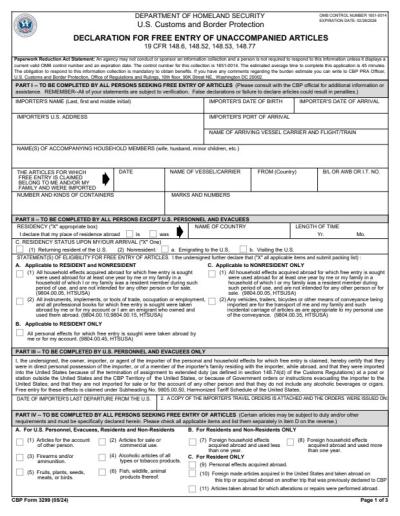 CBP Form 3299 — Declaration for Free Entry of Unaccompanied ArticlesOfficial U.S. Customs and Border Protection form for claiming free entry of unaccompanied...