
Email-Supported Conversion: A Quicker Way to Convert Your Files
Jip Oomen
PDFengine Team
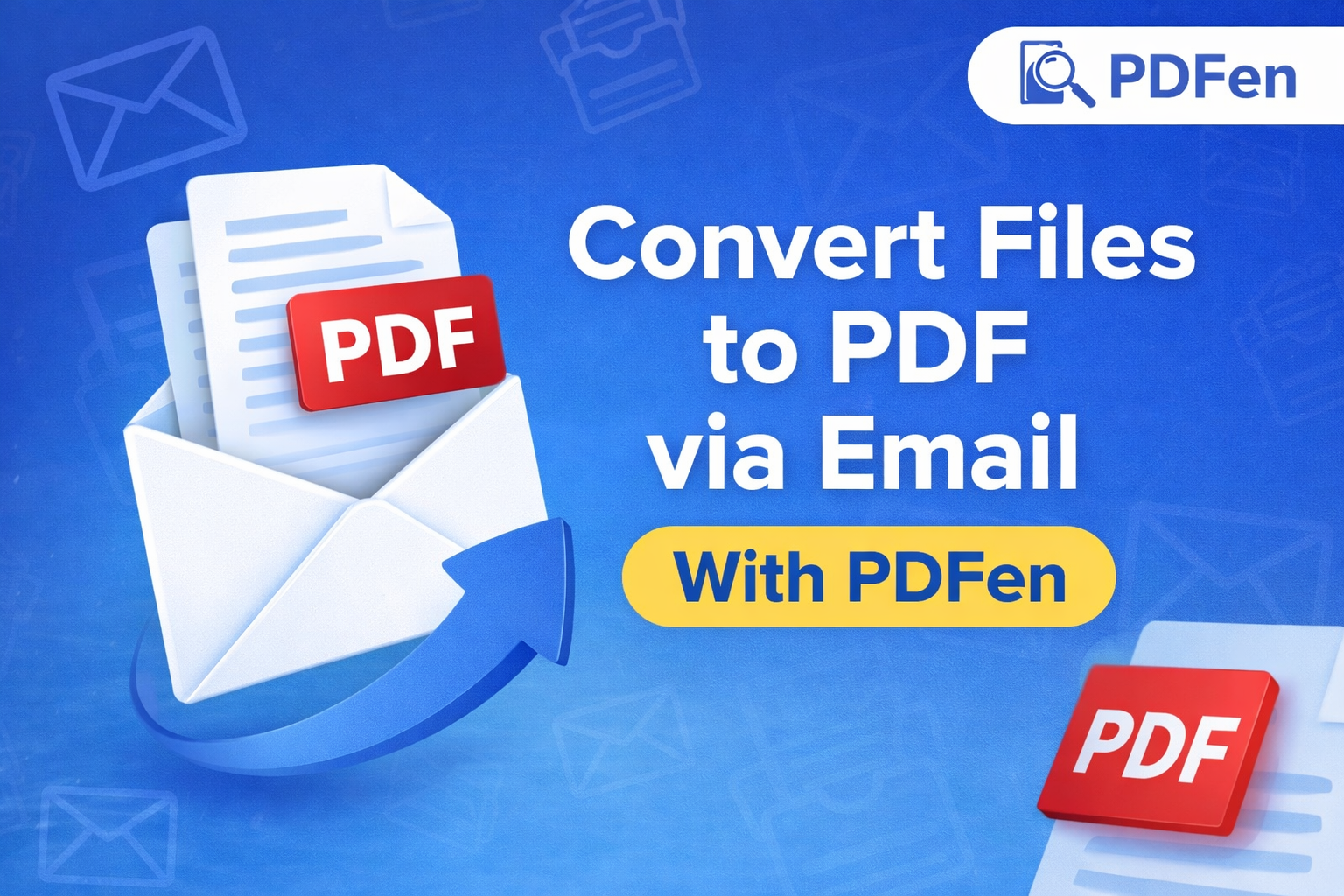
Most PDF tools require you to upload files manually, select settings, and download the result. PDFen offers a faster alternative. With email-based file conversion, you can convert and merge files into PDF simply by sending an email with attachments to a dedicated PDFen email address.
This feature is especially useful if you work a lot with email attachments, want to automate repetitive PDF tasks, or prefer a no-interface workflow.
In this article, we explain what email-based PDF conversion is, why it is useful, when to use it, and how to set it up step by step.
I. What is email-based PDF conversion?
Email-based PDF conversion means that you convert files to PDF by attaching them to an email and sending that email to a personalized PDFen address.
Each address is linked to a specific conversion action, such as:
Converting attachments to PDF
Merging multiple attachments into one PDF
Converting the email body itself to PDF
Applying OCR or PDF/A archiving
Creating compact, compressed PDFs
--> Once the email is processed, PDFen automatically converts the files and sends you a reply email with the converted PDF files ready to download. No login, no uploads, no manual configuration each time.
II. Why convert files via email?
Email conversion is one of the fastest ways to handle PDF tasks, especially if your documents already arrive by email. Key advantages include:
Speed and convenience; You do not need to open a browser, upload files, or select tools. Sending an email is enough.
Ideal for automation; You can forward invoices, scans, reports, or contracts directly to PDFen without extra steps. Set up automatic and scheduled emails for increased efficiency.
Consistent results; Each email address is preconfigured with fixed conversion settings, so every conversion follows the same rules.
Works from anywhere; You can convert files from desktop email clients, mobile devices, or shared inboxes.
Great for teams; Shared mailboxes can use the same PDFen address to standardize PDF output across a team or organization.
III. When should you use email-based conversion?
Conversion through email is especially useful in situations like:
Automatically converting emailed invoices or receipts to PDF
Merging multiple attachments from one email into a single PDF
Converting scanned documents to searchable PDFs using OCR
Creating PDF/A files for long-term archiving
Processing documents on the go from your phone
Reducing file size with compact PDFs without manual compression
--> If email is already part of your daily routine, this feature saves time immediately.
IV. How email-based conversion works in practice
PDFen provides multiple personalized email addresses, each linked to a specific conversion action. You simply choose the address that matches what you want to do.
Below is a step-by-step explanation.
Step 1: Choose the right PDFen email address
In your PDFen dashboard, you will find a list of inbound email addresses, grouped by function.
Common options include:
Convert attachments to PDF
Converts every attachment in the email to a separate PDF
The email body itself is not converted
Merge attachments into one PDF
Combines all attachments from one email into a single PDF
Useful when compiling large reports, datasets or scanned documents
Convert email and attachments
Converts the email body and attachments together
Attachments can be merged or handled individually depending on the email selected address
OCR conversion
Applies text recognition to scanned PDFs or images
Resulting PDFs become searchable
PDF/A archiving
Creates PDF/A files suitable for long-term storage
Available with or without OCR
Great for automizing PDF storage and legal compliance
Compact PDFs
Compresses output files to reduce file size
--> Each option has its own unique email address. You can copy these addresses directly and save them in your email contacts.
Step 2: Send your email with attachments
Once you have selected the correct address:
Create a new email in your email client
Attach the files you want to convert
Send the email to the selected PDFen address
Step 3: Receive your converted PDFs
After processing is complete, PDFen automatically sends you a reply email.
This email contains download links to your converted PDF files. Processing usually takes only a few minutes.
V. Optional settings
PDFen also lets you fine-tune how your conversion through email works.
Available options include:
Timezone used for email timestamps in PDFs
Date and time format
Decimal separator preference (comma or period)
Adding a cover page to the converted documents displaying metadata (the sender, receiver, date etc)
Including or excluding the wrapper email in conversions
--> These settings ensure that your PDFs match your local and administrative preferences.
Security and sender verification
For extra security, PDFen allows you to enable sender verification (recommended).
When enabled, only approved addresses can use your PDFen conversion addresses. This helps prevent misuse and ensures that only trusted senders can trigger conversions.
VI. A faster way to work with PDFs
Email-based PDF conversion is a powerful alternative to traditional upload tools. It fits naturally into existing workflows, reduces friction, and enables fast, consistent document processing.
Whether you are handling invoices, scans, reports, or everyday attachments, PDFen lets you convert your files with nothing more than an email send button.
Curious? Try it out today!
Related Articles
Compressing and repairing: How to optimize your PDFs
Professionalize your PDFs by using 5 essential PDF optimization tools. Learn when and how to repair,...
Can ChatGPT, Claude or Gemini Convert Email to PDF? What AI Can (and Can't) Do
No AI assistant can natively convert .eml or .msg to PDF. But Claude + MCP bridges the gap — here's...