
PDF/A Explained: What It Is, Why It Matters, and How to Convert Your Files with PDFen
Jip Oomen
PDFengine Team
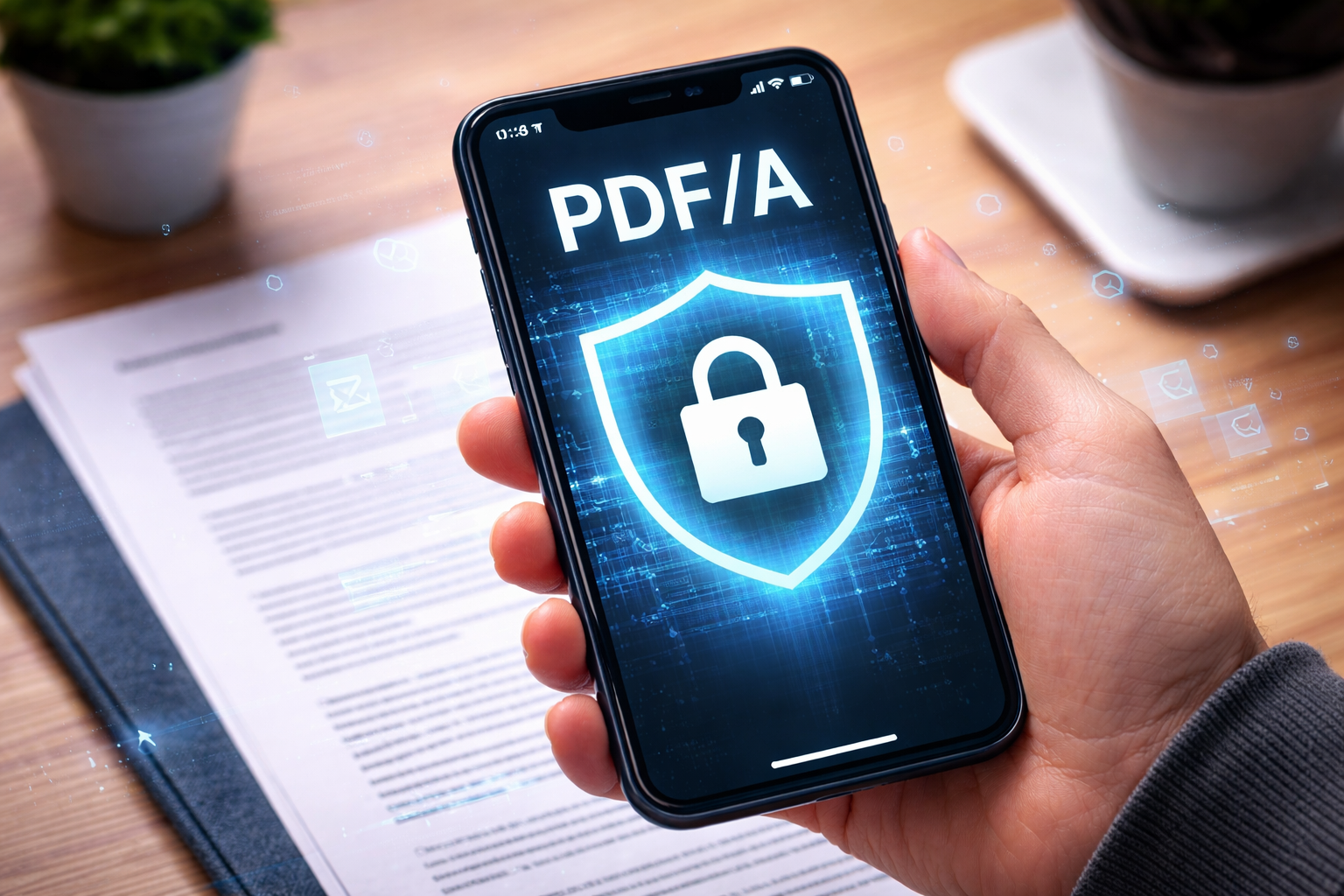
If you work with archiving, legal documentation, engineering files, financial reports, or any documents that must remain readable for years to come, you’ve probably encountered PDF/A. But what exactly is it, why do organizations rely on it, and how can you quickly convert your files to fully compliant PDF/A formats?
In this article, we explain everything you need to know about PDF/A, and how PDFen makes converting and using PDF/A easier than ever.
I. What Is PDF/A?
PDF/A is a special version of the PDF standard designed specifically for long-term archiving.
The “A” stands for Archive.
Unlike a regular PDF, a PDF/A file is completely self-contained. This means it cannot rely on external content or dynamic elements that might break or disappear over time.
To ensure long-term accessibility, PDF/A prohibits certain features commonly found in regular PDFs, such as:
Audio and video content
External hyperlinks
Encryption that prevents future reading
Non-embedded fonts
JavaScript or dynamic content
By removing these unstable elements, PDF/A ensures that your document can still be opened, viewed, and interpreted exactly the same way, no matter if its in 5, 10, or even 50 years.
II. Why Would You Use PDF/A?
The Benefits of Archiving in PDF/A
PDF/A is widely used across industries because it provides:
Long-term preservation
All fonts, images, and elements are embedded in the file, guaranteeing future readability; even if software changes.
Legal and regulatory compliance
Many institutions (courts, archives, government departments, auditors, accountants, and libraries) require or strongly recommend PDF/A for official submissions.
Consistent, future-proof formatting
A PDF/A will always look the same, no matter what system or device opens it.
Searchability with OCR
PDF/A can include OCR layers, making scanned documents fully searchable.
Better document management
Companies handling thousands of files often standardize on PDF/A to ensure consistent archiving formats.
Reliable metadata storage
PDF/A supports robust metadata, which is essential for document management systems.
--> In short: if you need your documents to remain accessible, readable, and legally compliant for years to come, PDF/A is the safest option.\
III. Which PDF/A Types Exist, and What Are Their Benefits?
PDF/A has several versions (1, 2, 3, and 4) and each version contains different conformance levels (b, u, a).
Each version will remain compatible but every new version adds extra functionality
Here’s a quick overview:
PDF/A-1 (Basic Archiving Standard)
Based on PDF 1.4
Strictest version
No transparency
No JPEG2000 compression
No embedding attachments
Best for:
Long-term archiving where simplicity is more important than functionality (e.g., scanned documents, legal filings). PDF/A-1 also has the lowest ISO requirements.
Conformance levels:
PDF/A-1b: Basic compliance ensuring accurate PDF depiction. Most commonly used.
PDF/A-1a: Accessible version; all elements identified through metadata. Best for accessibility (such as for visually impaired people).
PDF/A-2 (More Flexible, More Modern)
Based on PDF 1.7
Supports transparency and layers
Allows JPEG2000 compression
Allows embedding of OpenType fonts
Allows digital signatures
Allows embedding of PDF/A files
Best for:
Nearly all modern documents, complicated documents, or files requiring digital signatures.
Conformance levels:
PDF/A-2b: Basic conformance, accurate visual depiction.
PDF/A-2u: Unicode compliance; text is searchable and copyable.
PDF/A-2a: Full accessibility compliance. Correct reading order guaranteed; can work with screen readers.
PDF/A-3 (Embedded Files Supported)
Based on PDF 1.7
Allows embedding any file type (Excel, XML, CSV, CAD, images, etc.) inside the PDF/A
Ideal for combining human-readable and machine-readable data
Common in accounting (ZUGFeRD), invoicing, and data-rich workflows
Best for:
Businesses that need to archive PDF files along with their source files.
Examples:
PDF/A invoice with embedded XML
Engineering PDFs with embedded CAD files
Conformance levels:
3a, 3b, 3u (same meanings as in PDF/A-2)
PDF/A-4 (Most Recent, Simplified Standard)
Based on the most modern PDF 2.0 standard
Simpler conformance model
Optimized for today’s workflows
Better handling of digital signatures
Best for:
Organizations that want a the most modern standard with fewer restrictions and more flexibility.
Conformance levels
· 4: regular, standard option (recommended).
· 4f: possible to embed any file format.
· 4e: engineering; RichMedia and 3D type annotations supported. Compatibility with geospatial, construction, and engineering workflows
IV. Summary Table
Version | Best For | Key Features |
PDF/A-1 | Basic archiving | Strictest, no transparency, best for simple scans |
PDF/A-2 | Everyday documents | Supports layers, digital signatures, transparency |
PDF/A-3 | Embedding source files | Allows embedding of any file type |
PDF/A-4 | Future-proof workflows | Simplified, supports digital signatures and modern workflows |
V. Which version is best for me?
We recommend choosing PDF/A-2b as reliable, go-to option. It’s widely compatible, and easy to convert and work with.
Sometimes an organization might demand the strict/basic PDF/A-1 variant, which is still widely compatible, but running out of fashion.
PDF/A-3 or PDF/A-4f is useful if you want to embed any type of file to your PDF/A document. Note: the attachment itself is not in PDF/A, so it might not be accessible in say, 50 years.
PDF/A-4 can be highly useful; we recommend picking it only in case you need one of its features.
VI. How to Convert into PDF/A Using PDFen
PDFen makes PDF/A conversion incredibly easy, even for large batches of documents.
PDFen supports many different PDF/A types, so you can be sure to pick the ideal one for your organization.
Step-by-Step: Converting to PDF/A on PDFen
Make sure the files you want to archive are in PDF format. Are they not yet? Convert any of your file types to PDF here.
At PDFen.com, click ‘optimize’ in the top menu, and choose PDF/A Conversion.
Upload your PDF or ZIP document(s).
Select your desired PDF/A version (PDF/A-1, A-2, A-3, etc.).
If you wish, insert a cover page.
Click Convert.
Download your fully compliant PDF/A file.
Extra PDFen Advantages:
Batch conversion: convert up to 100 files at once.
Email-to-PDF/A conversion: convert .msg and .eml files, something many competitors cannot do.
GDPR-compliant, ISO 27001, secure Dutch data centers
Check if your document is in PDF/A, and in which version with our PDF/A validator.
--> PDFen is built for businesses that need reliable, scalable, and secure PDF/A workflows.
VII. Final Thoughts
PDF/A is essential for long-term digital preservation. Whether you're a legal professional, government agency, engineer, accountant, or archivist, choosing the right PDF/A format ensures your files remain accessible and compliant for decades.
With its advanced PDF/A support, strong security, and multi-format conversion capabilities, PDFen is one of the most complete PDF/A solutions available.
Related Articles
Compressing and repairing: How to optimize your PDFs
Professionalize your PDFs by using 5 essential PDF optimization tools. Learn when and how to repair,...

Can ChatGPT, Claude or Gemini Convert Email to PDF? What AI Can (and Can't) Do
No AI assistant can natively convert .eml or .msg to PDF. But Claude + MCP bridges the gap — here's...