
The 5 Best Ways to Share Your PDF (Fast, Secure, and Hassle-Free)
Jip Oomen
PDFengine Team
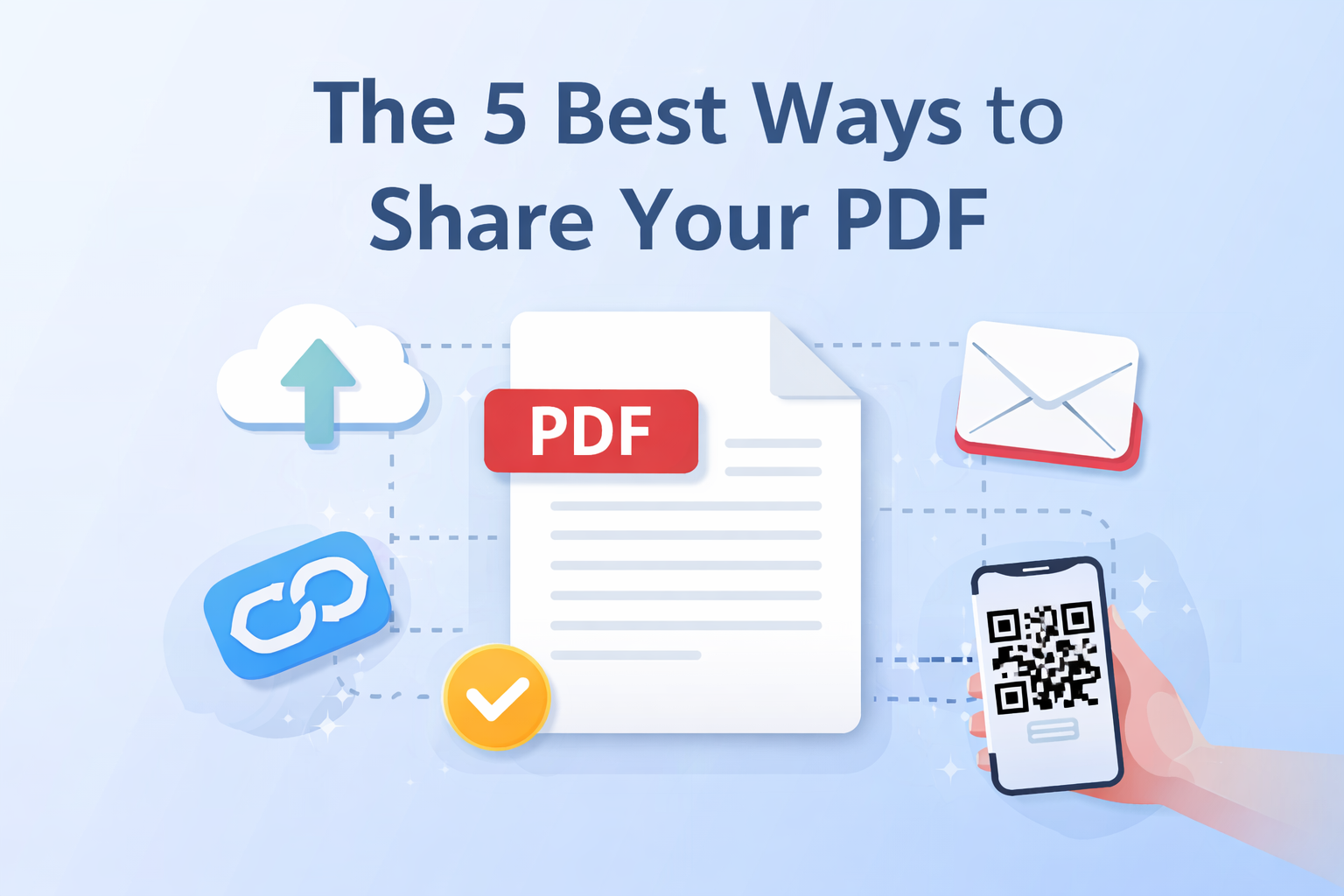
Sharing documents sounds simple, until file sizes get too large, formatting breaks, or recipients cannot open what you sent. That is exactly why PDFs remain one of the most reliable formats for sharing information.
In this article, we walk through five of the best ways to share your PDF, including when each method works best, its advantages and disadvantages, and how PDFen makes sharing effortless right after you convert your file.
Why PDF Is the Ideal File Format for Sharing
PDFs are designed to look the same on every device. That makes them perfect for collaboration, professional communication, and long-term storage.
Some key reasons PDFs work so well for sharing and collaborating:
Consistent formatting across devices and operating systems
Small file sizes compared to Word or PowerPoint files
Read-only by default, which prevents unwanted edits
Easy to secure with passwords or permissions
Universally supported, no special software required
--> Once your document is converted to PDF, the next question is how to share it efficiently. Let’s look at the best options.
1. Share Your PDF via Download Link
One of the fastest ways to share a PDF is through a direct download link. On PDFen, you can generate a shareable link immediately after converting your file.
Advantages
No attachments or file size limits
Easy to copy and send via chat, email, or messaging apps
Recipients can download instantly
Disadvantages
Anyone with the link can access the file, unless sharing is disabled
Less personal than direct sending
Best use cases
Sending documents to multiple people
Sharing large PDFs
Quick collaboration or feedback rounds
This method is ideal when speed and simplicity matter.
2. Send Your PDF by Email
Email remains one of the most familiar ways to share documents. With PDFen, you can send your PDF directly to someone’s inbox without leaving the platform.
Advantages
Personal and direct
No need to explain where to find the file
Works well for formal or professional communication
Disadvantages
Inbox clutter can cause files to be overlooked
Some email providers limit attachment sizes
Best use cases
Contracts, invoices, or applications
One-on-one communication
Professional or formal exchanges
If clarity and traceability matter, email is still a strong choice.
3. Share Your PDF Using a QR Code
Sharing PDFs via QR code is one of the most underrated but powerful options. PDFen allows you to generate a QR code that links directly to your PDF, making access instant.
Advantages
No typing or copying links
Ideal for mobile users
Perfect for offline-to-online sharing
Disadvantages
Requires a camera-enabled device
Less suitable for long-term archival sharing
Best use cases
Presentations and lectures
Flyers, posters, or printed materials
Events, classrooms, or exhibitions
If you want to take this sharing through QR codes even further, you can create custom and trackable QR codes via QRcode.me, which is especially useful for professional or branded use cases.
4. Share Your PDF via a Cloud Storage Platform
Another common method is uploading your PDF to a cloud service like OneDrive, Google Drive, or Dropbox and sharing access from there.
Advantages
Centralized file management
Access control and permission settings
Easy version updates
Disadvantages
Often requires an account for the sender
Can add unnecessary steps for recipients
Less immediate than direct sharing
Best use cases
Team collaboration
Long-term document storage
Projects with frequent updates
This works best when sharing is part of an ongoing workflow.
5. Download, Save, and Share Manually
Sometimes the simplest option is still the right one. Download your PDF and share it manually through messaging apps, USB drives, or internal systems.
Advantages
Full control over the file
Works offline
No platform dependency
Disadvantages
Easy to lose track of versions
Less efficient for repeated sharing
Best use cases
Offline environments
Internal transfers
Backup sharing
While basic, this method still has its place.
Conclusion: Choose the Right Way to Share Your PDF
There is no single best way to share a PDF. The right method depends on your context, audience, and goal.
With PDFen, you can convert your document and immediately choose how to share it, whether that is via email, a download link, or a QR code. No extra tools, no unnecessary steps.
Related Articles
Compressing and repairing: How to optimize your PDFs
Professionalize your PDFs by using 5 essential PDF optimization tools. Learn when and how to repair,...

Can ChatGPT, Claude or Gemini Convert Email to PDF? What AI Can (and Can't) Do
No AI assistant can natively convert .eml or .msg to PDF. But Claude + MCP bridges the gap — here's...