
It's hard to find the perfect PDF conversion tool for you, with so many services on the market. We’re here to help, comparing some well-known PDF conversion platforms (IlovePDF, Freeconvert.com and PDFen) on supported formats, business use, ease of use, price and reviews.
1. Supported formats
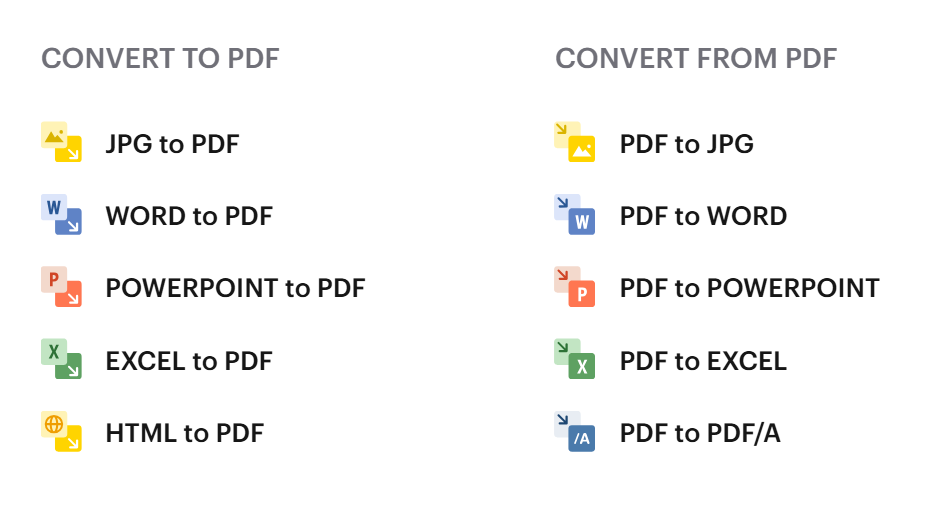
Important for most businesses and organizations is the converting images, word documents, powerpoints and Excel documents to PDF. Both Freeconvert, PDFen, and IlovePDF offer this. PDFen and Freeconvert also offer open-source variants for presentations and spreadsheets, as well as some lesser-used image file formats.
As a web developer, Freeconvert.com and PDFen might be ideal, as they offer a wide array of niche file formats, including most vector-based file formats.
PDFen also offers ZIP files, allowing you to directly convert an entire ZIP file to PDF without unpacking it. PDFen also offers msg, pst, and eml file formats, ideal for archivists, lawyers, and bureaucrats as you can seamlessly export and convert your emails into PDF documents.
IlovePDF offers the basics, which satisfies most needs; but offers nothing more than that.
PDFen is therefore recommended for people working in government, law, or other persons for whom exporting their emails is relevant. For web developers and designers working with vector files Freeconvert can be worth considering.
2. Archiving
IlovePDF and freeconvert.com satisfy most conversion needs; documents can easily be converted into regular PDF documents. Freeconvert.com offers one type of PDF/A (a PDF type crucial for long-term archiving). IlovePDF also offers one PDF/A type, but only for the paid subscriptions. .Eml (the file type for most emails) is supported at freeconvert.com,
PDFen excels at archiving, and use case for government and legal sectors. Extensive email support is provided (with 8 supported email file formats). With PDFen, attachments in emails can also be automatically converted. For archiving purposes, it is possible to choose between an impressive 9 different PDF/A file formats. A PDF/A validator; to check which PDF/A version you have, is also offered.
As such, for archiving purposes PDFen is definitely worth considering, given their extensive offering.
3. Ease of use
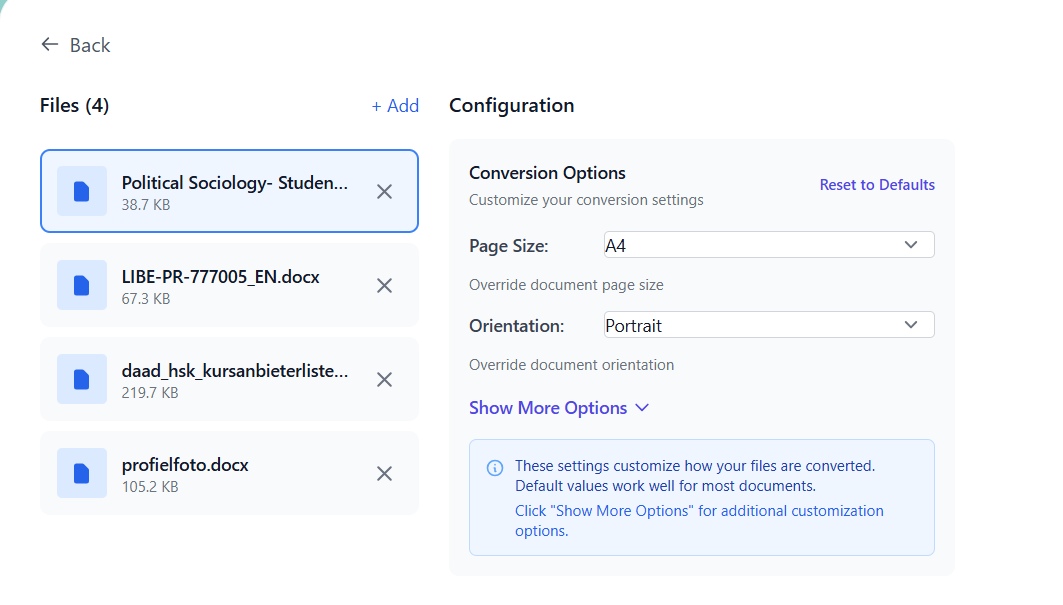
With Freeconvert.com you can convert multiple files at the same time, but only if they are of the same file type. Page sizes and settings can be changed. PDF conversion works well and is fast.
IlovePDF also allows bulk conversion, although only of one file type. The page size and orientation of the PDF document can be edited. Additionally, you can watermark or add signatures to your PDF at IlovePDF. PDF conversion is quick and seamless.
At PDFen, multiple files can be converted at the same time (bulk conversion), also when they are different file formats. Cover pages can be added to the PDF document, the quality of the PDF can be compressed, and PDF templates and workflows can be created. Still, PDF conversion is fast and easy.
For PDF conversion all websites do their job well- still IlovePDF can be handy for smaller users due to their signature and watermark tools. Due to their workflows, templates and bulk conversion, PDFen is highly useful for both small and large organizations.
4. Reviews
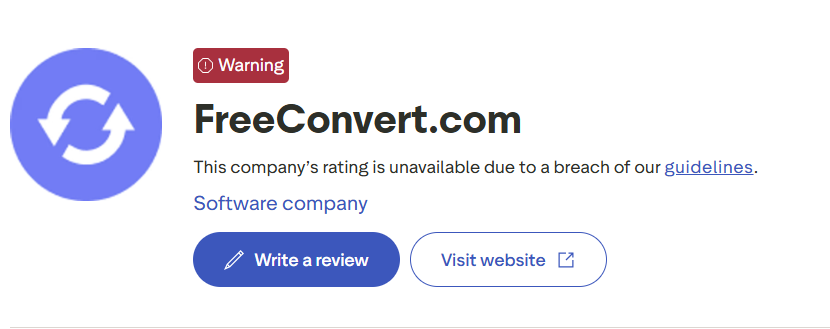
All PDF conversion websites receive good reviews on a continuous basis. PDFen scores a 4.6/5, Freeconvert.com 4.7/5, and IlovePDF a 4.9/5. It is important to mention that both Freeconvert and IlovePDF have received warnings from Trustpilot for their controversial ways of using reviews; freeconvert.com has actually been suspended from Trustpilot due to a misleading depiction of reviews.
5. Price
The most important one: price. At PDFen, subscriptions start at 4 euros a month, giving access to 200 conversions a month. More expensive subscriptions give access to a greater number of conversions. There is also a one-time package available (so no subscription), as well as a free subscription with 15 conversions a month.
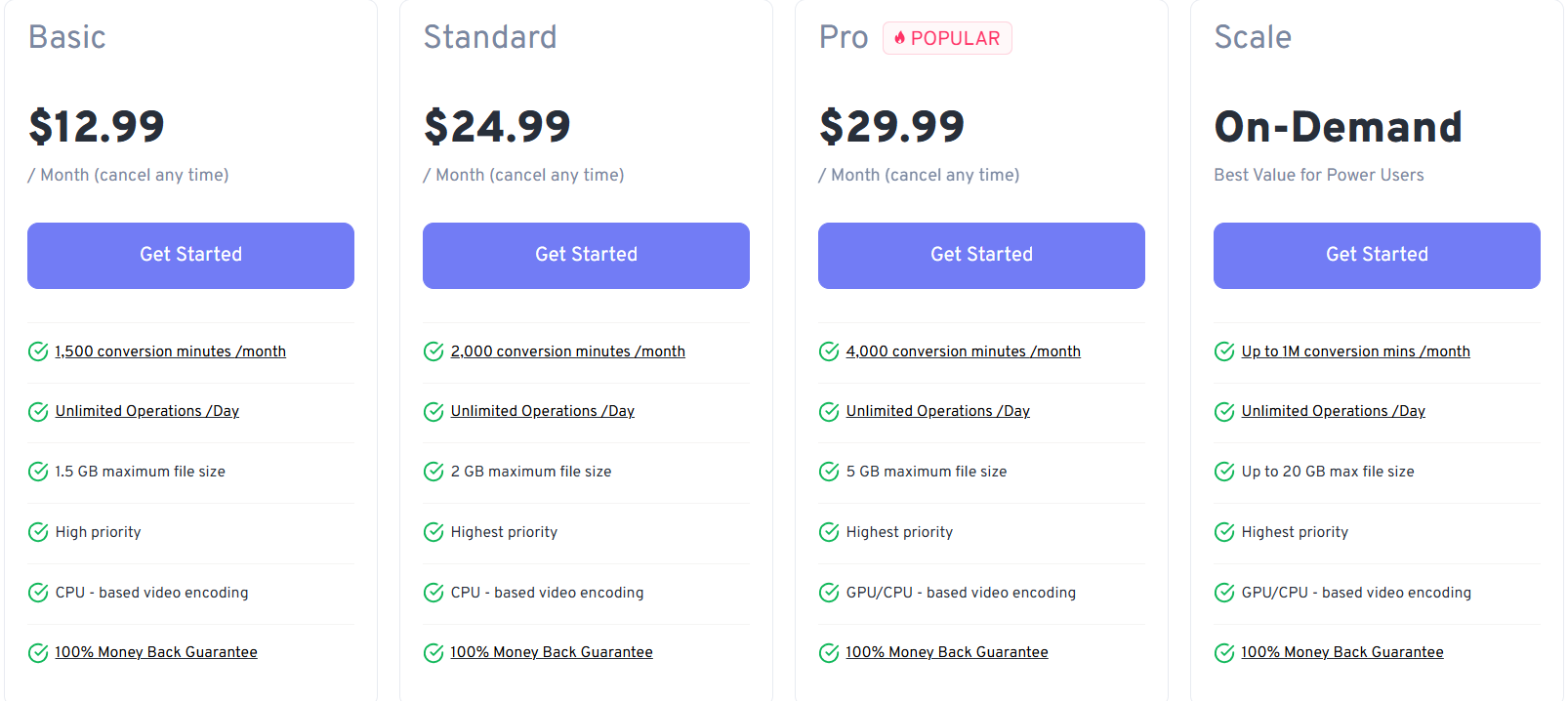
Freeconvert.com offers subscriptions ranging between 13 to 30 USD a month, giving you access to increasingly higher numbers of document conversions (up to 4000/month). The free subscription gives access to everything, but only 20 conversions a month can be made.
IlovePDF does things a little differently, offering subscriptions starting at 9 euro ($10.50) a month. The price increases as you add more users to your subscription. The free subscription limits the max. file size, the amount of files per conversion, and certain advanced PDF tools.
For anything more than the bare minimum, a subscription to one of these PDF converters is therefore highly recommended. PDFen is clearly the cheapest, but the subscription does not provide unlimited access. Only IlovePDF does that with their normal subscription. With all companies you can also take out a custom subscription, giving you fully unrestricted PDF access, although the prices are not clear.
6. Conclusion
Freeconvert.com works great for many simple PDF conversion tasks, provides 20 free conversions a month, as well as scalable PDF subscriptions. When one needs more functions like PDF watermarks and signatures, IlovePDF can be worth considering, also for growing teams, as accounts can be shared.
For larger organizations and businesses PDFen is preferable though; they are the only ones to offer bulk conversion and PDF workflows by default. Their PDF/a and Email offering cannot be missed by any team in the legal/government sectors.
Related Articles
Compressing and repairing: How to optimize your PDFs
Professionalize your PDFs by using 5 essential PDF optimization tools. Learn when and how to repair,...

Can ChatGPT, Claude or Gemini Convert Email to PDF? What AI Can (and Can't) Do
No AI assistant can natively convert .eml or .msg to PDF. But Claude + MCP bridges the gap — here's...