
Split PDF Files
Extract specific pages or split PDF documents into multiple files. Organize your PDFs by separating sections, chapters, or individual pages.
More information about this conversion
From simple conversions to a more complex automation using workflows, PDFengine provides professional-grade tools for every PDF task.
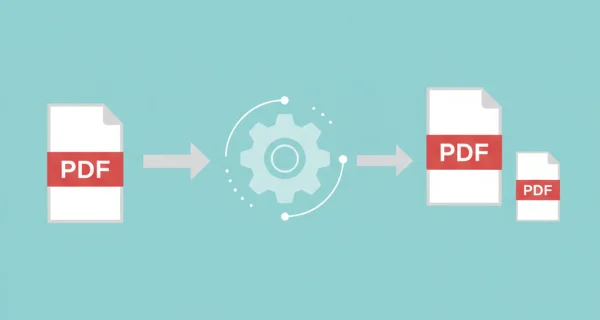
Flexible Page Selection
Extract specific pages using simple syntax like "1,3,5-8" or split by page ranges. Full control over which pages to extract from your PDF documents.
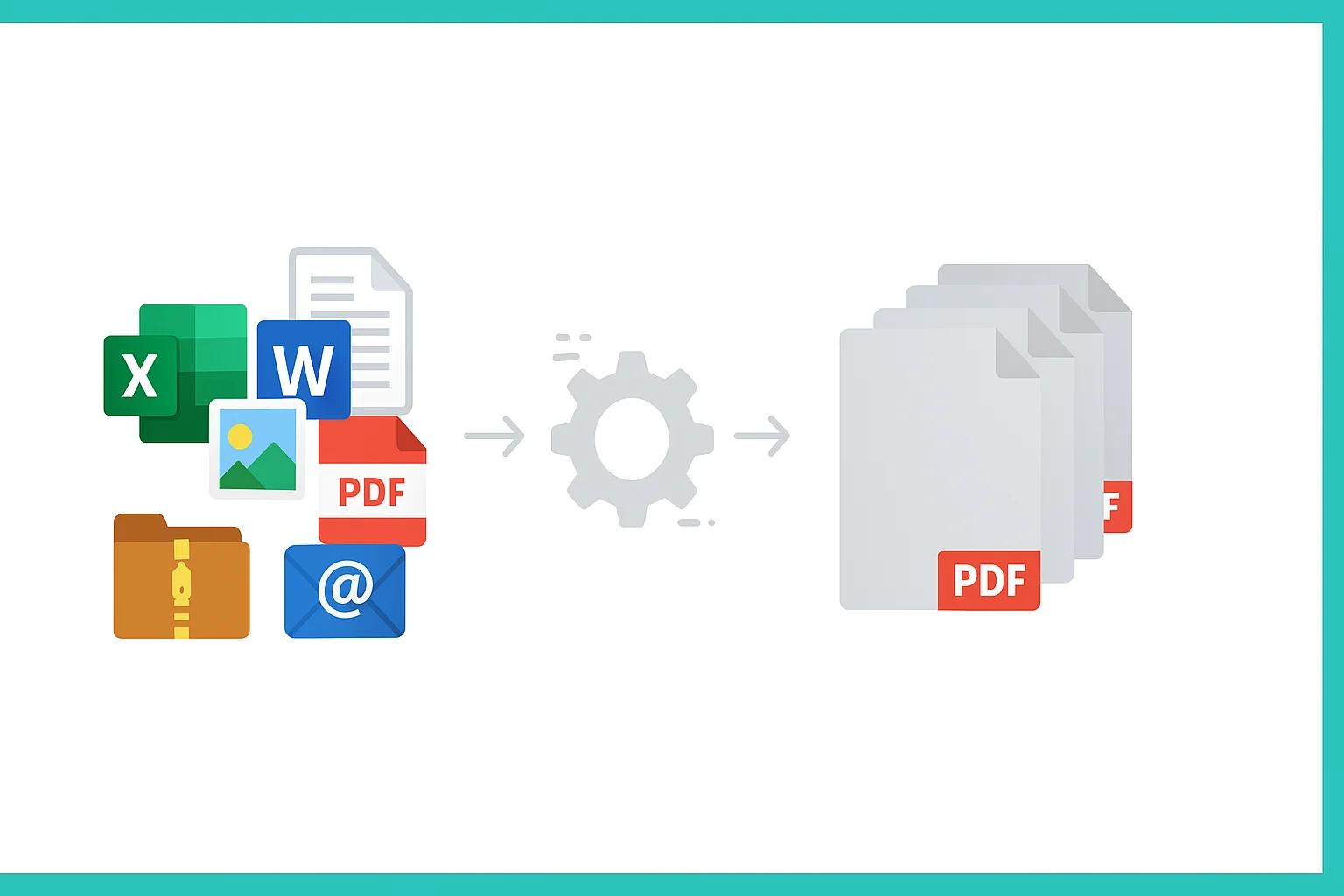
Batch processing PDF files to extract pages
Process multiple PDF files simultaneously. Extract the same pages from multiple documents for efficient batch operations.
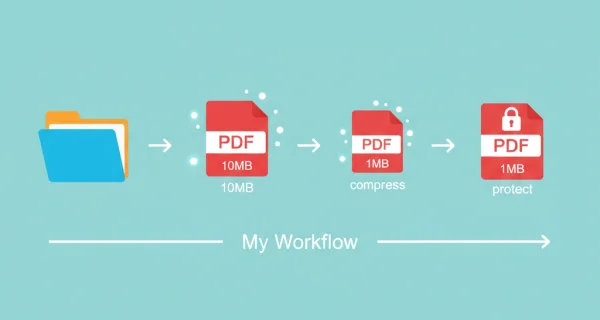
Even greater efficiency with PDFengine workflows
Take document management to the next level by combining and sequencing PDF conversion, optimalization, and/or organization tools. With fully customizable workflows, complicated PDF tasks cost just seconds to complete.
Why choose us to convert your files
Lightning Fast Conversion
Our advanced conversion engine processes your files in seconds, not minutes. Upload, convert, and download - all within moments.
Focus on business
Archive and convert email, AutoCAD, Visio, and Office files in one streamlined workflow. Perfect for companies with recurring document processes.
Perfect Quality Every Time
Our intelligent algorithms preserve formatting, fonts, images, and layouts. What you see is what you get - no quality loss.
How it works
Process your documents easily and quickly in three steps
Upload PDF Files
Select the PDF documents you want to split or extract pages from.
Select Pages
Enter page numbers to extract (e.g., 1,3,5-8). Choose to merge extracted pages or keep them separate.
Download Results
Get your extracted pages as a single merged PDF or as separate files packaged in a ZIP archive.
Frequently Asked Questions
How does split PDF work?
Indicate a page range, and only those pages of the PDF will be extracted. You can either download each page as separate PDF (click 'save as separate files') or you can leave them as one file (click 'merge into single PDF')
How do I specify which pages to extract?
Use simple syntax: "1,3" for specific pages, "1-5" for a range, or combine them like "1,3,5-8,10" for multiple selections.
Can I split multiple PDF files at once?
Yes, you can upload up to 10 PDF files and extract the same pages from each document in one operation.
What is the output format option?
When enabled, all extracted pages are combined into a single PDF. When disabled, each page or range is saved as a separate PDF file.
What file size limits apply?
You can process up to 10 PDF files with a total size of 200MB and maximum 1000 pages across all documents.
Why is it handy to convert my document to PDF?
Converting a file to PDF ensures your document stays consistent and accessible. PDFs lock in formatting, design, and structure, preventing layout shifts that can happen with editable file types. They’re compatible with virtually all devices and operating systems, making them ideal for professional documents, forms, reports, and presentations. PDFs are also easy to distribute; whether through email, downloads, cloud platforms, or QR-codes that let users open a file instantly on their phone.
Will documents lose quality when converted?
Our intelligent software minimizes quality loss when converting documents. As such, documents can be converted without having to worry about quality loss for a great number of times.
Will my document lay-out or format be changed if I convert it?
No; our intelligent PDF software recognizes document layouts and transforms them accurately onto a new file format. Was your lay-out or format not transformed accurately? Consider applying OCR, or applying different customization settings to convert it correctly.
Can I convert a document into PDF and convert it back into original format?
Yes! There are no limits to converting documents, and documents can safely and easily be converted back and forth. Conversion can be handy to edit a PDF document in Word, and later convert it back into an organized PDF format.
How can I merge PDF documents?
To merge PDF documents simply go to our converter, choose the file format you’re merging, and drag and drop the files you want to merge. Then you have the opportunity to edit some settings, press merge, and you’re done! You can download your merged file right away.
Can I customize my PDF documents while converting?
Yes, PDFengine offers various means of customizing your (PDF) documents. Consider adding a cover page, applying OCR, or using PDF/A as output.
Why is the text in my PDF not displayed correctly?
If the text is not copyable, clickable, or searchable, that means the text is not recognized within the PDF. Try uploading your document onto PDFen and applying OCR. OCR technology will make your text readable. In case it doesn’t work completely in one go: apply OCR a second time.
Ready to Split Your PDFs?
Extract pages, create chapters, or organize your PDF documents with our powerful split tool.
Other PDF Organization Tools
Organize and optimize your PDF documents with our suite of professional tools.
PDF to Images
Convert PDF pages to image files
Compress PDF
Reduce PDF file size while maintaining quality
Repair PDF
Fix corrupted or damaged PDF files