
Merge MBOX to PDF
Convert your MBOX email archives from Thunderbird, Apple Mail, or Gmail Takeout into a single merged PDF document. All emails combined in one file for easy archiving and sharing.
More information about this conversion
From simple conversions to a more complex automation using workflows, PDFengine provides professional-grade tools for every PDF task.
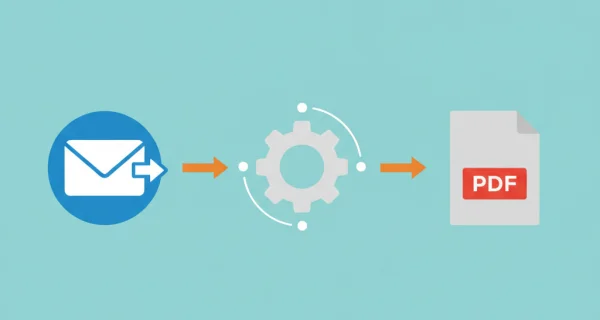
All Emails in One PDF
Convert and merge all emails from your MBOX archive into a single PDF document. Perfect for archiving, legal compliance, or creating comprehensive email records from Thunderbird, Apple Mail, or Gmail exports.
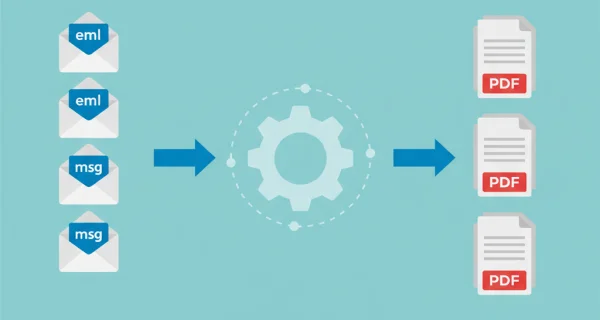
Attachments Included
Email attachments are automatically converted and included in the merged PDF. Office documents, images, and PDFs are all processed to create one complete archive document.
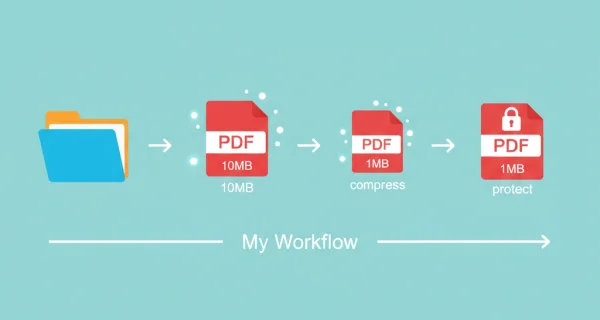
Even greater efficiency with PDFengine workflows
Take document management to the next level by combining and sequencing PDF conversion, optimalization, and/or organization tools. With fully customizable workflows, complicated PDF tasks cost just seconds to complete.
Why choose us to convert your files
Lightning Fast Conversion
Our advanced conversion engine processes your files in seconds, not minutes. Upload, convert, and download - all within moments.
Focus on business
Archive and convert email, AutoCAD, Visio, and Office files in one streamlined workflow. Perfect for companies with recurring document processes.
Perfect Quality Every Time
Our intelligent algorithms preserve formatting, fonts, images, and layouts. What you see is what you get - no quality loss.
How it works
Process your documents easily and quickly in three steps
Upload MBOX File
Upload your MBOX archive from Thunderbird, Apple Mail, Gmail Takeout, or any other email client. Files up to 500MB are supported.
Automatic Processing
We extract all emails from the MBOX archive and convert each one to PDF. All emails are then merged into a single document.
Download Merged PDF
Download your complete email archive as a single PDF file. Easy to share, print, or store for long-term archiving.
Frequently Asked Questions
What is the difference between MBOX to PDF and Merge MBOX to PDF?
The regular MBOX to PDF conversion creates separate PDF files for each email (delivered as a ZIP). Merge MBOX to PDF combines all emails into one single PDF document, making it easier to share and review as one file.
In what order are emails merged?
Emails are merged in the order they appear in the MBOX file, which is typically chronological. This provides a clear timeline of your email communications.
Is there a limit on how many emails can be merged?
File size and bulk conversion limits depend on your active subscription level. Consult our pricing page for the current limits. If you have too many files, consider converting them seperately. If your file is too large, consider compressing it.
What happens to email attachments?
Attachments are converted to PDF and included directly after each email in the merged document. This creates a comprehensive record where each email is followed by its attachments.
What can I do if my MBOX file is too large?
If your MBOX file is too large, consider compressing it through ZIP. This is really simple. Just go to your file library, right-mouse click on your file and select ‘compress in ZIP-file’. Your file size can be greatly reduced, and you can still use the ZIP file on PDFengine
Can I merge my Gmail Takeout export?
Yes! Export your Gmail using Google Takeout, select MBOX format, and upload the resulting file. All your Gmail messages will be merged into a single PDF document.
Ready to merge your email archive?
Create a single PDF document from your Thunderbird, Apple Mail, or Gmail MBOX archive for easy sharing and archiving.
Related Conversions
Convert other email formats and documents to PDF.
PST to PDF
Convert Outlook PST/OST archives to PDF - extract and convert all emails with attachments
OST to PDF
Convert Outlook OST offline archives to PDF
OLM to PDF
Convert Outlook for Mac archives to PDF