
Blurb PDF to Book requirements: single pages, no crop marks and 100% black for text
Founder, PDFengine

For PDF to Book, Blurb asks for a PDF with single pages and an even page count, in CMYK (recommended) or sRGB, without printer marks and with 100% black for all running text. You take the dimensions, including bleed, from Blurb's spec tool; you don't calculate them yourself.
The requirements come from the Blurb Help Center article "PDF to Book specifications and checklist" (it read "Updated 2 months ago" when we visited), checked on October 9, 2026. It doesn't mention any PDF/X variant.
Key takeaways
Dimensions per Blurb's spec tool; don't calculate the bleed yourself.
An even number of pages, exported as single pages, no spreads.
CMYK (recommended) or sRGB; no spot or registration colors.
100% black (0/0/0/100) for text and line art; for large black areas, rich black 60/50/50/100.
No crop marks or other printer marks: they otherwise show up in the printed book.
Pages up to 2 GB and cover up to 90 MB; images at most 300 ppi.
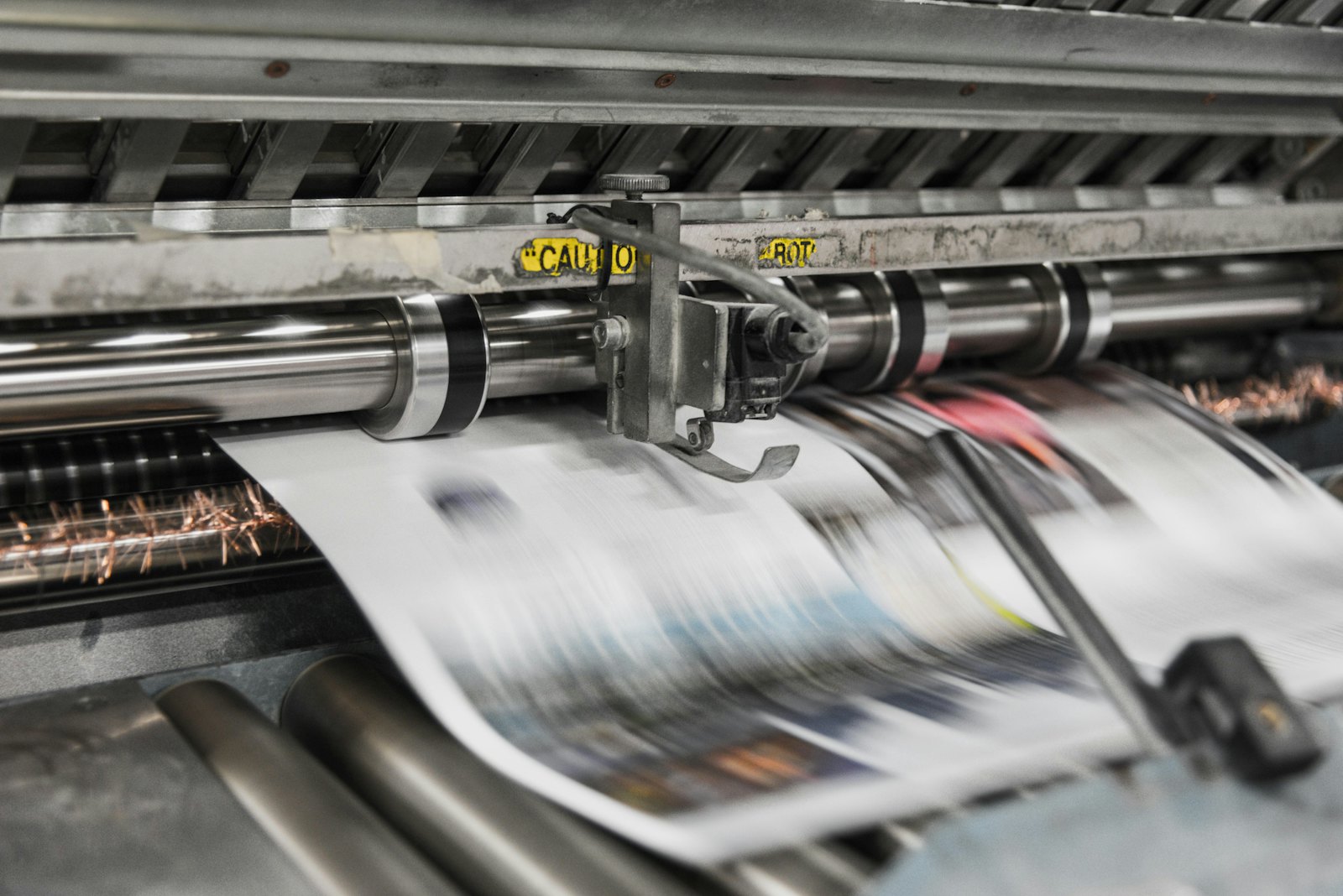 Presses print in CMYK, which is why RGB files shift in color.
What does Blurb ask for?
Topic | What Blurb says |
|---|---|
Dimensions | Must match "Final, exported PDF" in the spec tool for your book size, paper and cover |
Page count | Even; if the count doesn't meet the rules for your size, the upload fails |
Page layout | Single pages; page 1 is a right-hand page, the last page a left-hand page with an even number |
Bleed | Images that run to the edge must extend to the full bleed from the spec tool, otherwise a white edge will probably appear |
Color | CMYK (recommended) or sRGB; no Pantone or other spot colors |
Black | 100% black for running text and line art; rich black 60/50/50/100 for large areas |
Printer marks | No crop marks, registration marks or other marks |
Vectors | Rasterize overly complex vector graphics (such as CAD) |
File size | Pages up to 2 GB, cover up to 90 MB; images at most 300 ppi |
Cover | Usually a separate single-page file; a PDF with cover and pages together is also possible, in which case page 1 is the front and the last page the back |
In this article, Blurb doesn't mention a PDF/X variant, fonts or a minimum resolution.
What can you do with PDFengine?
Blurb requirement | What you can do with PDFengine |
|---|---|
Checking | The free Print-ready check shows color space, fonts and PDF/X status |
No crop marks | In Print-ready PDF you turn crop marks off |
CMYK | RGB to CMYK converts color with a print profile; Blurb also accepts sRGB, so converting isn't mandatory |
Bleed | That follows from Blurb's spec tool. Print-ready PDF sets any bleed from 0 to 10 mm (0 to 0.39 inch) in steps of 0.1 but doesn't draw any image into the bleed |
Black for text | Convert to PDF/X-4 leaves 100% K as 100% K |
File size | Make images at most 300 ppi beforehand |
No spot colors | You have to convert those in your design app |
Even page count | You arrange that in your design |
We aren't sure whether the dimensions for your size come out at 3 or 5 mm (0.12 or 0.20 inch) of bleed, so look in the spec tool first.
Frequently asked questions
Is PDF/X-3 mandatory at Blurb?
The article doesn't mention a PDF/X variant. You sometimes see PDF/X-3 mentioned for Blurb, but it isn't on the checked page. So don't assume a PDF/X requirement.
Do I have to calculate bleed myself?
No. Blurb says you shouldn't calculate the bleed yourself but should use the dimensions from the spec tool.
Can my PDF contain spreads?
No, deliver single pages. The upload system creates the spread view itself; a spread file gets a dimension error.
What is rich black at Blurb?
60C 50M 50Y 100K for large black areas. Running text stays 100% K.
Where to go next
Start with the Print-ready check. PDFengine is not affiliated with Blurb, and Blurb has not approved these tools.
Sources and verification
Checked on October 9, 2026 (opened in the browser; a regular download was refused by a bot check):
PDF to Book specifications and checklist (Blurb Help Center), "Updated 2 months ago"
Related Articles

How to deliver a newspaper ad PDF: the 240% ink limit, ISOnewspaper26v4 and GWG2015 explained
Your newspaper wants GWG2015, ISOnewspaper26v4 and max 240% ink. Here is what that means, why a prof...

Can ChatGPT, Claude or Gemini Convert Email to PDF? What AI Can (and Can't) Do
No AI assistant can natively convert .eml or .msg to PDF. But Claude + MCP bridges the gap — here's...