
Bookmundo PDF requirements: PDF/X-3, 3 mm bleed and a cover without crop marks
Founder, PDFengine

For the interior of your book, Bookmundo asks for a PDF with 3 mm (0.12 in) bleed on every side except the inside edge, no printer marks, embedded fonts and the page size of the book format you chose. The cover is a PDF (PDF/X-3:2002), JPG or PNG with 3 mm bleed, no crop or bleed marks and images of at least 250 dpi.
These requirements come from Bookmundo's own pages (publishing step 3 and the cover calculator), checked on October 9, 2026. Bookmundo is a Dutch print-on-demand publisher, and the publishing step 3 page we checked is the Dutch-language one. We only checked the pages listed under sources, so don't assume the same requirements apply to other Bookmundo sites or countries.
Key takeaways
Interior: 3 mm bleed on all sides except the inside edge; all printer marks off.
Bookmundo names PDF/X-3:2002 as an export setting (for InDesign) and for the cover.
Fonts must be embedded; photos preferably at least 300 dpi.
The PDF size must match the book format you chose; if it differs, Bookmundo scales it and shows a warning.
Uploads up to 500 MB are accepted.
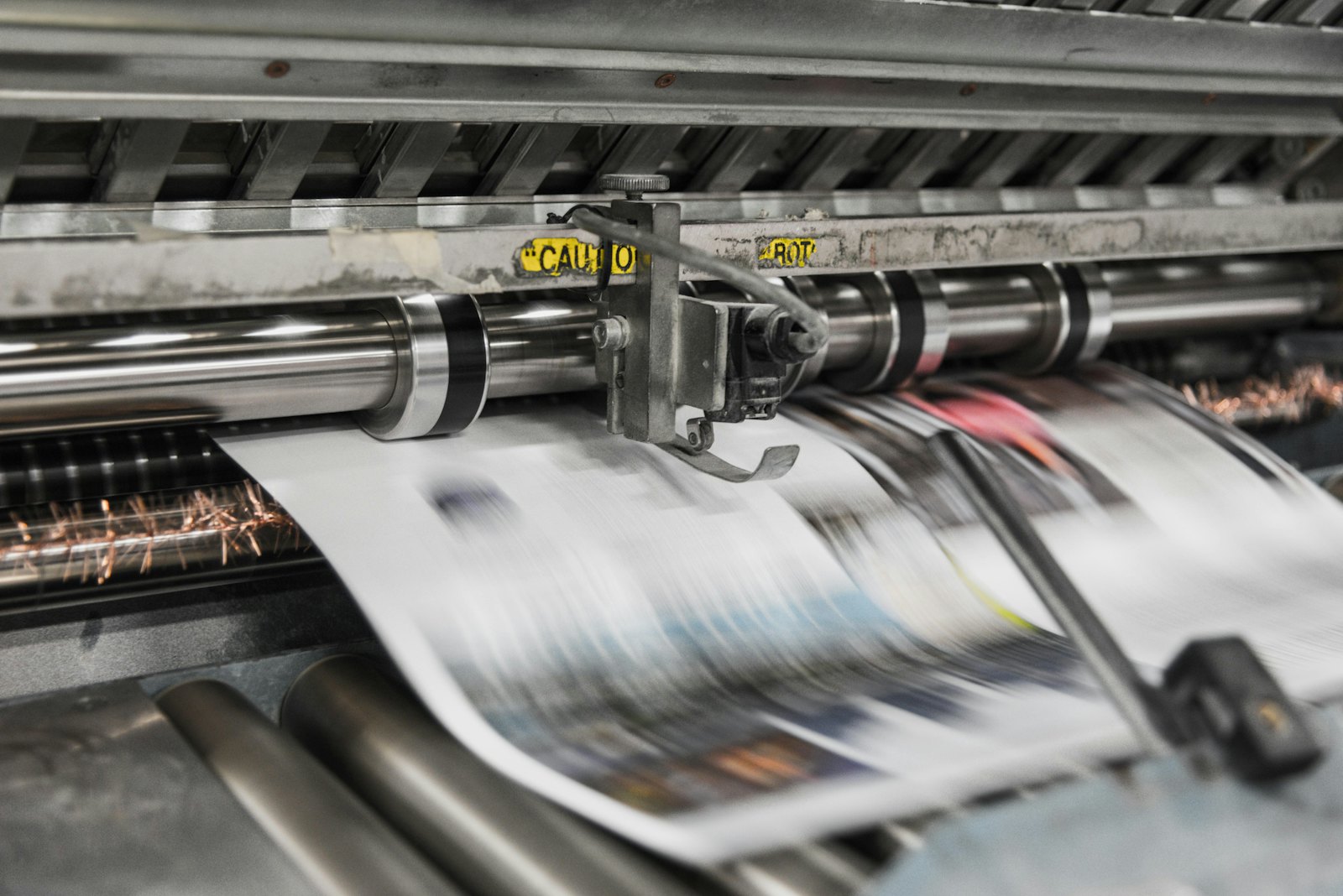 Presses print in CMYK, which is why RGB files shift in color.
What does Bookmundo ask for in the interior?
Topic | What Bookmundo says |
|---|---|
PDF standard | "Adobe PDF Preset PDF/X-3:2002" (mentioned when exporting from InDesign) |
Bleed | 3 mm (0.12 in), entered in all fields except "inside" |
Printer marks | Check that all printer marks are off |
Fonts | Must be embedded |
Photos | Relatively low resolution: at least 300 dpi |
Size | Must equal the book format you chose, for example 135 × 215, 155 × 235, 170 × 240 or 210 × 297 mm (about 5.31 × 8.46, 6.10 × 9.25, 6.69 × 9.45 or 8.27 × 11.69 in); files that differ are scaled by Bookmundo and you get a warning |
Upload limit | Up to 500 MB |
The page doesn't mention a color profile, a color space (CMYK or RGB) or an ink limit.
What does Bookmundo ask for in the cover?
According to the cover page (you work out the size and the spine with a calculator):
File type: PDF (X-3/2002), JPG or PNG.
Bleed: 3.0 mm (0.12 in).
No print, crop or bleed marks.
Images of at least 250 dpi.
A worked example: cover including bleed 323.7 × 241.0 mm (about 12.74 × 9.49 in) with a spine of 7.7 mm (about 0.30 in). The page doesn't say which book settings that example applies to.
Here too, the color profile and ink limit aren't mentioned.
What can you do with PDFengine?
Bookmundo requirement | What you can do with PDFengine |
|---|---|
Checking | The free print-ready check shows color space, fonts and PDF/X status |
Embedded fonts | Embed fonts embeds the fonts that are available |
3 mm bleed | Print-ready PDF sets up 3 mm bleed, and with the "Spine side (books)" option it leaves the inside edge (the spine side) without bleed and without crop marks. It only sets up the bleed area and the boxes; it doesn't draw any image into it |
No printer marks | In Print-ready PDF you turn crop marks off |
PDF/X-3:2002 | In Print-ready PDF, the "PDF/X version" option offers PDF/X-4, PDF/X-1a or PDF/X-3. Note: our measurement shows the tool delivers PDF/X-3:2003, not 2002, and Bookmundo names 2002. Whether that is accepted isn't stated on the page, so ask them. With X-1a and X-3, transparency is flattened and your file may look different; the tool warns you about this. With X-1a only CMYK, gray and spot colors remain. There is no external certification: PDFengine checks the properties of the result itself. |
Bookmundo names PDF/X-3:2002 for the interior only as the preset in InDesign. Whether a file without PDF/X is rejected isn't stated on the page we checked. If you want to be sure, export from your design program with that preset.
Frequently asked questions
Does my Bookmundo interior have to be PDF/X-3?
Bookmundo names the PDF/X-3:2002 preset for exporting from InDesign. An explicit requirement for every file isn't stated.
Why no bleed on the inside edge?
Bookmundo asks for bleed in all fields except "inside". The page doesn't explain why.
How many dpi do I need?
At least 300 dpi for photos in the interior, and at least 250 dpi for images on the cover.
Can my cover be a JPG?
Yes: JPG and PNG are listed next to PDF (X-3/2002) in the list of file types.
Next steps
Check your file with the print-ready check. PDFengine is not affiliated with Bookmundo, and Bookmundo hasn't approved these tools.
Sources and verification
Checked on October 9, 2026:
Related Articles

How to deliver a newspaper ad PDF: the 240% ink limit, ISOnewspaper26v4 and GWG2015 explained
Your newspaper wants GWG2015, ISOnewspaper26v4 and max 240% ink. Here is what that means, why a prof...

Can ChatGPT, Claude or Gemini Convert Email to PDF? What AI Can (and Can't) Do
No AI assistant can natively convert .eml or .msg to PDF. But Claude + MCP bridges the gap — here's...