
How to Convert a PDF to Grayscale (Without Adobe Acrobat)
Founder, PDFengine

To convert a PDF to true grayscale without Adobe Acrobat, upload it to an online tool that rewrites every color object to DeviceGray, then download the result. That changes the file itself, not just a print setting. The "Print in Grayscale" checkbox in Acrobat only tells the driver what to do, so the PDF stays in color and print shops still bill you color rates.
Key Takeaways
"Print in Grayscale" is a driver instruction, not a file change. The PDF stays RGB or CMYK underneath.
A true conversion replaces every color object with a gray equivalent, so any printer or RIP treats the file as monochrome.
Many color PDFs from InDesign or Illustrator are CMYK, not RGB. A lot of online tools only handle RGB.
PDFengine converts both RGB and CMYK to DeviceGray in one upload, keeps fonts embedded, and leaves the layout identical.
Many print shops bill the whole job at color rates if a single colored pixel survives. Converting first is the fix.
What does "convert a PDF to grayscale" actually mean?
Converting a PDF to grayscale means rewriting the file so every color object becomes a gray value. The visible result looks black and white, but more importantly the underlying color space changes to DeviceGray. That is different from telling your printer to print in black ink. One edits the document; the other only edits a single print job.
Here's the distinction that trips most people up. When you tick "Print in Grayscale," the PDF on disk is unchanged. It still carries RGB or CMYK color data. Your driver renders it gray for that one print, and the next person who opens or prints the file gets color again. A real conversion bakes the gray into the file permanently.
Citation capsule: A true grayscale PDF stores every object in the DeviceGray color space, not RGB or CMYK. This means any printer, driver, or commercial RIP treats the file as monochrome, while a "Print in Grayscale" driver setting leaves the file's color data intact and is applied only to a single print job.
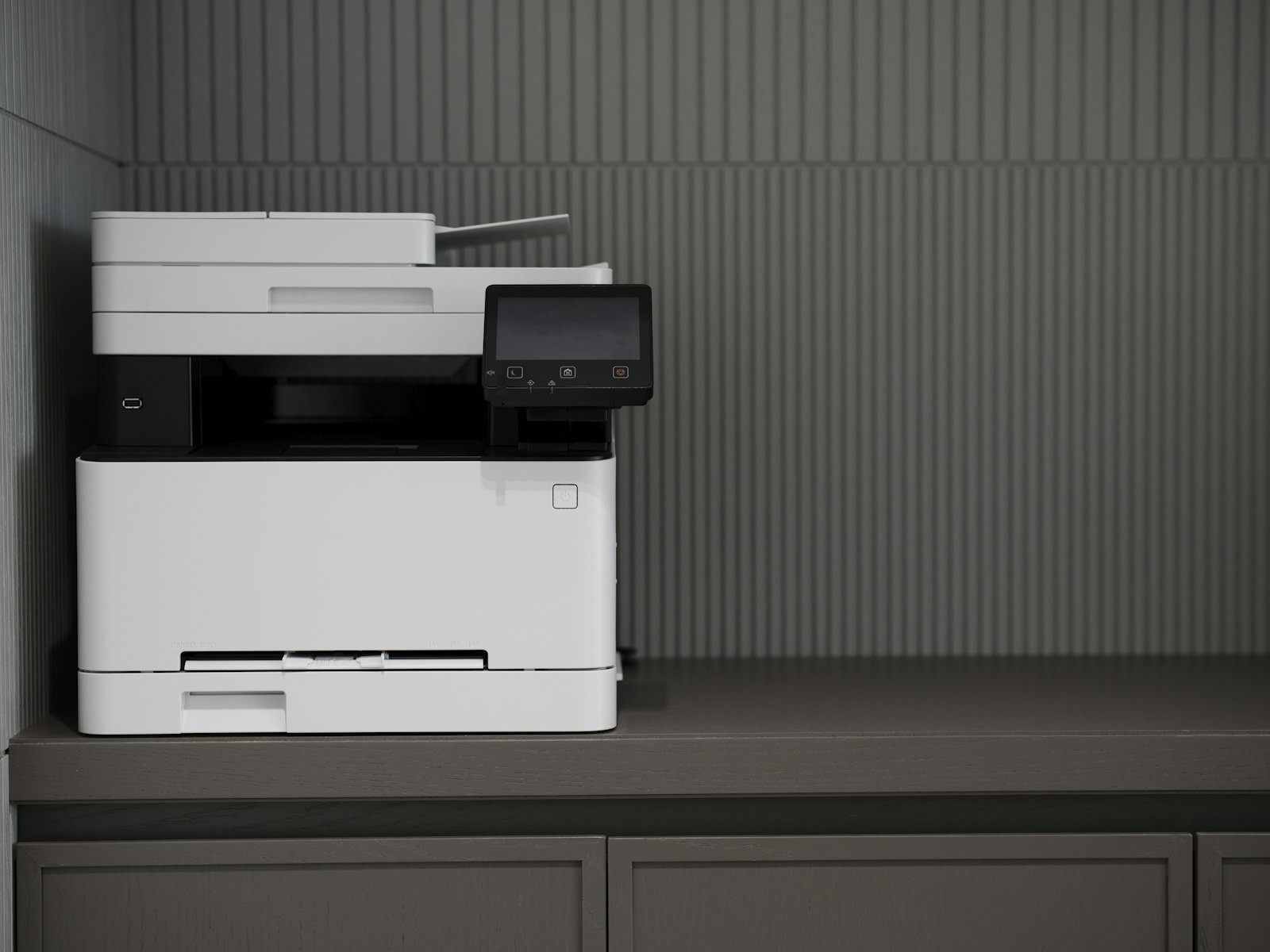 A driver setting prints one job in gray. A real conversion changes the file for every printer.
Why doesn't "Print in Grayscale" work in Adobe Acrobat?
The checkbox is unreliable because it depends entirely on your printer driver, and drivers ignore or override it constantly. Forum reports from 2023 through 2025 describe the box having no effect, printing in color anyway, or burning through color ink. The setting is a request to the driver, not a guarantee, so results vary by printer, OS, and Acrobat version.
The complaints are easy to find. On the Adobe Acrobat Discussions forum, one user wrote that they ticked "Print in Grayscale" but it kept printing in color, and the only fix they found was reinstalling their entire computer (Adobe Community, 2023). Reinstalling Windows to print a gray page is not a solution.
Another thread on the Acrobat Reader Discussions board put the frustration plainly: the checkbox "has no effect on the color output and this only happens in Adobe" (Adobe Community, 2023). And over on the Canon printer forum, someone asked why their printer "still uses color ink when I select Print in Grayscale" while watching their ink drain (Canon Community).
The pattern is consistent. A driver-level instruction is the wrong tool when you need a reliable, portable result.
How do you convert a PDF to grayscale without Acrobat?
The reliable method is to convert the file itself, online, in three steps: upload the PDF, let the tool rewrite all color to DeviceGray, then download. No install, no Print Production panel, no driver guessing. Because the conversion happens inside the document, the gray result travels with the file to any printer or print shop.
Step 1: Upload your color PDF
Open the PDF to grayscale tool and drop in your file. It works in the browser on any operating system, so there's nothing to download. Files are processed online and auto-deleted afterward.
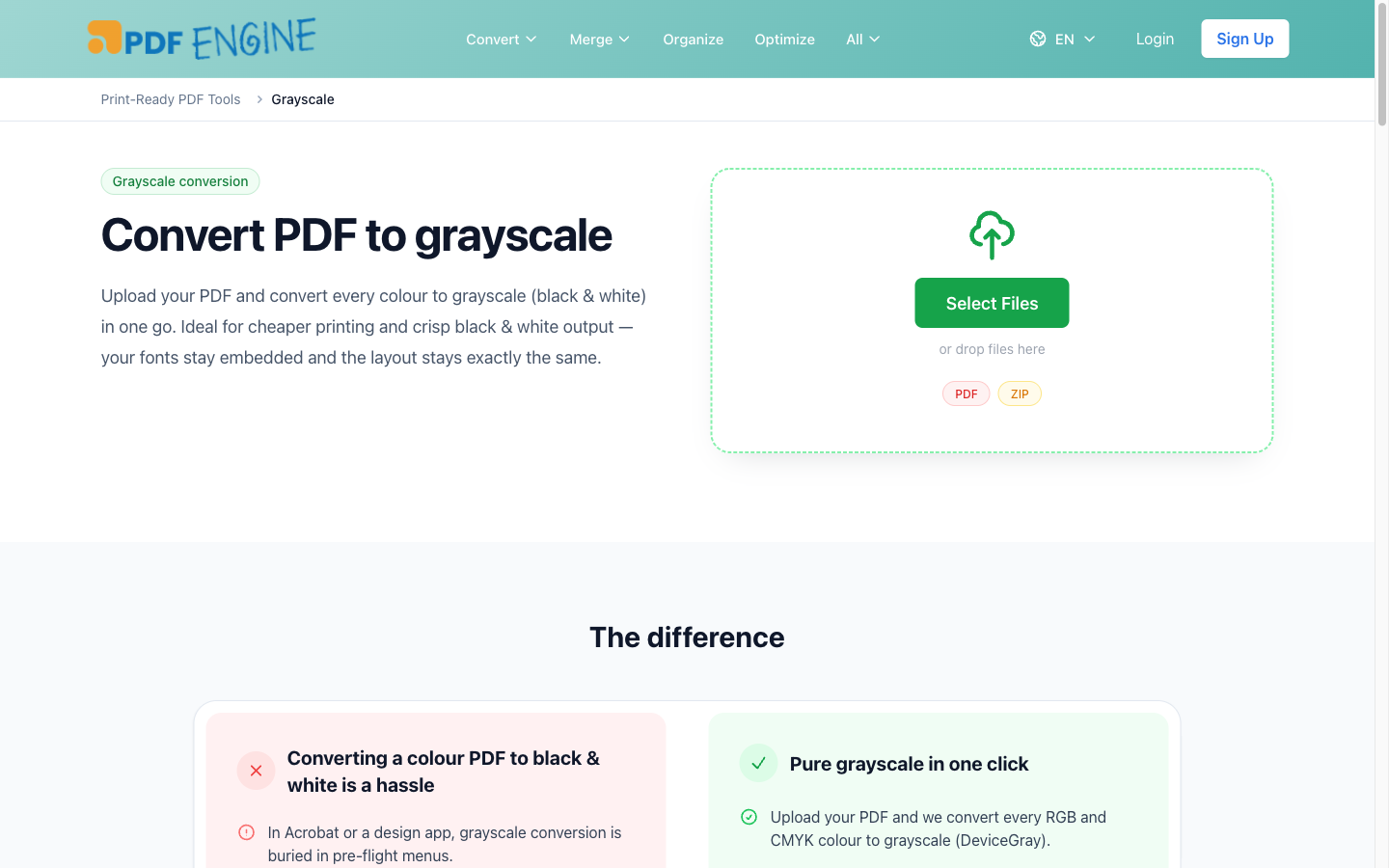 The PDFengine grayscale tool: one upload, both RGB and CMYK handled.
Step 2: Convert both RGB and CMYK to gray
This is where many free converters fall short. PDFengine converts both RGB and CMYK color spaces to DeviceGray in a single pass. Fonts stay embedded, the page size stays identical, and the layout doesn't shift. You get a black-and-white file that looks exactly like the original minus the color.
Step 3: Download and verify
Download the result. Want to confirm it actually worked? Run it through the free print-ready check, which reports the file's color space, whether fonts are embedded, and its PDF/X status. If the report shows DeviceGray, the conversion is real, not simulated.
Citation capsule: PDFengine's grayscale tool converts both RGB and CMYK color spaces to DeviceGray in a single upload, keeps fonts embedded, and preserves the original page size and layout. It runs in the browser with no software install and uses permissive open tooling, so the file itself becomes monochrome rather than relying on a printer driver setting.
Why does converting to grayscale save money at the print shop?
Many print shops bill an entire document at color rates if even one pixel of color remains, so converting to true grayscale first is a reliable way to qualify for the cheaper monochrome price. Commercial print workflows use a RIP that reads the file's color data directly. Your driver's "Print in Grayscale" tick is invisible to that RIP, so it's ignored.
Think about a 40-page report with one colored logo on the cover. Sent as-is, a shop's pricing engine can flag color and charge every page at the color rate. Convert the file to grayscale beforehand and the same job prices as monochrome. As a result, the savings scale fast with page count and volume.
This is the practical angle most "here are three tools" listicles skip. The reason to convert isn't aesthetic. It's that driver settings get stripped in production workflows, and the file's color space, defined under the PDF/X print standard maintained by the PDF Association, is what actually decides your bill. If you're prepping files for press, grayscale usually sits alongside other fixes like adding bleed to a PDF and resizing a PDF before submission.
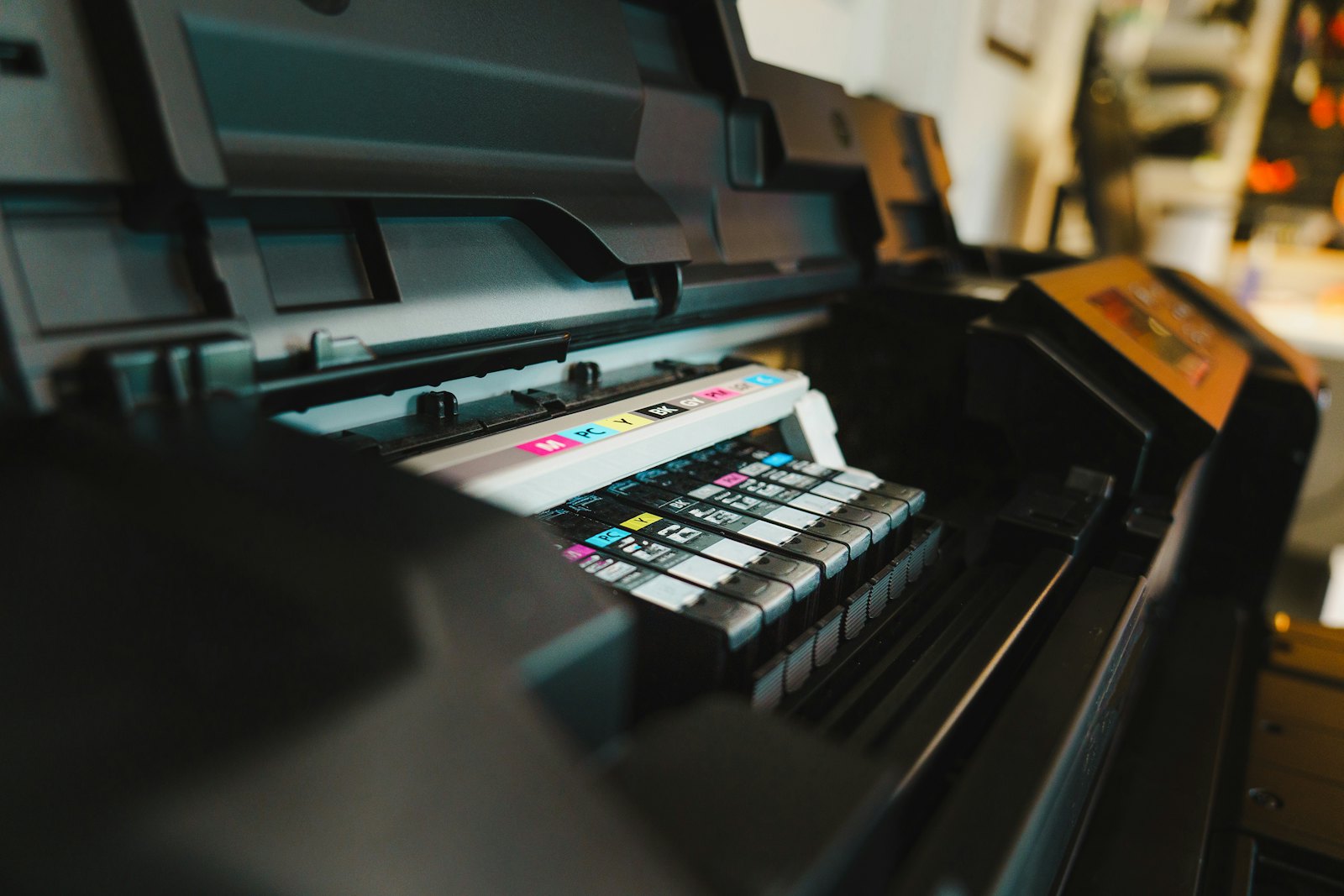 A single spot of color can flip a whole job to color pricing.
PDFengine vs Adobe Acrobat for grayscale conversion
Acrobat's true grayscale conversion lives behind Preflight, and Preflight only ships with Acrobat Pro, which is subscription-based and desktop-focused (check Adobe for current pricing). Acrobat Standard and free Reader can't reach Preflight at all, so the lower-cost tiers won't run the grayscale fixup.
The Pro path is also deep. You navigate Tools, then Print Production, then Preflight, then PDF Fixups, then "Convert to Grayscale," then Analyze and Fix. That's five or six clicks into a prepress panel most people never open, and Adobe has shuffled these menus between versions. There's also a documented side effect: the fixup can recompress images and degrade quality, an unresolved complaint in the Adobe Community as recently as October 2025 (Adobe Community, 2025).
Factor | Adobe Acrobat Pro | PDFengine |
Cost model | Subscription-based, desktop-focused (see Adobe) | Free tier, 1 credit per conversion |
Install | Desktop app required | Browser only, any OS |
Steps | 5-6 clicks deep in Preflight | Upload, convert, download |
Available in cheaper tier? | No (Standard and Reader can't) | Yes |
RGB and CMYK | Yes (Pro) | Yes, both in one pass |
Image recompression risk | Documented complaint (2025) | Layout and fonts preserved |
Verify result | Manual | Free print-ready check report |
To be fair to Acrobat: it's a powerful, full-featured prepress suite, and if you already pay for Pro and live in Print Production daily, its grayscale fixup is fine. By contrast, for everyone who just needs a color PDF turned black and white reliably, a focused online tool is faster and free. Grayscale is one piece of PDFengine's broader print-ready toolkit, which also covers bleed, resizing, and imposition.
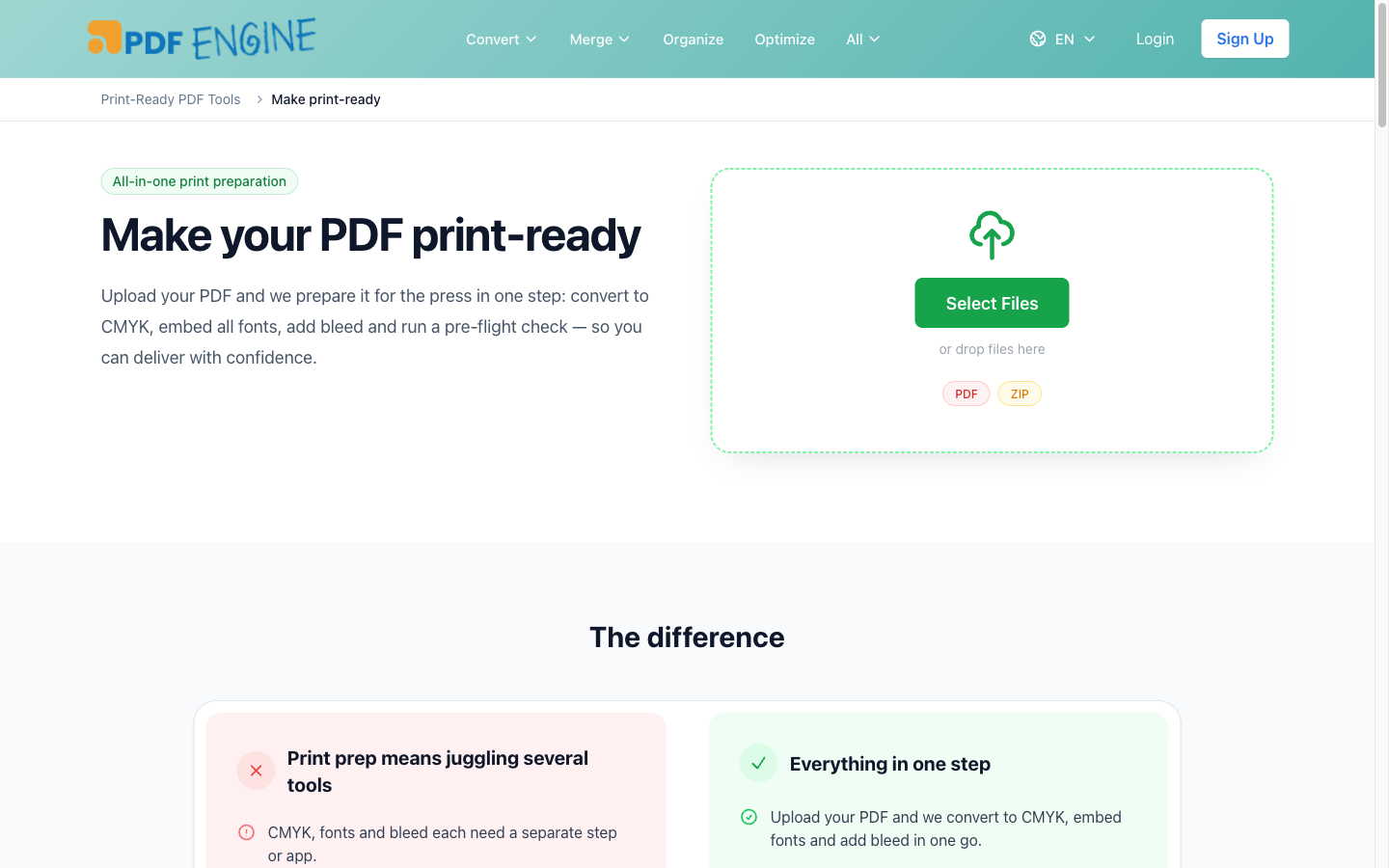 Grayscale sits inside PDFengine's wider print-prep toolkit.
Frequently asked questions
How do I make a PDF black and white if my printer won't do it?
Convert the file itself instead of fighting the driver. As one Adobe Community user explained, they needed "true black and white, not just simulated grayscale that looks like the laser-jet is low on toner" (Adobe Community). Uploading the PDF to a grayscale converter rewrites every object to DeviceGray, so any printer outputs clean monochrome.
Why does grayscale conversion degrade my image quality in Acrobat?
Acrobat's "Convert to Grayscale" fixup can apply JPEG recompression to images, which softens or blocks them. This is a documented, unresolved complaint in the Adobe Community as of October 2025 (Adobe Community, 2025). Tools that preserve layout and fonts without forced recompression avoid this issue.
Can macOS Preview export a truly grayscale PDF?
Often no. As an Apple Community thread notes, Preview's Quartz "Gray Tone" filter can produce a file that "is still RGB even if it does appear gray" (Apple Community). It looks gray on screen but isn't true DeviceGray, so a print shop's RIP may still treat it as color.
My PDF came from InDesign. Is it RGB or CMYK?
It's very likely CMYK, since design apps default to CMYK for print. That matters because many free converters only handle RGB and silently leave CMYK color untouched. Convert with a tool that handles both color spaces, then run a print-ready check to confirm the result reads as DeviceGray.
Will converting to grayscale change my fonts or layout?
A good converter shouldn't. PDFengine keeps fonts embedded and preserves the original page size and layout while changing only the color. The text stays sharp and selectable, and nothing reflows. If you want proof, the free check report lists your embedded fonts and color space after conversion.
Is online grayscale conversion safe for confidential documents?
It can be, depending on the service. Files uploaded to PDFengine are processed online and auto-deleted afterward, and nothing is installed on your machine. For highly sensitive material, always check a tool's deletion and privacy policy before uploading.
Convert your PDF to grayscale in one click
If you've been fighting a checkbox that won't behave, skip the driver and change the file. When you convert a PDF to grayscale at the file level, you get a sharp black-and-white PDF that prints consistently everywhere, is often smaller (depending on image encoding), and avoids surprise color charges at the copy shop.
Ready to try it? Upload your file to the free PDF to grayscale tool, then confirm the result with the print-ready check. No Acrobat, no install, no guesswork.
About the author — Daan van Tongeren is the founder of PDFengine (pdfen.com), an online platform for PDF conversion, print-ready prep, and email archiving.
Related Articles
How to deliver a newspaper ad PDF: the 240% ink limit, ISOnewspaper26v4 and GWG2015 explained
Your newspaper wants GWG2015, ISOnewspaper26v4 and max 240% ink. Here is what that means, why a prof...

Can ChatGPT, Claude or Gemini Convert Email to PDF? What AI Can (and Can't) Do
No AI assistant can natively convert .eml or .msg to PDF. But Claude + MCP bridges the gap — here's...