
Email Archive File Formats Explained: OLM, PST, OST & MBOX
Jip Oomen
PDFengine Team
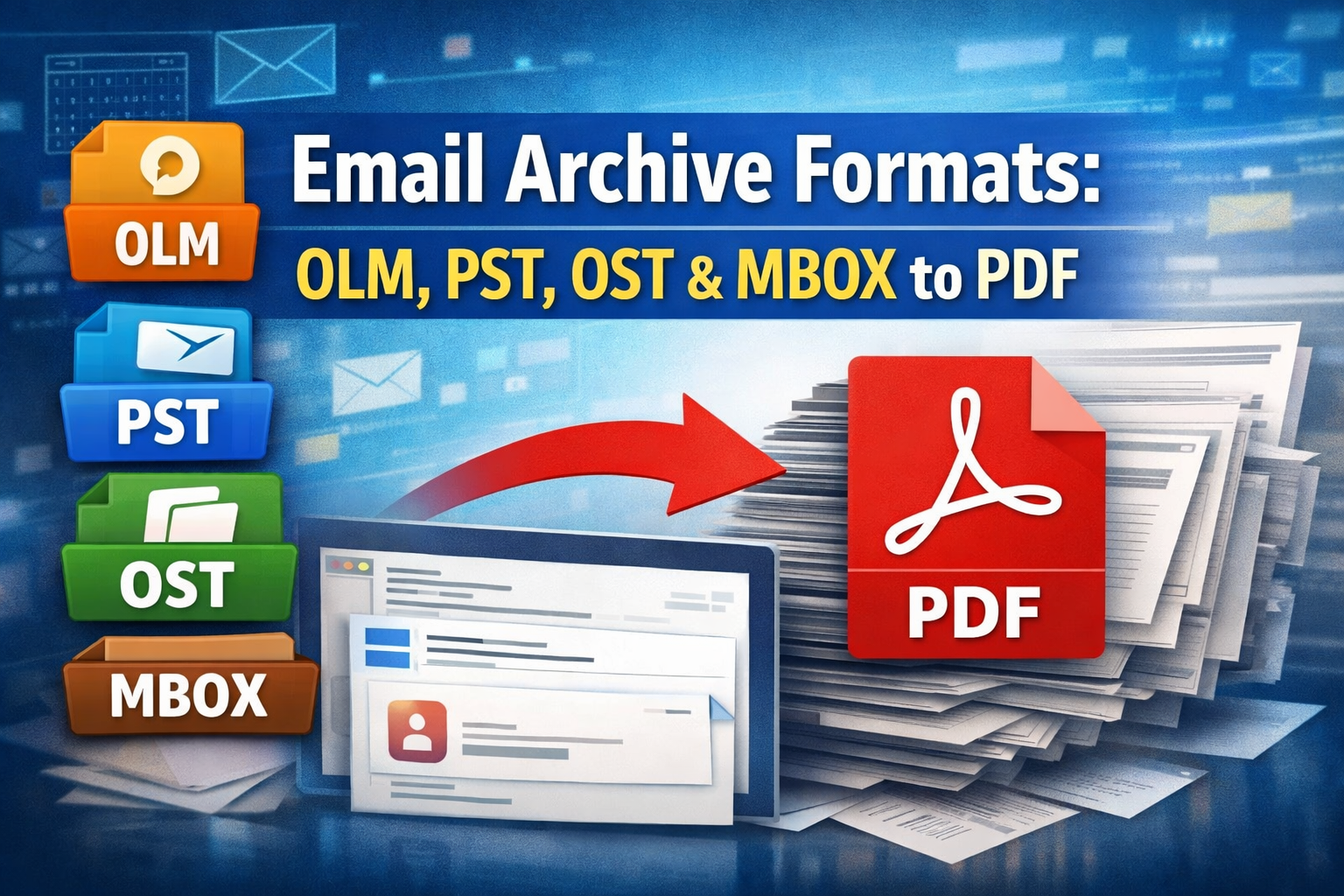
Email is not just communication. It is documentation. Contracts, approvals, invoices, support conversations, and legal evidence are all stored in inboxes. But emails are not stored as simple files. They are saved in special archive formats that bundle entire mailboxes together.
In this guide, we explain:
Why bundling and converting emails to PDF is useful
What OLM, PST, OST, and MBOX files are
How you can convert or merge them into PDF on PDFen
1. Why Bundle and Convert Emails to PDF?
Email programs do not store messages as loose files. Instead, they use container formats that hold entire mailboxes, including folders, message threads, metadata, and attachments.
That works well inside email software. It is less useful for sharing, archiving, or legal use.
Converting email archives to PDF solves several problems.
Long-Term Archiving
Email formats depend on specific software such as Outlook or Apple Mail. PDF is universal and can be opened years later without needing the original email client.
Legal and Compliance Use
PDF files are easier to submit as evidence or documentation. Emails remain structured, readable, and complete, including attachments.
Easy Sharing
You cannot send someone a PST or OLM file and expect them to open it. Almost everyone can open a PDF.
Structured Documentation
When converted properly, emails remain organized:
By folder structure
In chronological order within folders
With attachments placed directly under each email
This turns a messy mailbox into a clear and navigable document.
2. The 4 Main Email Archive File Formats
These formats all bundle emails, but they come from different ecosystems.
OLM (Outlook for Mac Archive)
Used by: Microsoft Outlook for Mac
What it contains:
Emails
Folder structure
Contacts, calendars, and notes
Advantages:
Full mailbox export for Mac users
Preserves folder organization
Compatibility:
Designed for Outlook for Mac
Not directly readable in Windows Outlook without conversion
--> Tip: Convert your OLM file to PST to enable opening it in Outlook
PST (Personal Storage Table)
Used by: Microsoft Outlook on Windows
What it contains:
Emails
Folders
Contacts, calendar items, and tasks
Advantages:
Standard Outlook archive format
Supports large mailboxes
Widely used in business environments
Compatibility:
Native to Outlook for Windows
Not easily opened without Outlook
OST (Offline Storage Table)
Used by: Outlook with Exchange, Microsoft 365, or IMAP accounts
What it contains:
A synchronized offline copy of a mailbox
Advantages:
Lets users work offline
Automatically syncs with the mail server
Compatibility:
Linked to a specific Outlook profile and account
Not designed for direct sharing, so conversion is often required
MBOX (Mailbox File)
Used by: Apple Mail, Thunderbird, and many Linux mail clients
What it contains:
A collection of emails stored in a single text-based file
Advantages:
Open and widely supported format
Used across many email systems
Compatibility:
Supported by many email clients
Still not easily readable without mail software
Summary
Format | Typical Platform | Easy to Share? | Needs Conversion to PDF? |
OLM | Outlook for Mac | No | Yes |
PST | Outlook Windows | No | Yes |
OST | Outlook with Exchange or 365 | No | Yes |
MBOX | Apple Mail, Thunderbird | Not really | Yes |
3. Converting or Merging These Files on PDFen
PDFen allows you to convert individual files or merge multiple email archives into one single PDF.
Supported Formats
You can upload:
OLM
PST
OST
MBOX
What Happens During Conversion
PDFen converts emails in a logical and readable way:
Emails are grouped based on their original folder structure
Inside each folder, emails are ordered chronologically
Attachments are converted as well and placed directly under the email they belong to
This keeps the context of every message intact.
Convert a Single Email Archive to PDF
Upload your OLM, PST, OST, or MBOX file
PDFen processes the emails
You download a structured PDF version of the mailbox
Merge Multiple Email Archives into One PDF
You can also upload multiple email archive files and combine them into one unified PDF. This is useful when:
Collecting emails from multiple people
Combining archives from different periods
Creating one complete case file
PDFen merges everything into a single structured document.
Final Thoughts
Email archive files like OLM, PST, OST, and MBOX are powerful, but not practical for sharing or documentation. Converting them to PDF turns complex mailbox data into a universal, structured, and long-term format.
Whether you need a single archive or a fully merged email history, PDFen makes the process straightforward while preserving the original structure of your emails. Want to know more about email conversion? Click here.
Related Articles
Compressing and repairing: How to optimize your PDFs
Professionalize your PDFs by using 5 essential PDF optimization tools. Learn when and how to repair,...

Can ChatGPT, Claude or Gemini Convert Email to PDF? What AI Can (and Can't) Do
No AI assistant can natively convert .eml or .msg to PDF. But Claude + MCP bridges the gap — here's...