
Delete Pages from PDF
Remove unwanted pages from PDF documents. Clean up your PDFs by deleting specific pages or page ranges.
More information about this conversion
From simple conversions to a more complex automation using workflows, PDFengine provides professional-grade tools for every PDF task.
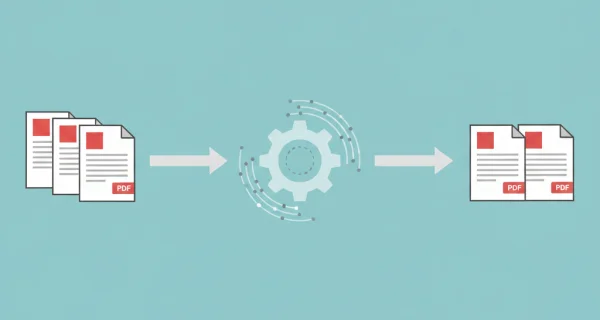
Precise Page Selection
Remove unwanted pages while keeping the rest intact. Remaining pages maintain original quality and formatting.
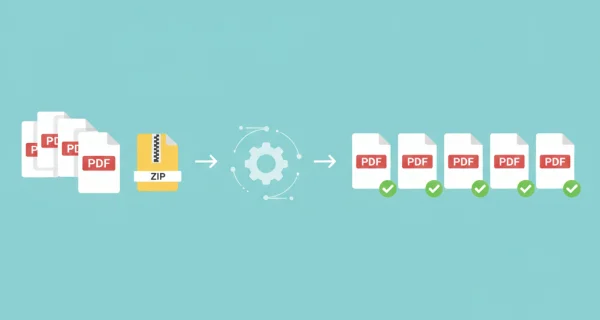
Batch Processing
Process multiple PDF files simultaneously. Apply the same page deletion to all documents for efficient batch operations.

Even greater efficiency with PDFengine workflows
Take document management to the next level by combining and sequencing PDF conversion, optimalization, and/or organization tools. With fully customizable workflows, complicated PDF tasks cost just seconds to complete.
Why choose us to convert your files
Lightning Fast Conversion
Our advanced conversion engine processes your files in seconds, not minutes. Upload, convert, and download - all within moments.
Focus on business
Archive and convert email, AutoCAD, Visio, and Office files in one streamlined workflow. Perfect for companies with recurring document processes.
Perfect Quality Every Time
Our intelligent algorithms preserve formatting, fonts, images, and layouts. What you see is what you get - no quality loss.
How it works
Process your documents easily and quickly in three steps
Upload PDF Files
Select the PDF documents you want to remove pages from.
Specify Pages to Delete
Enter page numbers or ranges to delete (e.g., "2,4,6-10"). These pages will be removed from the document.
Download Results
Get your cleaned PDF files with unwanted pages removed.
Frequently Asked Questions
How do I specify which pages to delete?
Use simple syntax: "2,4" for specific pages, "5-10" for a range, or combine them like "2,4,6-10,15" for multiple selections. The specified pages will be removed.
Can I delete pages from multiple PDFs at once?
Yes, you can upload up to 10 PDF files and delete the same pages from each document in one operation.
What happens to page numbering after deletion?
Page numbers are automatically adjusted. If you delete page 3, the old page 4 becomes the new page 3, and so on.
What file size limits apply?
You can process up to 10 PDF files with a total size of 200MB and maximum 1000 pages across all documents.
Ready to Clean Up Your PDFs?
Remove unwanted pages and organize your PDF documents efficiently.
Other PDF Organization Tools
Organize and optimize your PDF documents with our suite of professional tools.
PDF to Word
Convert PDF documents to Word format
Compress PDF
Reduce PDF file size while maintaining quality
Repair PDF
Fix corrupted or damaged PDF files