
48HourPrint PDF requirements: 0.125 inch bleed, CMYK, 300 dpi and no crop marks
Founder, PDFengine

48HourPrint prefers a PDF built in CMYK at the trim size plus bleed. That is 0.25 inch (6.35 mm) added to the product size, so 0.125 inch (3.175 mm) on each side. Images should be at least 300 dpi, text is converted to outlines in vector apps, and the file must not contain crop marks.
The requirements come from 48HourPrint's pages "Resources and Tips for Preparing Files", "Custom Printing Solutions for Preparing Files" and "FAQs - Printing Options", checked on October 12, 2026. The pages use inches; the conversions to mm are ours. The pages don't agree with each other on every number, see the note on bleed below.
Key takeaways
Build the file at product size plus 0.25 inch (6.35 mm) in total, for example 2.25 × 3.75 inches (57.15 × 95.25 mm) for a 2 × 3.5 inch (50.8 × 88.9 mm) business card.
Keep important text and images at least 0.125 inch (3.175 mm) inside the trim.
CMYK, with the GRACoL2013_CRPC6.icc profile; images at 300 dpi or more.
Save without crop marks.
Booklets: page count in multiples of four, and every page with full bleed.
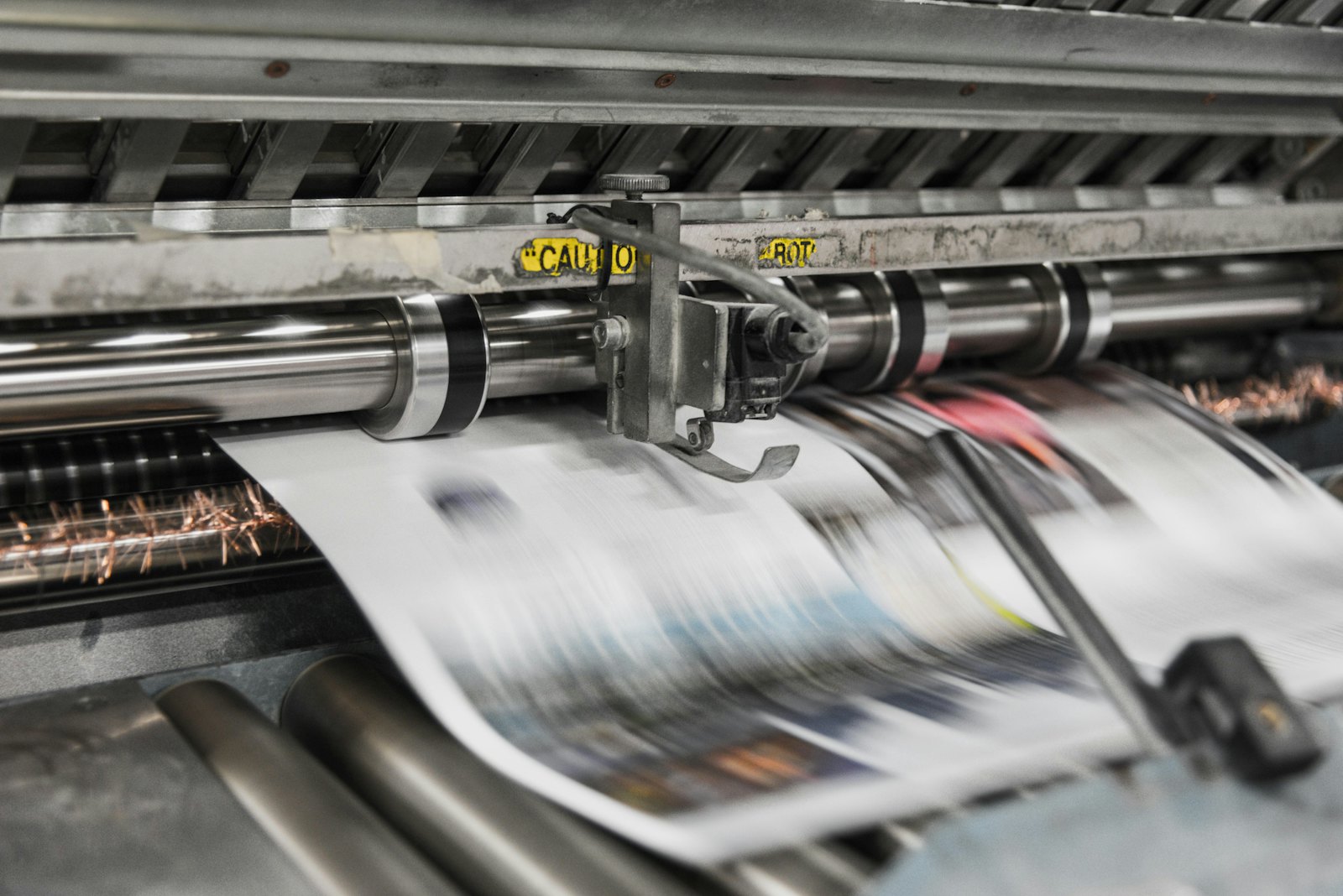 Presses print in CMYK, which is why RGB files shift in color.
What does 48HourPrint ask of the PDF?
Topic | What 48HourPrint says |
|---|---|
File type | PDF is the preferred file type; the FAQ page also lists JPG, EPS and TIF |
Page size | Product size plus 0.25 inch; for a 2 × 3.5 inch card, a 2.25 × 3.75 inch file |
Bleed | The FAQ says 0.125 inch on all four sides; another page says artwork that reaches the edge must extend 0.25 inch into the bleed |
Safety zone | Critical text and images at least 0.125 inch inside the trim |
Borders | At least 0.125 inch from the edges; 0.25 inch (6.35 mm) is recommended, because smaller borders may not look the same after trimming |
Color | CMYK; RGB and PMS files are converted, which can shift color slightly; profile GRACoL2013_CRPC6.icc |
Resolution | At least 300 dpi; 72 dpi web images will look fuzzy |
Fonts | Minimum size 7 pt; convert text to outlines in Illustrator, InDesign and Freehand; in Publisher, embed fonts and images |
Crop marks | Save without them, because they would print on the product |
Booklets and catalogs | Page 1 is the outside front cover, page 2 the inside front cover, the last page the outside back cover; page count a multiple of four |
A note on bleed. The tips page and the FAQ say 0.125 inch (3.175 mm) per side, which adds up to the 0.25 inch in the card example. The "Printing Solutions" page says full-bleed artwork must extend 0.25 inch (6.35 mm) into the bleed area. We can't tell from the pages which one wins. If you can, extend backgrounds further than the minimum and check with 48HourPrint support or the product's template before you order.
The pages we read do not mention a PDF/X version or PDF preset, transparency handling, a total ink limit (TAC), a maximum file size or registration marks and color bars. Files with errors are placed on hold until corrected, according to the Printing Solutions page. 48HourPrint also offers free guideline templates with bleed, trim and safety lines; we did not check their contents.
What can you do with PDFengine?
48HourPrint requirement | What you can do with PDFengine |
|---|---|
Checking | The free Print-ready check shows color space, fonts and PDF/X status |
Bleed | Print-ready PDF has a quick value "0.125 inch" that sets 3.175 mm of bleed. It only sets up the area and the boxes and doesn't draw any image into the bleed, so extend your artwork yourself. PDFengine has no 48HourPrint-specific setting, and we can't say whether the 0.25 inch figure applies to your product |
No crop marks | In Print-ready PDF you can turn crop marks off |
CMYK | With RGB to CMYK you convert color, and there you can choose GRACoL 2013 (the GRACoL2013_CRPC6.icc profile this page names) |
Fonts | Embed fonts embeds available fonts. It does not turn text into outlines, which 48HourPrint asks for in vector apps; do that in your design software |
Ink | 48HourPrint doesn't state a total ink limit on the pages we read. If you want to limit it anyway, the "Maximum ink coverage" option in Print-ready PDF starts at 280% and works in the PDF/X-4 route |
PDF/X | 48HourPrint doesn't ask for it on the pages we read. If you want a PDF/X file anyway, see PDF to PDF/X; PDFengine does not give a formal PDF/X certification |
In short: the check, the bleed value and turning crop marks off help. Outlining text and building the file at the right size stay with your own software.
Frequently asked questions
How much bleed does 48HourPrint ask for in millimeters?
The FAQ gives 0.125 inch on all four sides, which is 3.175 mm. Another page says artwork that reaches the edge must extend 0.25 inch (6.35 mm) into the bleed. Confirm the number for your product.
Does 48HourPrint want RGB or CMYK?
CMYK. RGB and PMS files are converted, which can shift color slightly. The tips page names the profile GRACoL2013_CRPC6.icc.
Should my 48HourPrint PDF have crop marks?
No. The tips page says to save without crop marks, because they would print on the product.
Does 48HourPrint need PDF/X?
The pages we checked do not mention PDF/X. They say PDF is the preferred file type.
How many pages must a booklet PDF have?
A multiple of four, with full bleed on every page. Page 1 is the outside front cover and the last page is the outside back cover.
Where to go next
Check your file with the Print-ready check. For the full workflow, read how to make a print-ready PDF. PDFengine is not affiliated with 48HourPrint, and 48HourPrint has not approved these tools.
Sources and verification
Checked on October 12, 2026:
Related Articles

How to deliver a newspaper ad PDF: the 240% ink limit, ISOnewspaper26v4 and GWG2015 explained
Your newspaper wants GWG2015, ISOnewspaper26v4 and max 240% ink. Here is what that means, why a prof...

Can ChatGPT, Claude or Gemini Convert Email to PDF? What AI Can (and Can't) Do
No AI assistant can natively convert .eml or .msg to PDF. But Claude + MCP bridges the gap — here's...