
BookBaby PDF requirements: 0.125 inch bleed, CMYK, 300 dpi and a page count in multiples of 4
Founder, PDFengine

For the interior, BookBaby asks for one PDF with single pages at the book's trim size plus 0.125 inch of bleed, all color in CMYK, images at 300 dpi or higher, and fonts embedded or converted to outlines. The page count must be a multiple of 4, and the file must not contain annotations or comments.
These requirements come from BookBaby's support articles and its PDF checklist "How to prepare graphics files for book printing", checked on October 12, 2026. BookBaby uses inches; the conversions to mm are ours.
Key takeaways
One PDF, pages in order, single pages and no two-page spreads.
Page size is the trim size plus bleed; interior bleed is 0.125 inch (3.175 mm) on all sides.
All color in CMYK, images at 300 dpi or higher, black-and-white images in grayscale.
Fonts embedded or converted to outlines; blacks true black, not registration black.
Page count in multiples of 4, between 24 and 840 pages.
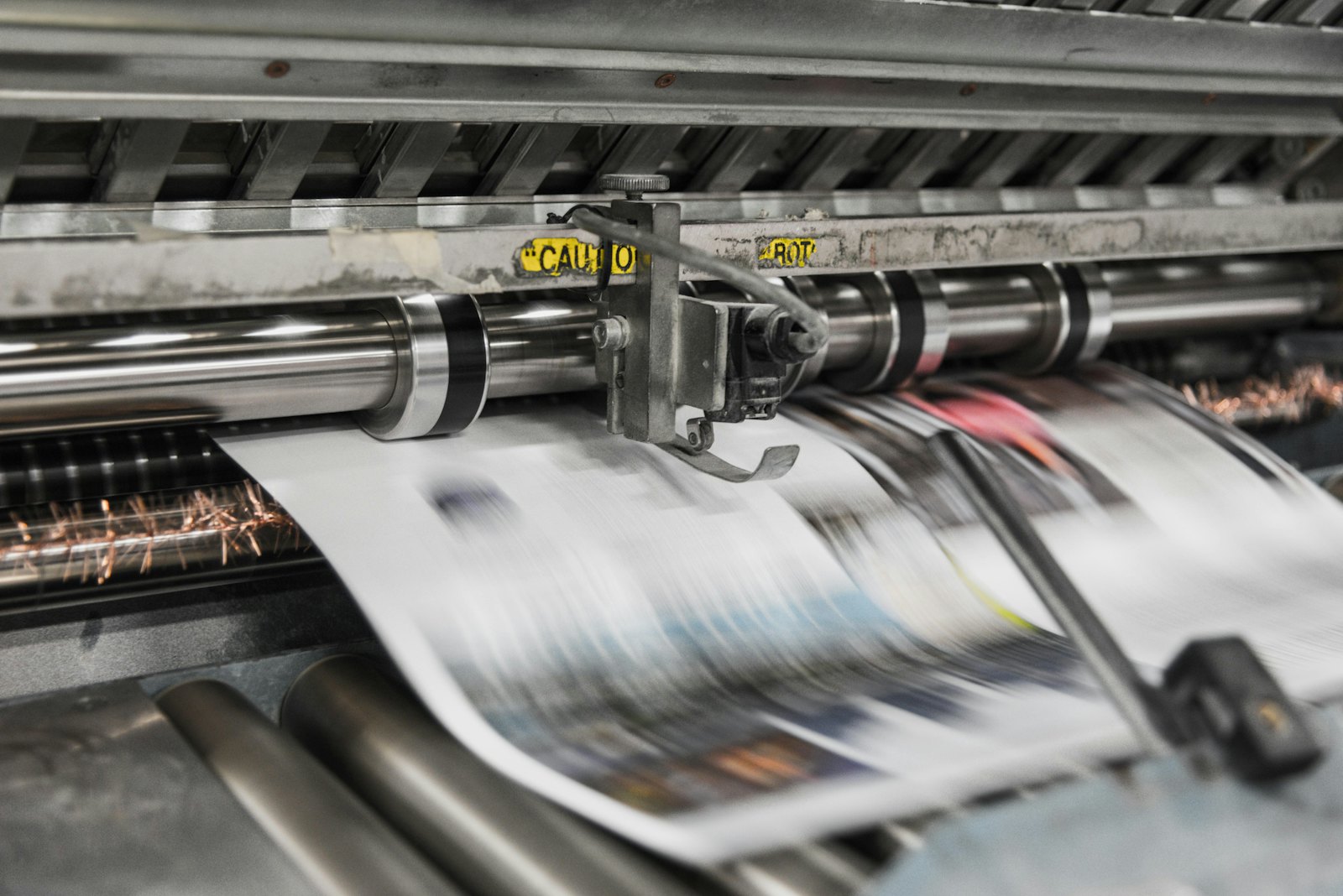 Presses print in CMYK, which is why RGB files shift in color.
What does BookBaby ask of the interior PDF?
Topic | What BookBaby says |
|---|---|
Layout | All pages in one PDF, in order, at the trim size; single pages, not two-page spreads |
Page size | Finished trim size plus bleed |
Bleed | 0.125 inch (3.175 mm) on all sides for interior files |
Margins | Use the safety margins in the interior template for your trim size. The older checklist gives Word minimums of 0.31 inch (7.9 mm) top and bottom and 0.88 inch (22.4 mm) left and right |
Color | CMYK, not RGB. BookBaby can convert for you, but the appearance may change. Black-and-white images in grayscale |
Black | True black, not registration black |
Images | 300 dpi or higher, embedded in the file |
Fonts | Embed all fonts or convert them to outlines |
Annotations | None: no annotations, comments, sticky notes or other elements added in Acrobat |
Page count | A multiple of 4, from 24 to 840 pages. If you are short, BookBaby adds blank pages; blank pages you include count toward the total |
Page numbers | Even numbers on left pages, odd numbers on right pages |
The pages we checked do not mention PDF/X, transparency handling, total ink coverage, crop marks or a maximum file size. The checklist PDF does not mention them either. Both the cover template and the interior template are generated for your quote in your BookBaby account; we could not check those.
And the cover?
The cover has its own file. BookBaby says:
One PDF with back cover, spine and front cover from left to right.
The file must match the dimensions of the custom cover template exactly.
Spine width depends on page count, paper stock and binding, so download the template again if any of these change.
Hardcover: a bleed of 5/8 inch (15.875 mm) and at least 1/2 inch (12.7 mm) of margin on the outer side of the front and back cover, according to the older checklist.
Dust jacket: a third PDF with five panels.
The pages we read do not give a bleed value for a paperback cover other than the template.
What can you do with PDFengine?
BookBaby requirement | What you can do with PDFengine |
|---|---|
Checking | The free Print-ready check shows color space, fonts and PDF/X status |
Fonts embedded | Embed fonts embeds available fonts |
CMYK | With RGB to CMYK you convert color. BookBaby can also convert for you, but warns the appearance may change |
0.125 inch bleed | Print-ready PDF has a quick value "0.125 inch" that sets 3.175 mm of bleed. It only sets up the area and the boxes and doesn't draw any image into the bleed. BookBaby does not give a printer-specific bleed value beyond 0.125 inch, so there is nothing else to set |
PDF/X | BookBaby doesn't ask for it. If you want it anyway, PDF to PDF/X offers a PDF/X version option; it is not a certification |
Ink coverage | BookBaby gives no limit. The "Maximum ink coverage" option in Print-ready PDF starts at 280%, so it can't be used for a lower limit |
300 dpi images, grayscale, true black, no annotations, page count in multiples of 4, single pages | PDFengine doesn't check or fix these. Handle them in your layout software |
In short: the check, fonts, CMYK and the bleed setting help; the rest is up to your design software and BookBaby's templates.
Frequently asked questions
How much bleed does BookBaby ask for in millimeters?
0.125 inch, which is 3.175 mm, on all sides of the interior. BookBaby's pages only give inches.
Does BookBaby want RGB or CMYK?
CMYK. BookBaby says RGB is not accepted as is and can convert it, but the appearance may change, so convert it yourself and check the result.
Does BookBaby need PDF/X?
The pages we checked contain no PDF/X requirement.
Why does my page count have to be a multiple of 4?
BookBaby explains that its roll-fed printing and binding makes book blocks in multiples of 4. Enter a count from 24 to 840 on the quote, rounded up to a multiple of 4; BookBaby adds the blank pages.
Should my BookBaby PDF have crop marks?
The pages we checked don't say anything about crop marks. Ask the pre-press team or follow the template.
Where to go next
Check your file with the Print-ready check, read the complete guide to a print-ready PDF and learn what PDF/X means. PDFengine is not affiliated with BookBaby, and BookBaby has not approved these tools.
Sources and verification
Checked on October 12, 2026. None of these pages shows a last-modified date.
Related Articles

How to deliver a newspaper ad PDF: the 240% ink limit, ISOnewspaper26v4 and GWG2015 explained
Your newspaper wants GWG2015, ISOnewspaper26v4 and max 240% ink. Here is what that means, why a prof...

Can ChatGPT, Claude or Gemini Convert Email to PDF? What AI Can (and Can't) Do
No AI assistant can natively convert .eml or .msg to PDF. But Claude + MCP bridges the gap — here's...