
Brave New Books cover PDF requirements: PDF/X-3:2002, 3 mm bleed and no crop marks
Founder, PDFengine

For the cover of your book, Brave New Books asks for a PDF (X-3/2002), JPG or PNG file with 3 mm (0.12 in) bleed, images of at least 250 dpi and no print, crop or bleed marks. The exact dimensions and the spine width are worked out for you by the publisher's cover calculator.
This post covers the cover only. The page we checked (on October 9, 2026) is titled "Hoe groot moet mijn omslag zijn?" ("How big should my cover be?") and is in Dutch. Brave New Books is a Dutch publisher, and we only checked this one page, so don't assume the same requirements apply to other pages or sites. Apart from the choice between color and black and white and the paper, it says nothing about the interior as a PDF.
Key takeaways
File type: PDF (X-3/2002), JPG or PNG.
Bleed: 3.0 mm (0.12 in); the background is slightly larger than the actual cover, so there are no white edges.
No print, crop or bleed marks.
Images of at least 250 dpi.
The spine thickness appears on the page as a worked example (12.7 mm, about 0.50 in); how it follows from the page count isn't stated.
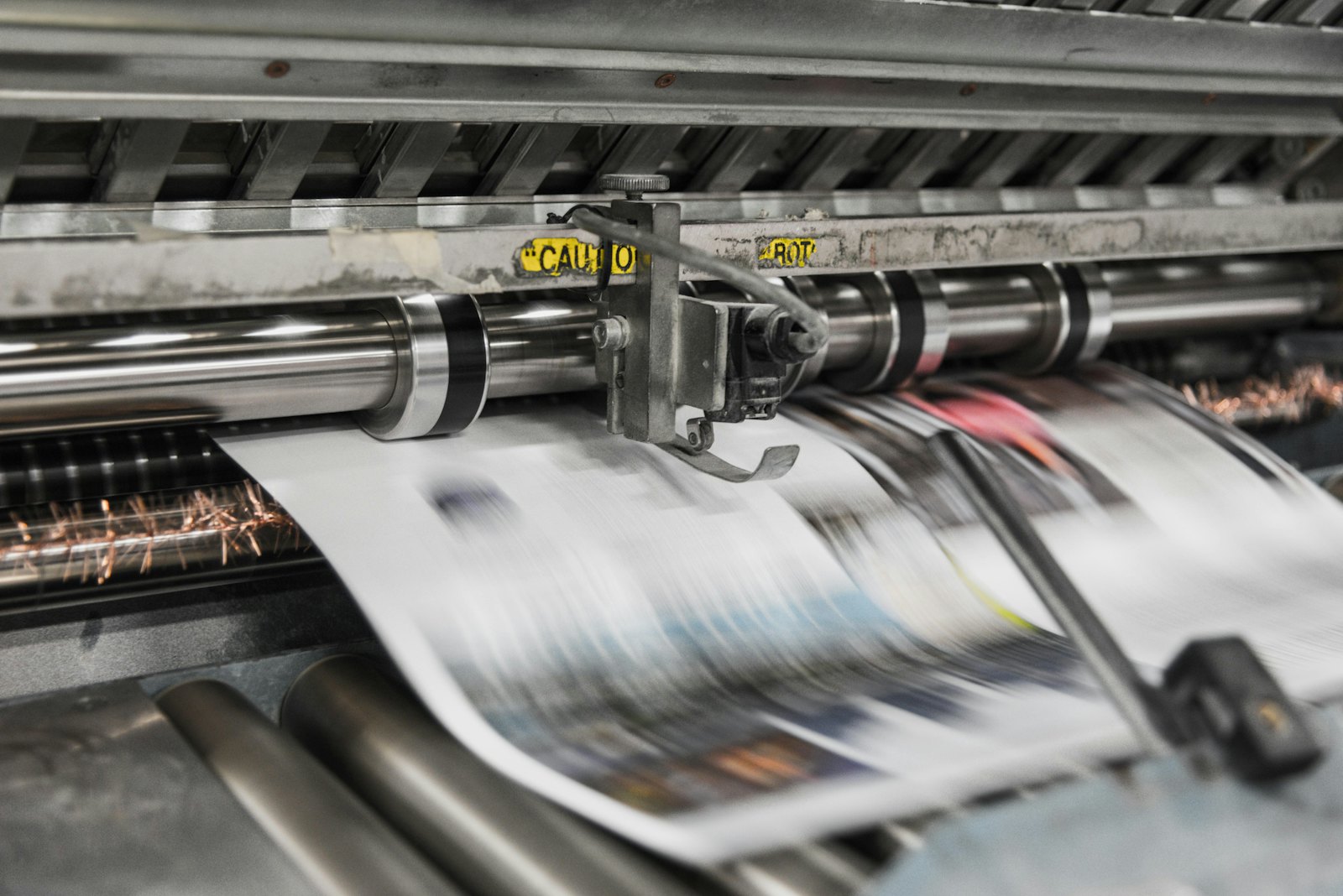 Presses print in CMYK, which is why RGB files shift in color.
What does the page say?
Topic | What Brave New Books says |
|---|---|
File format | PDF (X-3/2002), JPG or PNG |
Bleed | 3.0 mm (0.12 in) |
Marks | "No print, crop or bleed marks" |
Images | At least 250 dpi |
Not mentioned on the page: color profile, ink limit, fonts (embedding or converting to outlines) and any requirement for line art or vectors.
What can you do with PDFengine?
Requirement | What you can do with PDFengine |
|---|---|
Checking | The free print-ready check shows the color space, fonts and PDF/X status of your PDF |
3 mm bleed | Print-ready PDF can add 3 mm bleed. That sets up the bleed area and the boxes; it doesn't draw any image into it. If your cover doesn't run to the edge, you have to fix that in your design program |
No crop marks | In Print-ready PDF you turn crop marks off |
PDF/X-3:2002 | In Print-ready PDF, the "PDF/X version" option offers PDF/X-4, PDF/X-1a or PDF/X-3. Note: our measurement shows the tool delivers PDF/X-3:2003, not 2002, and Brave New Books names 2002. Whether that is accepted isn't stated on the page, so ask them. With X-1a and X-3, transparency is flattened and your file may look different; the tool warns you about this. With X-1a only CMYK, gray and spot colors remain. There is no external certification: PDFengine checks the properties of the result itself. |
Alternative | Brave New Books also accepts JPG or PNG for the cover; PDF/X doesn't apply then |
Because JPG and PNG are allowed too, you don't have to hit PDF/X-3 for the cover. Keep in mind that 250 dpi and 3 mm bleed then apply to your image as well.
Frequently asked questions
Does my cover have to be PDF/X-3?
Brave New Books lists PDF (X-3/2002) as one of three file types. JPG and PNG are listed too, so it's not the only route.
How do I work out the spine width?
Use the cover calculator on the Brave New Books site. The page shows an example with a 12.7 mm spine, but not how to calculate it from pages and paper.
Are crop marks allowed on my cover?
No: the page asks for no print, crop or bleed marks.
Next steps
Check your cover with the print-ready check. Want to see another publisher too? Read Bookmundo PDF requirements or Pumbo PDF requirements. PDFengine is not affiliated with Brave New Books, and Brave New Books hasn't approved these tools.
Sources and verification
Checked on October 9, 2026:
Related Articles

How to deliver a newspaper ad PDF: the 240% ink limit, ISOnewspaper26v4 and GWG2015 explained
Your newspaper wants GWG2015, ISOnewspaper26v4 and max 240% ink. Here is what that means, why a prof...

Can ChatGPT, Claude or Gemini Convert Email to PDF? What AI Can (and Can't) Do
No AI assistant can natively convert .eml or .msg to PDF. But Claude + MCP bridges the gap — here's...