
Gelato PDF requirements: PDF/X-4, 4 mm bleed and no crop marks
Founder, PDFengine

Gelato asks for a PDF exported as PDF/X-4 with GRACoL 2006 as the output intent. You supply 4 mm (0.16 in) bleed on every side, with no crop marks, color bars or registration marks, with fonts embedded and images of at least 150 and at most 300 dpi at actual size.
Note the order of strength in the requirements. The 4 mm bleed and "no crop marks" are hard requirements at Gelato. Rich black with a total of 280 is named as the preferred mix, and whether 280 is a hard limit isn't stated on the page. The requirements come from "What are the design requirements for PDF uploads?" in the Gelato Help Center (page updated October 30, 2025), checked on October 9, 2026. Gelato writes in English, and its help center covers a worldwide print-on-demand network; we only checked this one article, so local variations aren't covered.
Key takeaways
PDF/X-4 with the GRACoL 2006 output intent.
4 mm bleed on every side; safe area at least 4 mm inside the trim line.
No crop marks, color bars or registration marks: Gelato adds those itself.
Embed fonts or convert them to outlines; images 150 to 300 dpi.
No password protection; single pages rather than spreads.
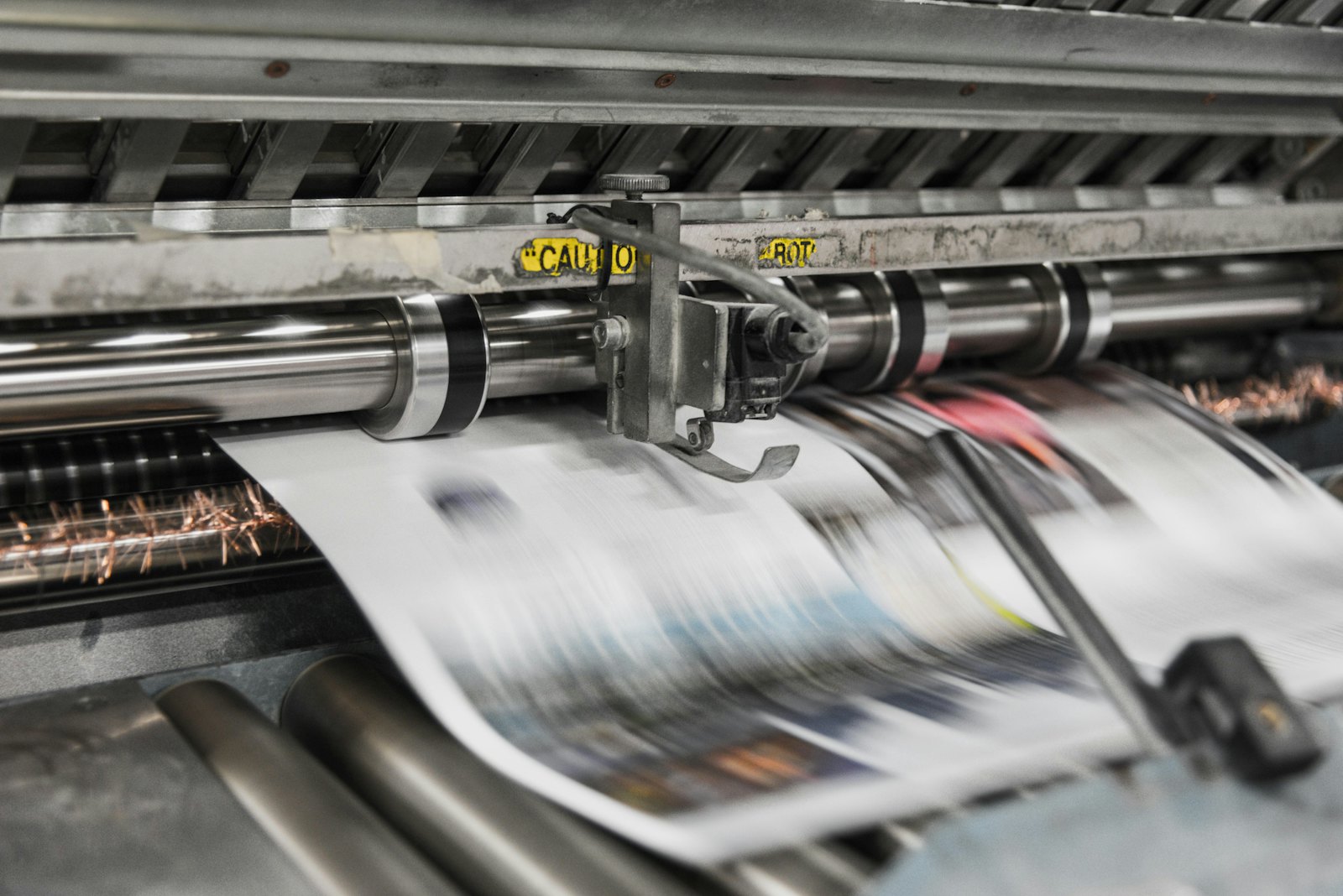 Presses print in CMYK, which is why RGB files shift in color.
What does Gelato ask for in your PDF?
Topic | What Gelato says | Strength |
|---|---|---|
File type | PDF/X-4, with sRGB and CMYK objects; GRACoL 2006 output intent | Requirement |
Color mode | sRGB for posters and non-paper products, CMYK for small digital print products such as brochures; fluorescent colors in CMYK | Advice |
Bleed | 4 mm (0.16 in) on all sides | Hard requirement |
Safe area | At least 4 mm inside the trim line; for Wire-O binding 12 mm (0.47 in) on the binding side | Requirement |
Crop marks, color bars, registration | Don't add them | Hard requirement |
Fonts | Embed or convert to outlines; at least 7 pt recommended | Requirement, 7 pt is advice |
Resolution | At least 150 dpi and at most 300 dpi at actual size | Requirement |
Black and gray | Solid channels, for example C0 M0 Y0 K70 | Advice |
Rich black | Preferred 60/60/60/100, total 280 for large areas and text | Advice |
Layers and transparency | Flatten | Advice |
Layout | Single pages, no spreads; for perfect-bound documents a spine on the cover | Requirement |
Security | No password | Requirement |
Not mentioned on the page: a maximum file size, a maximum page count and what happens if a file doesn't comply.
What can you do with PDFengine?
Gelato requirement | What you can do with PDFengine |
|---|---|
Checking | The free print-ready check shows color space, fonts and PDF/X status |
PDF/X-4 | Convert to PDF/X-4 makes PDF/X-4. Paid tool, not externally certified |
GRACoL 2006 output intent | We don't have GRACoL 2006. We do have its successor GRACoL 2013, but that is a different print condition: ask Gelato whether they accept it before you choose it. Either way, your file won't come out of our tool with the GRACoL 2006 output intent |
4 mm bleed | Print-ready PDF sets up 4 mm: the bleed can be any number from 0 to 10 mm. It only sets up the bleed area and doesn't draw any image into it; if your design doesn't run to the edge, you have to fix that in your design program |
No crop marks | In Print-ready PDF you turn crop marks off |
Fonts | Embed fonts embeds the fonts that are available. We don't convert fonts to outlines |
Rich black 280 | The "Maximum ink coverage" option in Print-ready PDF limits total ink to 280% and measures the final file again. It works in the PDF/X-4 route. Gelato calls 280 a preference, not a limit. If PDFengine can't show that the ceiling has been met (for example with overprint, blend modes or RGB colors that are actually used), you get an explanation instead of a file. Check the result yourself. |
The conclusion: for Gelato, PDFengine is useful for checking your file and embedding fonts, but for the GRACoL 2006 output intent and the 4 mm bleed you have to work in your own program.
Frequently asked questions
Do I have to use GRACoL 2006?
Gelato names GRACoL 2006 as the output intent for PDF/X-4. The page doesn't name any other output intent.
How much bleed does Gelato ask for?
4 mm on all sides, and it's a hard requirement. If your file has less, it doesn't comply.
Can I include crop marks?
No. Gelato says not to add them because the platform adds them automatically.
My images are 600 dpi. Is that better?
According to Gelato it isn't: more than 300 dpi at actual size can lower print quality.
Does total ink have to stay under 280% at Gelato?
Gelato names a total of 280 as the preferred mix for rich black in large areas and text. Whether it is a hard limit isn't stated on the page. If you want to be safe, limit to 280%. That doesn't happen automatically: converting with a press profile such as ISO Coated v2 or PSO Coated gives you the right color space, but doesn't limit total ink. In our measurements, files came out at 285 to 359% ink after that conversion. Printer marks in the color "All" (registration) also count as 400%, because a RIP puts them on all four plates. That is why PDFengine has a separate option for maximum ink coverage. Read what total ink coverage is.
Next steps
Start with the print-ready check. PDFengine is not affiliated with Gelato, and Gelato hasn't approved these tools.
Sources and verification
Checked on October 9, 2026:
What are the design requirements for PDF uploads? (Gelato Help Center), page updated on October 30, 2025
Related Articles

How to deliver a newspaper ad PDF: the 240% ink limit, ISOnewspaper26v4 and GWG2015 explained
Your newspaper wants GWG2015, ISOnewspaper26v4 and max 240% ink. Here is what that means, why a prof...

Can ChatGPT, Claude or Gemini Convert Email to PDF? What AI Can (and Can't) Do
No AI assistant can natively convert .eml or .msg to PDF. But Claude + MCP bridges the gap — here's...