
Total ink coverage (TAC): what it is and how to stay under 240, 270 or 280%
Founder, PDFengine

Total ink coverage (TAC, short for total area coverage) is the sum of the cyan, magenta, yellow and black percentages at one spot in your design. In theory it can reach 400%. Printers set a ceiling, often between 240 and 300%, because too much ink can smear, dries slowly and sets off onto the page that follows.
The ceilings in this article come from the printers' own file-preparation pages, checked on October 9, 2026. Several of those printers are Dutch, and some of their pages are in Dutch. The measurement figures about PDFengine come from our own measurements on test files and on six real files, so they aren't a guarantee for your file.
Key Takeaways
TAC is the sum of C, M, Y and K at one spot; the maximum is 400%.
Printers ask for different ceilings: 240% (newspapers, IngramSpark), 270% (Lulu), 280% (among others Drukwerkdeal, Printdeal, Print.com brochures) and 300% (Pumbo).
Converting to a press profile gives you the right color space, but doesn't limit total ink on its own.
Printer marks in the color 'All' (registration) count as 400% on the plate.
Overprint and blend modes can't be measured, and then a tool can't demonstrate the ceiling.
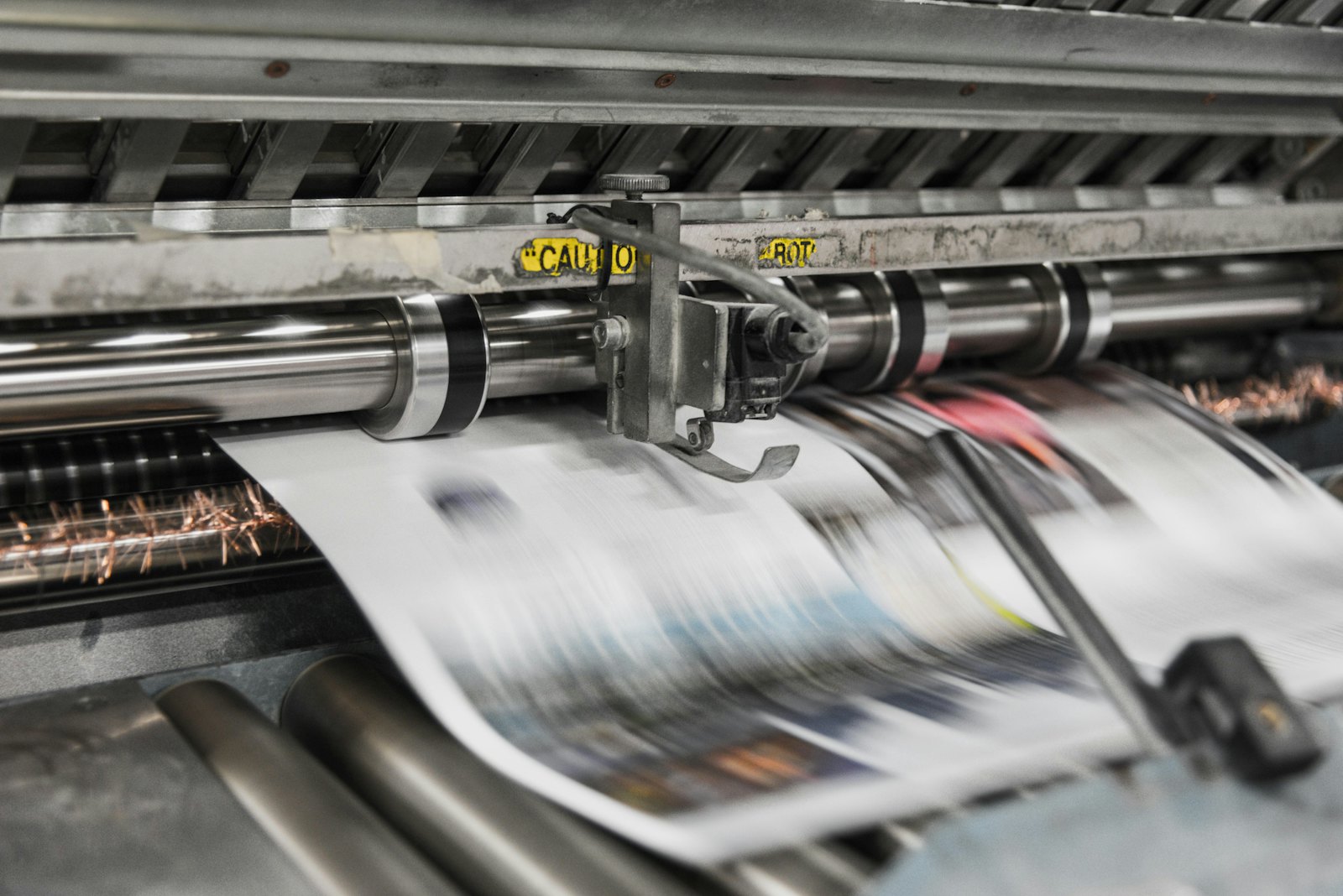 Every plate carries its own layer of ink; total ink coverage is the sum of those four layers.
What is total ink coverage?
Every color in a CMYK file is a mix of four inks. A dark blue area of 100% cyan, 80% magenta, 20% yellow and 40% black has a total ink coverage of 240%. Black alone (0/0/0/100) is 100%. A so-called rich black such as 60/50/50/100 comes to 260%.
The higher the total ink, the more moisture and ink the paper has to absorb. That's why many printers put a limit in their requirements, often called 'TAC' or 'total ink coverage'.
Which ceiling do printers ask for?
Printer or product | Ceiling | Source and note |
|---|---|---|
Janssen/Pers (coldset, newspapers) | 240%, preferably 220% | delivery specification (page in Dutch), profile WAN-IFRAnewspaper26v5 |
IngramSpark (color) | 240% | File Creation Guide 8.24.26 |
Lulu (interior) | 270% | 'TAC never higher than 270%' |
Drukwerkdeal and Printdeal | 280% | 'Bestanden opmaken' (preparing files; pages in Dutch) |
Print.com (perfect-bound brochures) | 280% | brochures product page |
Gelato | 280 as a preference for rich black | no hard limit stated |
Pumbo | 300% | profile ISO Coated v2 300% |
Note: a standard ISO Coated v2 (Fogra 39) allows 330% ink. That's more than any ceiling in this table, so converting to that profile alone is never enough. For which profile fits, read which color profile your printer wants. For newspapers: delivering a newspaper ad at 240% ink.
Why doesn't converting to CMYK meet the ceiling by itself?
A conversion with a press profile (for example RGB to CMYK) recalculates colors to the press's inks. The profile describes the press, but it doesn't cap the sum for every color in your file. In our measurements, files still came out at 285 to 359% ink after such a conversion, when the target was 280%.
Two things often cause this:
Printer marks in 'All'. Crop marks in the registration color (Separation /All) count as 400%, because a RIP puts that tint on all four plates. This was present in five of six real files.
ICC gray. A colored gray defined through a profile can be converted by a RIP into rich CMYK ink. In one measurement that gave almost 296% on a page that consisted of gray only.
How do you check total ink coverage?
In your design software: most programs show the ink per pixel or have a preflight check with a TAC limit.
With a preflight in Acrobat Pro: Print.com itself points to that for checking.
With our check: the free print-ready check shows color space, fonts and PDF/X status, but doesn't measure total ink coverage.
What does PDFengine do about it?
Print-ready PDF is getting an option called 'Maximum ink coverage'. It works in the PDF/X-4 route, limits the total ink and then measures the final file again. We're starting with 280%; 270% and 240% follow once they are validated.
What we measured: after limiting, all fully covered test files came out at 278 to 280% with a target of 280%, and around 239% with a target of 240%. Printer marks in 'All' are limited so they stay visible (at 280%, to about 70% per plate). ICC gray is converted to pure black.
What the option doesn't do:
Overprint and blend modes: overlapping objects add up ink, and that can't be measured. You don't get such a file back; you get an explanation asking you to turn overprint off or flatten it.
RGB colors that are actually used: here too, we don't deliver a file without an explanation.
Color and size: at 240%, dark, saturated tints can change noticeably. Limited photos can become larger than the original (up to 4.4 times on one test file).
PDF/X-1a or X-3: the option doesn't work with those versions. If your printer asks for PDF/X-1a or X-3 and a ceiling (for example IngramSpark), you have to handle the ceiling in your own software.
We don't deliver a file that can't demonstrably meet the ceiling. Better no file than a file your printer rejects.
Frequently asked questions
What is total ink coverage (TAC)?
The sum of the cyan, magenta, yellow and black percentages at one spot in your design, with a theoretical maximum of 400%. Printers set a ceiling to prevent smearing and drying problems.
What total ink coverage is best for coated paper?
Your printer decides. At the printers we checked, the ceiling was between 240 and 300%: 280% at Drukwerkdeal, Printdeal and Print.com brochures, 270% at Lulu and 300% at Pumbo. Ask if it isn't in the requirements.
Is a higher ceiling always better?
No. A higher ceiling allows more ink, but the printer sets the ceiling because more ink increases the chance of smearing and poor drying. Stay under the limit your printer names.
Does converting to ISO Coated v2 automatically reach 280%?
No. The standard profile allows 330%, and a conversion doesn't limit the sum for every color. In our measurements, files still came out above 280%.
What is a rich black and how much ink does it use?
Rich black is black with extra color underneath for a deeper black in large areas, for example 60/50/50/100 (260% total). Body text stays 100% K at most printers, with no extra color.
Where to go from here
Start with the print-ready check for color space and fonts, and look up which ceiling your printer applies. Once the option is live, limit the ink in Print-ready PDF. PDFengine is not affiliated with the printers named here, and they have not approved these tools.
Sources and verification
Ceilings checked on October 9, 2026 on the printers' own file-preparation pages (see the per-printer blogs). Measurement results: our own measurements of October 10, 2026 on test files and six real files, using the paid pdfRest key; measured on the final file. No independent certification.
Related Articles

How to deliver a newspaper ad PDF: the 240% ink limit, ISOnewspaper26v4 and GWG2015 explained
Your newspaper wants GWG2015, ISOnewspaper26v4 and max 240% ink. Here is what that means, why a prof...

Can ChatGPT, Claude or Gemini Convert Email to PDF? What AI Can (and Can't) Do
No AI assistant can natively convert .eml or .msg to PDF. But Claude + MCP bridges the gap — here's...