
Amazon KDP PDF requirements: how to save your manuscript with bleed
Founder, PDFengine

If your book has images or elements that run to the page edge, you have to upload the manuscript to Amazon KDP as a PDF. The file has the trim size plus bleed: 0.125 inch (3.2 mm) beyond the trim line on the top, bottom and outside edge. KDP wants single pages, embedded fonts and images of at least 300 dpi, and it prefers PDF/X-1a.
This draft only covers the manuscript. The page we checked says nothing about the cover file itself, so the cover stays outside this article. The requirements come from the KDP help page "Save Your Manuscript File", checked on October 9, 2026.
Key takeaways
Without bleed you may also upload DOC, DOCX, RTF, HTML or TXT; with bleed it has to be a PDF.
Bleed: 0.125 inch (3.2 mm) on the top, bottom and outside edge.
Single pages, no spreads or 2-up files.
Fonts embedded, preferably in full rather than as a subset.
Images at least 300 dpi, transparency flattened, downsampling off, file not locked or encrypted.
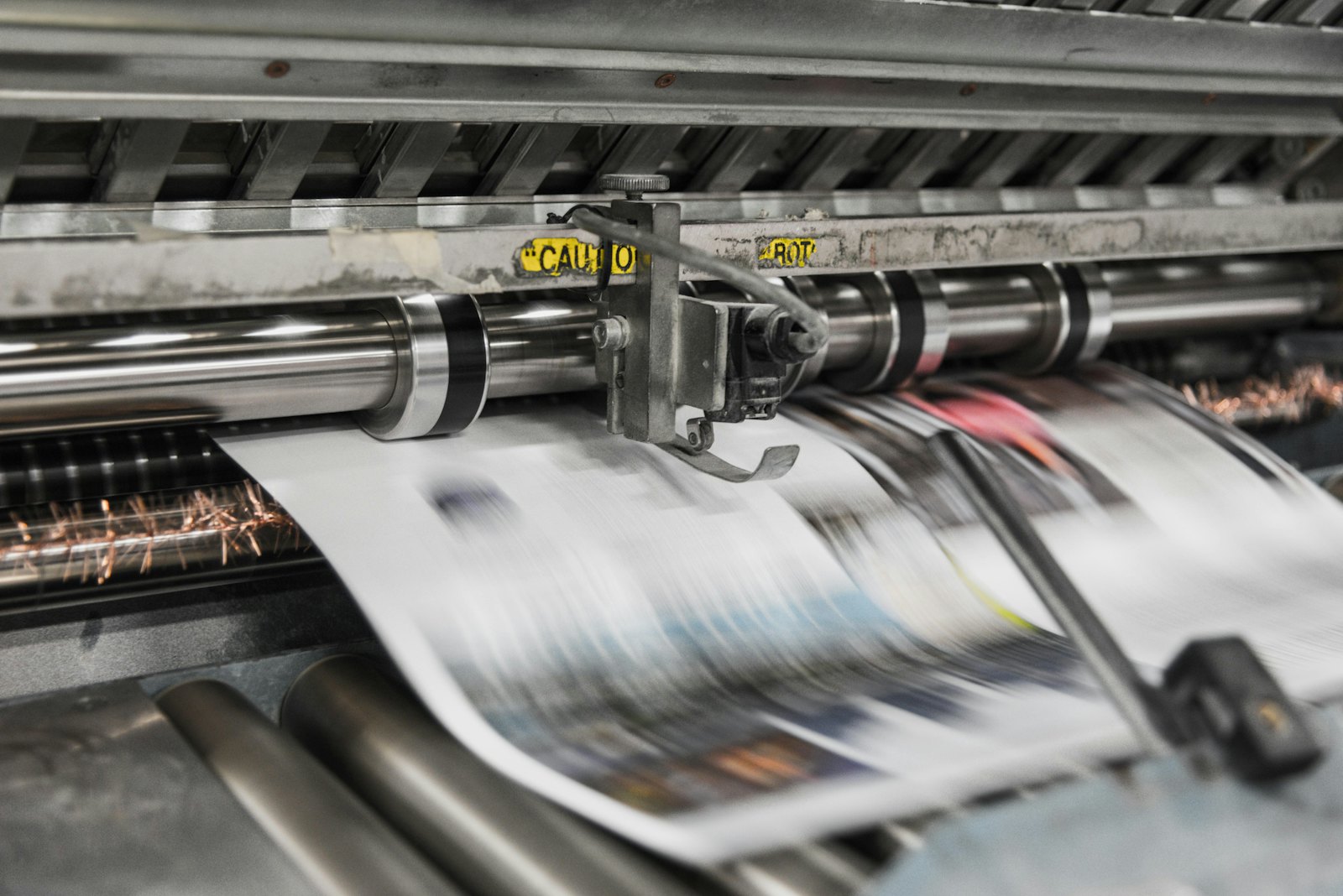 Presses print in CMYK, which is why RGB files shift in color.
When does it have to be a PDF?
KDP says you must upload the manuscript as a PDF if your book has images or elements that extend to the edges of the page. If you don't need bleed, KDP also accepts DOC, DOCX, RTF, HTML and TXT and converts them to PDF itself. For Japanese, Hebrew, Latin and Yiddish, only PDF is allowed.
What does KDP ask of the PDF?
Topic | What KDP says |
|---|---|
Page size | Trim size plus bleed, if you use bleed |
Bleed | Content that runs to the edge must extend 0.125 inch (3.2 mm) past the trim line, on the top, bottom and outside |
Pages | Single pages, no spreads or 2-up; even page numbers on the left, odd on the right |
PDF type | "PDF/X-1a is preferred"; non-PDF/X files such as PDF/A can lose formatting or notes |
Fonts | Embed all fonts; embedding in full is preferred over subsets |
Images | At least 300 dpi; flatten transparent objects and layers |
Downsampling | Turn it off |
Security | Don't lock or encrypt the file |
Blank pages | At most four in a row at the start or in the middle, and at most ten at the end |
KDP rounds the page count up to an even number. According to the page, spine text requires at least 79 pages. Concrete margin sizes are not on this page; for trim size, bleed and margins KDP points to another help page, which we did not check. The page does not mention color space or color profile.
What can you do with PDFengine?
KDP requirement | What you can do with PDFengine |
|---|---|
Checking | The free Print-ready check shows color space, fonts and PDF/X status |
Bleed | Print-ready PDF has a quick value "0.125 inch" that sets 3.175 mm of bleed, and with "Spine side (books)" it leaves the inside edge without bleed. It only sets up the area and the boxes; it does not draw any image into the bleed, so if your design doesn't run to the edge, you have to fix that in your design app |
Fonts | Embed fonts embeds available fonts. Whether that happens in full or as a subset is not known to us; check that in the check |
PDF/X-1a | In Print-ready PDF you pick PDF/X-4, PDF/X-1a or PDF/X-3 under the "PDF/X version" option. With X-1a and X-3, transparency is flattened and your file may look different; the tool warns you about that. With X-1a only CMYK, grey and spot colors remain. There is no external certification: PDFengine checks the properties of the result itself. |
Flattening transparency | Choosing PDF/X-1a or PDF/X-3 flattens transparency; we have no separate function for that |
Frequently asked questions
Does my KDP manuscript have to be PDF/X-1a?
KDP writes "preferred": it is a preference, not a hard requirement. According to KDP, PDF/A files can lose formatting or notes.
How much bleed does KDP ask for?
0.125 inch, or 3.2 mm, on the top, bottom and outside edge. KDP doesn't mention the inside edge.
Can I upload a Word file?
If your book has no bleed, yes. KDP accepts DOC, DOCX and more and converts it.
Can my PDF have a password?
No. KDP says you shouldn't lock or encrypt the files.
Where to go next
Check your file with the Print-ready check. For general background, read the complete guide to a print-ready PDF. PDFengine is not affiliated with Amazon, and Amazon has not approved these tools.
Sources and verification
Checked on October 9, 2026:
Save Your Manuscript File (KDP Help), no date shown on the page
Related Articles

How to deliver a newspaper ad PDF: the 240% ink limit, ISOnewspaper26v4 and GWG2015 explained
Your newspaper wants GWG2015, ISOnewspaper26v4 and max 240% ink. Here is what that means, why a prof...

Can ChatGPT, Claude or Gemini Convert Email to PDF? What AI Can (and Can't) Do
No AI assistant can natively convert .eml or .msg to PDF. But Claude + MCP bridges the gap — here's...