
Lulu PDF requirements: 0.125 inch bleed, no crop marks and at most 270% ink
Founder, PDFengine

For the interior, Lulu asks for a PDF with one page per PDF page, 0.125 inch bleed, embedded fonts, flattened transparency and images at 300 ppi. Crop marks and bleed marks must not be in it. For color, a total ink coverage of at most 270% applies.
The requirements come from Lulu's Help page "PDF Creation Settings" (last modified on September 25, 2026), checked on October 9, 2026. The cover has its own page, see below. Lulu publishes both pages in English and uses inches; the conversions to mm are ours.
Key takeaways
One page per PDF page; the first page falls on the right in the book.
Pages have the book size including bleed: for a 6 × 9 inch book that is 6.25 × 9.25 inches.
Bleed: 0.125 inch (3.175 mm). No crop marks or bleed marks.
TAC at most 270%; solid blacks at 100% K with no extra colors.
No password or security on the PDF.
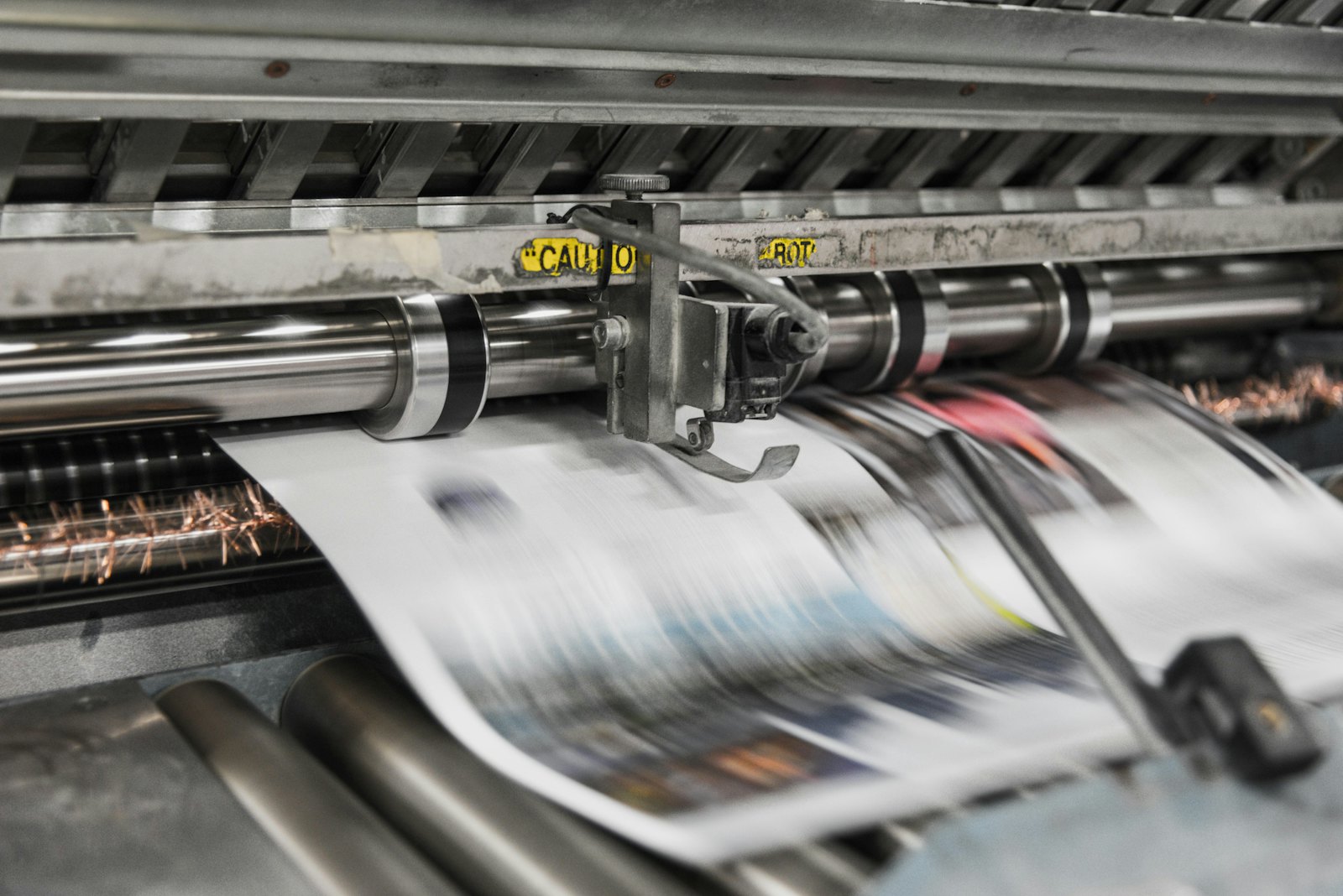 Presses print in CMYK, which is why RGB files shift in color.
What does Lulu ask of the interior?
Topic | What Lulu says |
|---|---|
Layout | One page per PDF page (no spreads); odd pages fall on the right |
Page size | Book size plus bleed, for example 6.25 × 9.25 inches for 6 × 9 inches |
Bleed | 0.125 inch; the page only mentions inches |
Crop marks | Don't include them (trim and bleed marks) |
Fonts | Embed them, or convert to outlines |
Images | 300 ppi |
Transparency | Flatten all transparent layers and vector objects |
Color space | Lulu's printers use sRGB and CMYK; the printers prefer sRGB; export in the color space you created the file in |
Ink coverage | TAC never higher than 270%; solid blacks 100% with no extra colors; avoid tints below 20% |
Margins | 0.50 inch safety margin and at least 0.20 inch gutter on the inside edge |
Security | No password or other protection |
On this page, Lulu doesn't mention a PDF/X variant, a PDF version or a maximum file size. Lulu offers a job options file for the interior as a download; we could not check its contents.
And the cover?
For the cover, Lulu has its own page ("Upload your cover file", last modified on June 11, 2026). It says:
One page with back cover, spine and front cover together, with the back cover first in the file.
0.125 inch bleed, included in the page size.
No trim, bleed or margin lines in the file.
0.5 inch safety margin for all content.
Images of at least 300 and at most 600 ppi; Lulu rasterizes vector graphics.
Fonts embedded, transparency flattened and no password protection.
The cover page doesn't mention total ink coverage; the 270% appears only on the page for the interior. The spine width is not on the page itself: Lulu refers to its Book Creation Guide.
What can you do with PDFengine?
Lulu requirement | What you can do with PDFengine |
|---|---|
Checking | The free Print-ready check shows color space, fonts and PDF/X status |
Fonts embedded | Embed fonts embeds available fonts |
0.125 inch bleed | Print-ready PDF has a quick value "0.125 inch" that sets 3.175 mm of bleed, and with "Spine side (books)" it leaves the inside edge without bleed. It only sets up the area and the boxes and doesn't draw any image into the bleed |
No crop marks | In Print-ready PDF you turn crop marks off |
270% ink | The "Maximum ink coverage" option in Print-ready PDF starts at 280%, which is more than Lulu's 270%. 270% follows once it has been validated; until then you can't use the option for this. It also works in the PDF/X-4 route, not in X-1a or X-3. Converting to a print profile alone is no guarantee: in our measurements, files still came out at 285 to 359% ink afterwards. So limit it in your own software. |
Flattening transparency | That happens as a side effect with PDF/X-1a or PDF/X-3 in Print-ready PDF, but that route also makes the file CMYK-only (X-1a) and the tool warns that the appearance may change. Lulu itself doesn't ask for PDF/X, so only use this if you can't do the flattening in your design app |
Color space | With RGB to CMYK you convert color. Lulu itself prefers sRGB, so converting isn't always needed |
In short: the check and embedding fonts help, and flattening is possible with a detour. For now, the 270% ink limit is something you handle in your own software.
Frequently asked questions
How much bleed does Lulu ask for in millimeters?
Lulu gives 0.125 inch. That is 3.175 mm. The checked page doesn't give a millimeter value.
Does Lulu want RGB or CMYK?
Both work; the page says the printers prefer sRGB. What matters more: total ink coverage may never be higher than 270%.
Should my Lulu PDF have crop marks?
No, the opposite. Lulu says you shouldn't include trim or bleed marks.
Does Lulu need PDF/X?
The checked page contains no PDF/X requirement.
Can I reach 270% ink at Lulu with PDFengine?
Not yet. The maximum ink coverage option starts at 280%, which is above Lulu's 270%. 270% follows after validation. Not automatically. Converting with a print profile such as ISO Coated v2 or PSO Coated gives you the right color space, but doesn't limit the total ink. In our measurements, files came out at 285 to 359% ink after that conversion. Printer marks in the color "All" (registration) also count for 400%, because a RIP puts them on all four plates. That is why PDFengine has a separate option for maximum ink coverage. Read what total ink coverage is.
Where to go next
Check your file with the Print-ready check. PDFengine is not affiliated with Lulu, and Lulu has not approved these tools.
Sources and verification
Checked on October 9, 2026:
PDF Creation Settings (Lulu Help Center), modified September 25, 2026
Upload your cover file (Lulu Help Center), modified June 11, 2026
Related Articles

How to deliver a newspaper ad PDF: the 240% ink limit, ISOnewspaper26v4 and GWG2015 explained
Your newspaper wants GWG2015, ISOnewspaper26v4 and max 240% ink. Here is what that means, why a prof...

Can ChatGPT, Claude or Gemini Convert Email to PDF? What AI Can (and Can't) Do
No AI assistant can natively convert .eml or .msg to PDF. But Claude + MCP bridges the gap — here's...