
Submitting a print-ready PDF to Onlineprinters: PDF/X-4:2010, 2 mm bleed and CMYK
Founder, PDFengine

Onlineprinters recommends that, where possible, you export your print data as PDF/X-4:2010. You create it at 1:1 in CMYK, with 2 mm (0.08 in) bleed, a 4 mm (0.16 in) safety margin and at least 300 dpi, unless the data requirements of your product say otherwise. You embed fonts or convert them to outlines, and the PDF has no password or restrictions.
The requirements come from the help page "Creating a PDF" (part of Print data) on the Dutch site Onlineprinters.nl, checked on October 9, 2026. The page is in Dutch and shows no date; we did not check whether the same requirements apply on Onlineprinters' sites for other countries. Product-specific requirements are listed under "Data requirements" on the product pages; those were not checked.
Key Takeaways
PDF/X-4:2010 "where possible"; scale 1:1; CMYK.
Bleed 2 mm (0.08 in) and safety margin 4 mm (0.16 in), unless the product states otherwise.
At least 300 dpi, unless stated otherwise.
Embed fonts fully or as a subset, or convert them to outlines.
No security or password; all pages the same size and aligned the same way.
For catalogs and brochures, one PDF with multiple pages is preferred.
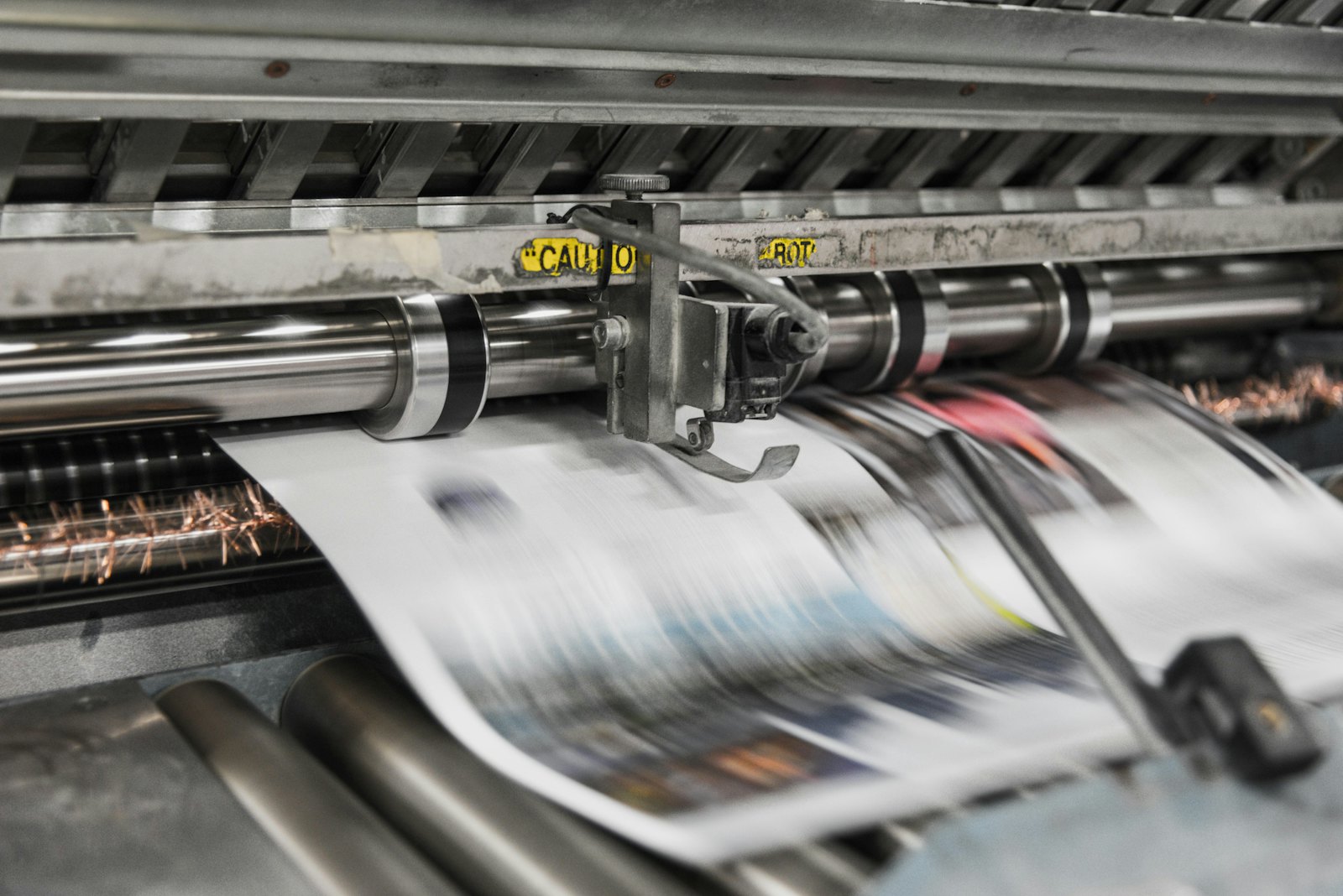 Printing presses print in CMYK, which is why RGB files shift in color.
What does Onlineprinters ask?
Topic | What the page says |
|---|---|
PDF standard | "Select, where possible" PDF/X-4:2010 |
Scale | Original size, 1:1 |
Color mode | CMYK |
Color profile | Matched to product and paper or other material; the page does not name a specific profile |
Bleed | 2 mm (0.08 in), unless stated otherwise |
Safety margin | 4 mm (0.16 in), unless stated otherwise |
Resolution | At least 300 dpi, unless stated otherwise |
Fonts | Embed fully or as a subset, or convert to outlines |
Transparency | Use CMYK for transparent gradients |
Pages | All the same in size and alignment |
Security | No restrictions or security settings, no password |
Multiple pages | For catalogs and brochures, one PDF with multiple pages |
Not mentioned on this page: crop marks, rich black, a maximum ink coverage, a maximum file size and the page boxes. If you want to know the color profile, look at the data requirements of your product.
What can you do with PDFengine?
Onlineprinters requirement | What you can do with PDFengine |
|---|---|
Checking | The free print-ready check shows color space, fonts and PDF/X status |
PDF/X-4 | Convert to PDF/X-4 makes PDF/X-4. Which edition (2008 or 2010) the file declares was not checked. Paid tool, not externally certified |
CMYK and profile | The tool converts RGB and existing CMYK to one of our print profiles (including FOGRA51 and FOGRA52). Which profile fits your product is in the product's data requirements |
2 mm bleed | Print-ready PDF sets up 2 mm: bleed can be any number from 0 to 10 mm. It only sets up the bleed area and does not draw any image into it |
Fonts | Embed fonts embeds available fonts. We do not convert to outlines |
No security | You arrange that when exporting in your design program |
Frequently asked questions
Is PDF/X-4:2010 required at Onlineprinters?
The page says "where possible", so it is a recommendation.
How much bleed do I need?
2 mm (0.08 in), unless your product states otherwise. That is less than the 3 mm that many other printers ask for.
Which color profile do I choose?
The page names no profile, only that it must be matched to product and paper. Look at the data requirements of your product. More explanation in which colour profile your printer wants.
Are crop marks allowed?
The page we checked says nothing about that. Look at the data requirements of your product or ask.
Where to go from here
Start with the print-ready check. PDFengine is not affiliated with Onlineprinters and Onlineprinters has not approved these tools.
Sources and verification
Checked on October 9, 2026:
Creating a PDF (Onlineprinters, Print data) (page in Dutch), no date on the page
Not opened: the product pages with "Data requirements" (for the flyer page, the research timed out)
Related Articles

How to deliver a newspaper ad PDF: the 240% ink limit, ISOnewspaper26v4 and GWG2015 explained
Your newspaper wants GWG2015, ISOnewspaper26v4 and max 240% ink. Here is what that means, why a prof...

Can ChatGPT, Claude or Gemini Convert Email to PDF? What AI Can (and Can't) Do
No AI assistant can natively convert .eml or .msg to PDF. But Claude + MCP bridges the gap — here's...