
Vistaprint PDF requirements: 0.125 inch bleed, CMYK and 300 DPI, per product template
Founder, PDFengine

Vistaprint asks for a print-ready PDF with bleed (commonly 0.125 inch), CMYK color, images at 300 DPI at final size and fonts that are embedded or outlined. What the guides do not give is one fixed set of numbers: Vistaprint says to check the exact requirements of your product and start from its template.
These requirements come from four Vistaprint guide pages, checked on October 12, 2026 (see the sources at the bottom). Vistaprint does not publish one specification page for all products. Vistaprint uses inches in the US; the millimeter conversions are ours.
Key takeaways
Bleed: 0.125 inch (3.175 mm) is the common value, but the guides say to check the product requirements.
Safe zone: it varies per page and product: 0.125 inch (3.175 mm) for business cards, 0.25 inch (6.35 mm) for posters.
Color: CMYK where your design tool allows it. The business card guide mentions Coated FOGRA39 and GRACoL2006 as profiles to confirm with the printer.
Images: 300 DPI at final printed size for standard print projects; posters may go lower (150 to 250 DPI).
Fonts embedded or outlined, and no password or printing restrictions on the PDF.
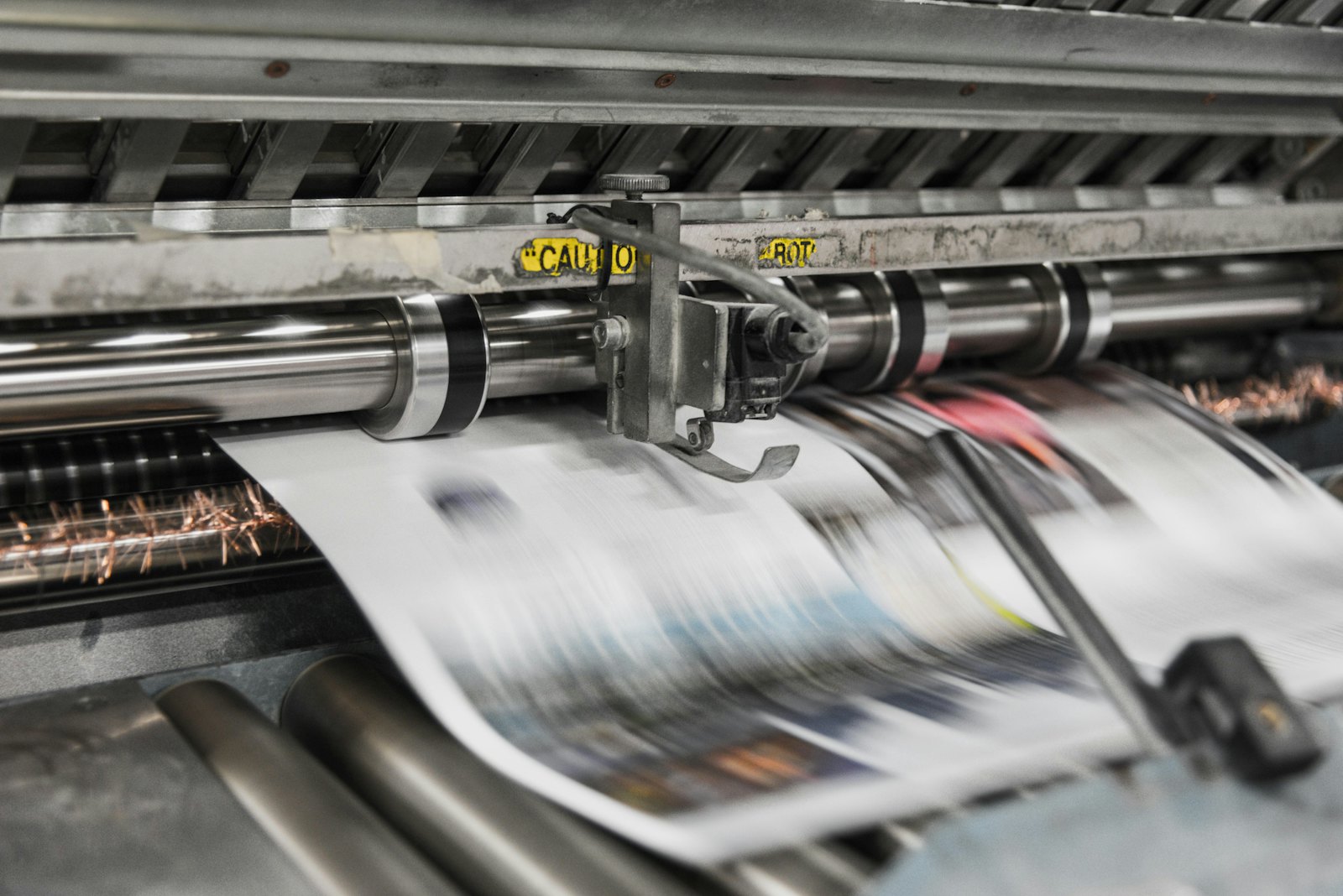 Presses print in CMYK, which is why RGB files shift in color.
What does Vistaprint ask of the PDF?
Topic | What the Vistaprint guides say |
|---|---|
Bleed | 0.125 inch (3.175 mm) on each side is "common"; check the exact product requirements before uploading. Example: a 3.5 × 2 inch (88.9 × 50.8 mm) card becomes 3.75 × 2.25 inches (95.25 × 57.15 mm) with bleed |
Safe zone | Business cards: 0.125 inch (3.175 mm) inside the trim, so 3.25 × 1.75 inches (82.55 × 44.45 mm). Posters: text, logos and QR codes at least 0.25 inch (6.35 mm) inside; about 0.5 inch (12.7 mm) for framed posters |
Color | CMYK. Small black text 0/0/0/100; a rich black example is 60/40/40/100 (200% in total). Avoid setting every channel to 100% |
Images | 300 DPI minimum at printed size. Large posters: 150 to 250 DPI. Vector logos preferred |
Fonts | Embed them or convert to outlines |
File format | PDF is usually best. The business card guide says to use PDF/X-1a when requested and that some printers prefer PDF/X-4, which keeps transparency. The poster guide also accepts SVG and Adobe Illustrator (.ai) |
PDF settings | No password or printing restrictions; remove template guides; one design per page or side; matching page sizes for double-sided cards |
Crop marks | Only when the uploader or printer requests them; "not required for every order" (business card guide) |
Special finishes | Foil, spot UV or raised print: vector shapes in 100% solid K, no gradients, shadows or partial transparency |
What do the guides not say?
Across the pages we read, Vistaprint does not mention:
a maximum total ink coverage (TAC);
a fixed PDF/X version for every product, or whether PDF/X-4 is accepted;
a maximum file size (the business card guide says to check the uploader's limit);
rules for transparency flattening, other than the advice for finishes above;
one bleed or safe zone value that holds for all products.
Two of the pages also disagree with themselves. The poster guide gives a 0.25 inch margin in its text but lists a safety size of 23.84 × 35.84 inches for a 24 × 36 inch poster, which is only about 0.08 inch (2 mm) per side. Another guide's text says 0.125 inch bleed and safe zone, while its business card table implies about 0.0625 inch per side. So start from the template of your product and let that win.
What can you do with PDFengine?
Vistaprint requirement | What you can do with PDFengine |
|---|---|
Checking | The free Print-ready check shows color space, fonts and PDF/X status |
Fonts embedded | Embed fonts embeds available fonts |
Bleed | Print-ready PDF has a quick value "0.125 inch" that sets 3.175 mm of bleed. It only sets up the area and the boxes and doesn't draw any image into the bleed. There is no Vistaprint preset: take the value from your product template |
PDF/X-1a or PDF/X-4 when requested | PDF to PDF/X lets you choose the PDF/X version. It does not give a certified PDF/X result |
Color space | With RGB to CMYK you convert color. Check the result in the preview and proof |
Crop marks | In Print-ready PDF you can turn crop marks on or off, so you can follow what your order asks for |
Ink limit | Vistaprint states none in these guides. The "Maximum ink coverage" option in Print-ready PDF starts at 280% and works in the PDF/X-4 route |
PDFengine does not resize artwork to a product template and does not extend a background into the bleed. If your file has no bleed, add it in your design app.
Frequently asked questions
How much bleed does Vistaprint ask for in millimeters?
The guides give 0.125 inch as the common value. That is 3.175 mm. Vistaprint says to check the exact requirement for your product.
Does Vistaprint want RGB or CMYK?
The guides say CMYK where your design tool allows it. The business card guide mentions Coated FOGRA39 and GRACoL2006 as profiles to confirm.
Should my Vistaprint PDF have crop marks?
Only if the uploader or printer asks for them. The business card guide says they are not required for every order.
Does Vistaprint need PDF/X?
The business card guide says to use PDF/X-1a when requested and that some printers prefer PDF/X-4. We found no page that makes one PDF/X version mandatory for every product.
Can I check my PDF for Vistaprint with PDFengine?
You can check color space, fonts and PDF/X status with the Print-ready check. PDFengine does not know your product template, so compare page size and bleed with that template yourself.
Where to go next
Check your file with the Print-ready check, or read the complete guide to a print-ready PDF. PDFengine is not affiliated with Vistaprint, and Vistaprint has not approved these tools.
Sources and verification
Checked on October 12, 2026:
Related Articles

How to deliver a newspaper ad PDF: the 240% ink limit, ISOnewspaper26v4 and GWG2015 explained
Your newspaper wants GWG2015, ISOnewspaper26v4 and max 240% ink. Here is what that means, why a prof...

Can ChatGPT, Claude or Gemini Convert Email to PDF? What AI Can (and Can't) Do
No AI assistant can natively convert .eml or .msg to PDF. But Claude + MCP bridges the gap — here's...