
Drukwerkdeal and Printdeal PDF requirements: PDF/X-4, Fogra 39 and 280% maximum ink
Founder, PDFengine

Drukwerkdeal and Printdeal both ask for a PDF exported as PDF/X-4:2008 with the Fogra 39 color profile. You supply it without crop marks, embed your fonts and flatten all layers. Total ink coverage (the sum of cyan, magenta, yellow and black) must never be higher than 280%.
The help pages of the two sites are nearly identical, and the footer of both names "Printdeal B.V." as copyright holder. That's why everything is in one post. The requirements come from the pages "Bestanden drukklaar maken" ("Preparing files for print") and "Bestanden opmaken" ("Formatting files") of Drukwerkdeal (Netherlands) and Printdeal (Belgium), checked on October 9, 2026. All of these pages are in Dutch, and none of them shows a date. We only checked these pages, so don't assume the same requirements apply to other sites or countries of these printers.
Key takeaways
PDF/X-4:2008 with Fogra 39; no crop marks or other printer marks.
Total ink coverage at most 280%; tints at least 10%.
Embed fonts; for unusual or self-made fonts, convert to outlines.
Text in 100% black (K), rich black for large areas (example: C50 M40 Y40 K100).
The bleed in mm and the minimum resolution are not on these pages; they are in the info sheet for your product.
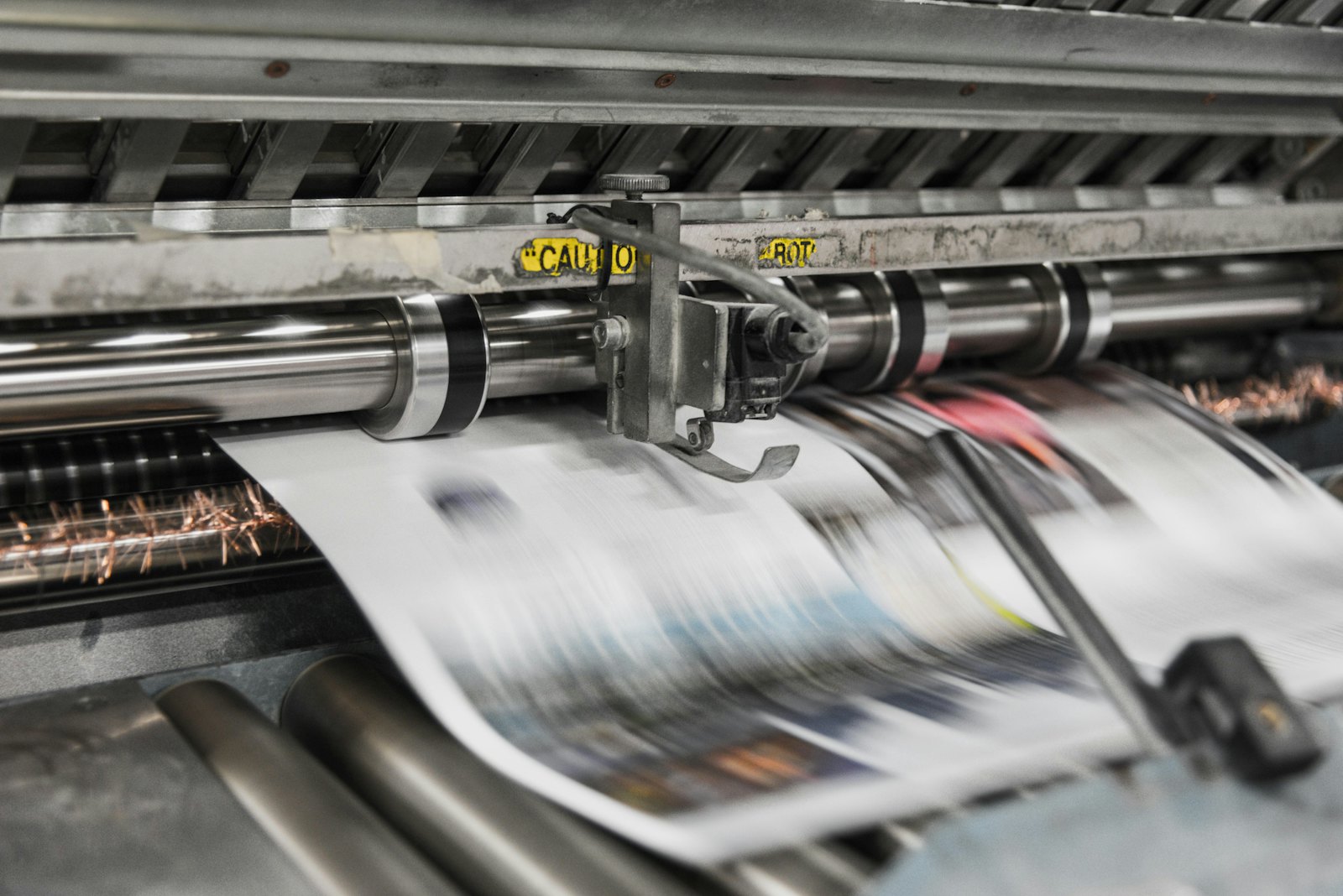 Presses print in CMYK, which is why RGB files shift in color.
What do Drukwerkdeal and Printdeal ask for in your PDF?
Topic | What the pages say |
|---|---|
File type | PDF; Word, PowerPoint and Excel are not suitable for professional printing |
PDF/X | PDF/X-4:2008 ("always choose"; elsewhere "usually the best to process") |
Color profile | Fogra 39 |
Color space | RGB is not suitable; RGB files are converted automatically, which can cause color differences. Design in CMYK (or PMS) |
Ink coverage | Total CMYK coverage never higher than 280%; higher values can cause smudges |
Tints | At least 10% coverage, otherwise the color drops out |
Black | Text always 100% K. Rich black for large areas, example C50 M40 Y40 K100 |
Crop marks | Supply without crop marks or other printer marks |
Trim margin | Must be clearly visible in the PDF; the pages don't give a value in mm |
Fonts | Embed when exporting; for exotic or self-made fonts, convert to outlines |
Layers | Merge all layers before you make the PDF, including invisible ones |
Overprint | Check for it; white must never be set to overprint |
Spot colors (PMS) | At most four, depending on your order |
What isn't there: the bleed in mm, a number for the minimum resolution (it is in the info sheet for your product) and a requirement about transparency. For more detail, the pages refer to "Aanleverspecificaties" (delivery specifications) and to the product's info sheet; we haven't checked those.
What can you do with PDFengine?
Requirement | What you can do with PDFengine |
|---|---|
Checking | The free print-ready check shows color space, fonts and PDF/X status |
PDF/X-4 with Fogra 39 | Convert to PDF/X-4 converts RGB and existing CMYK to Fogra 39 and adds the profile as the output intent. The pages say "PDF/X-4:2008"; we haven't checked which edition our tool declares. Paid tool, not externally certified |
No crop marks | In Print-ready PDF you turn crop marks off |
Fonts | Embed fonts embeds the fonts that are available. We don't convert fonts to outlines |
Maximum 280% | The "Maximum ink coverage" option in Print-ready PDF limits total ink to 280% and measures the final file again. It works in the PDF/X-4 route. If PDFengine can't show that the ceiling has been met (for example with overprint, blend modes or RGB colors that are actually used), you get an explanation instead of a file. Converting to a press profile alone is no guarantee: in our measurements, files still came out at 285 to 359% ink afterwards. Limited photos can become larger than the original. Check the result yourself. |
Bleed | Read the info sheet for your product first. Print-ready PDF sets up any bleed from 0 to 10 mm, but doesn't draw any image into it |
Merging layers | You do that in your design program |
Frequently asked questions
Is PDF/X-4 mandatory at Drukwerkdeal and Printdeal?
The pages say "always choose PDF/X-4:2008" and elsewhere call it "usually the best to process". They don't name any other PDF/X variant.
Which color profile do I use?
Fogra 39. That is the same as ISO Coated v2. Read which color profile your printer wants. Note: the standard variant of ISO Coated v2 allows 330% ink, more than the 280% these printers name.
How much bleed do I need?
That isn't on the help pages we checked. Look in the info sheet for your product.
My file has RGB images. Is that a problem?
The sites say RGB is not suitable and that they convert it automatically, with possible color differences. So convert it yourself and check the result.
Is Fogra 39 enough to stay under 280% ink?
No. Fogra 39 (ISO Coated v2) allows 330% ink in the standard variant, and converting to that profile doesn't limit ink. Not automatically: converting with a press profile such as ISO Coated v2 or PSO Coated gives you the right color space, but doesn't limit total ink. In our measurements, files came out at 285 to 359% ink after that conversion. Printer marks in the color "All" (registration) also count as 400%, because a RIP puts them on all four plates. That is why PDFengine has a separate option for maximum ink coverage. Read what total ink coverage is.
Next steps
Start with the print-ready check. PDFengine is not affiliated with Drukwerkdeal or Printdeal, and they haven't approved these tools.
Sources and verification
Checked on October 9, 2026, with no publication date on the pages:
Related Articles

How to deliver a newspaper ad PDF: the 240% ink limit, ISOnewspaper26v4 and GWG2015 explained
Your newspaper wants GWG2015, ISOnewspaper26v4 and max 240% ink. Here is what that means, why a prof...

Can ChatGPT, Claude or Gemini Convert Email to PDF? What AI Can (and Can't) Do
No AI assistant can natively convert .eml or .msg to PDF. But Claude + MCP bridges the gap — here's...