
Submitting a print-ready PDF to Flyeralarm: PDF/X-4, ISO Coated v2 300% and bleed
Founder, PDFengine

Since an update in 2025, Flyeralarm recommends always using PDF/X-4; PDF/X-3:2002 with PDF 1.3 was previously the default in the same guide. For printed matter the color profile is ISO Coated v2 300%, for promotional products ISO Coated v2. You do not put crop marks in, and the bleed is listed per product in the product data.
The requirements below come from Flyeralarm's Dutch-language guide on making a printable PDF with InDesign, checked on October 9, 2026. The guide dates originally from 2017 and was supplemented in 2025. We only checked this Dutch-language guide, so always look at Flyeralarm's own product data for your product.
Key Takeaways
PDF/X-4 has been the recommendation since 2025; for clothing and cotton bags it has applied for longer.
Printed matter: ISO Coated v2 300%. Promotional products: ISO Coated v2.
No crop marks or other marks in the file.
Bleed differs per product, usually 1 to 2 mm (0.04 to 0.08 in) all around, and is listed in the product data.
Deliver single pages, not printer spreads, and do not put a password on the PDF.
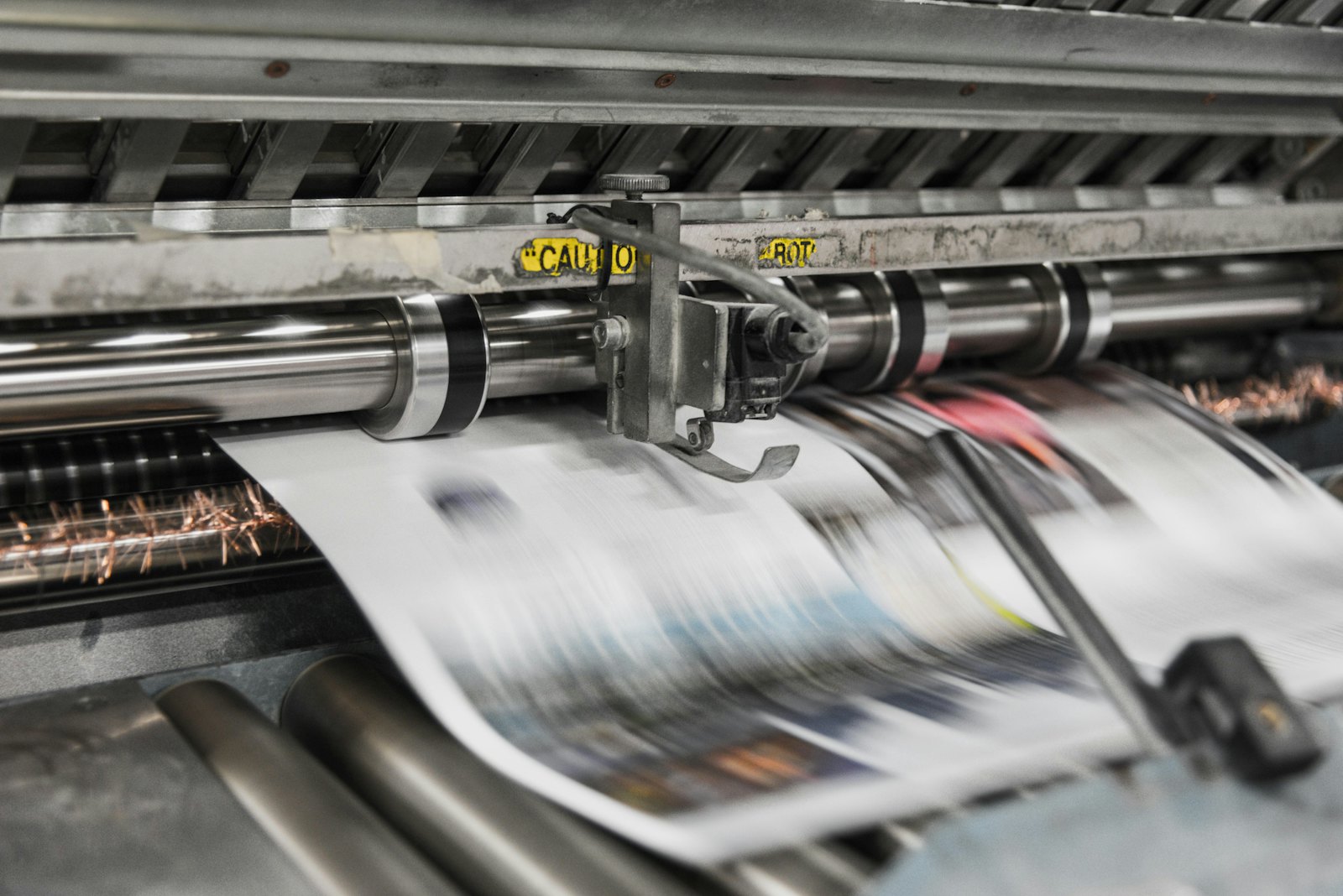 Printing presses print in CMYK, which is why RGB files shift in color.
Which PDF/X variant does Flyeralarm want?
The guide describes two stages. In the original text, you choose PDF/X-3:2002 with PDF 1.3 as compatibility. A separate exception in the guide covers data for printing on clothing or cotton bags: those must be exported as PDF/X-4. Below that is the 2025 update: Flyeralarm now recommends always using PDF/X-4.
You can read more background in which colour profile your printer wants and in our explanation of output intent versus color conversion.
Which color profile goes with it?
According to the guide, you choose "ISO Coated v2 300%" for printed matter and "ISO Coated v2" for promotional products. The 300% is in the profile name. The guide names no separate ink limit beyond that.
Are crop marks allowed?
No. In the export step, the guide says to use the document's bleed settings and that none of the marks may be ticked. Pumbo asks for the opposite, see Submitting a print-ready PDF to Pumbo. So check this per printer.
How much bleed do you need?
That depends on the product. The guide says "usually 1 to 2 mm all around" and works out an A6 flyer: final size 105 × 148 mm, data size 107 × 150 mm. In the example of an A5 flyer it is 1 mm per side. According to Flyeralarm, the right data size is always in the product data sheets.
That is less than the 3 mm (0.12 in) that other printers name. So do not carry over the bleed from another printer.
What else?
Export single pages and not printer spreads.
Do not put a password on the file: the guide says a file that needs a password cannot be processed.
What can you do with PDFengine?
The quickest route: in Print-ready PDF, choose Flyeralarm NL under "Destination". PDFengine then sets PDF/X-4, the ISO Coated v2 300% profile and turns crop marks off in one go. You set the bleed yourself, because it differs per product (usually 1 to 2 mm). What this does not cover: promotional products, for which Flyeralarm names the plain ISO Coated v2, and the 300% ink limit, which we do not measure. This follows the guide as we read it on October 11, 2026.
Flyeralarm requirement | What you can do with PDFengine |
|---|---|
Finding out what is wrong | The free print-ready check shows color space, fonts and PDF/X status |
PDF/X-4 | Convert to PDF/X-4 makes PDF/X-4 with an embedded print profile and an output intent. A paid tool; not externally certified |
ISO Coated v2 300% | This profile is one of the choices. The print-ready check does not measure the total ink coverage of your file |
No crop marks | In Print-ready PDF you turn crop marks off |
1 or 2 mm bleed | Print-ready PDF sets up any bleed from 0 to 10 mm, so also 1 or 2 mm. It only sets up the area and does not draw any image into it; turn crop marks off if your product does not want them |
X-3:2002 with PDF 1.3 | You can choose PDF/X-3 in Print-ready PDF, but the result is PDF 1.4 and not PDF 1.3. Flyeralarm has recommended PDF/X-4 since 2025 anyway, and that is what the tool delivers by default |
One more thing about bleed: Print-ready PDF sets up the bleed area and the boxes, but does not draw any image into it. So your design has to run into the bleed itself.
Frequently asked questions
Is PDF/X-4 required at Flyeralarm?
The guide only calls it required for clothing and cotton bags. For everything else it says that Flyeralarm recommends always using PDF/X-4. The guide still explains X-3:2002 with PDF 1.3, for those who already use it.
What is the difference between ISO Coated v2 and ISO Coated v2 300%?
The second profile limits the total ink coverage to 300%. Flyeralarm names the 300% profile for printed matter and the plain profile for promotional products.
Can I deliver Flyeralarm files with 3 mm bleed?
The guide names no fixed 3 mm, but a bleed per product, usually 1 to 2 mm all around. Deliver the file at the data size from the product data sheet.
Where do I find the bleed for my product?
In the product data sheet for the product itself. The guide refers to it.
Where to go from here
Check your file with the print-ready check. Want to make a PDF/X-4 with the right profile? Use Convert to PDF/X-4. PDFengine is not affiliated with Flyeralarm and Flyeralarm has not approved these tools.
Sources and verification
Checked on October 9, 2026:
Tutorial: Making a printable PDF with InDesign (Flyeralarm) (page in Dutch), published May 3, 2017, with an update from 2025
Flyeralarm's product pages and product data sheets were not opened for this article, so no product-specific sizes are included.
The Flyeralarm NL destination in Print-ready PDF was checked on October 11, 2026 against the same guide.
Related Articles

How to deliver a newspaper ad PDF: the 240% ink limit, ISOnewspaper26v4 and GWG2015 explained
Your newspaper wants GWG2015, ISOnewspaper26v4 and max 240% ink. Here is what that means, why a prof...

Can ChatGPT, Claude or Gemini Convert Email to PDF? What AI Can (and Can't) Do
No AI assistant can natively convert .eml or .msg to PDF. But Claude + MCP bridges the gap — here's...