
IngramSpark PDF requirements: PDF/X-1a or X-3, 240% ink and bleed on three sides
Founder, PDFengine

For both interior and cover, IngramSpark asks for a PDF that complies with PDF/X-1a:2001 or PDF/X-3:2002. All fonts must be embedded, crop marks don't belong in the file, and for color the total ink coverage may not exceed 240% CMYK. For the interior, bleed is 0.125 inch (3 mm) on three sides, not on the inside edge; for the cover it is on all four sides.
Upfront, honestly: PDFengine can deliver PDF/X-1a and PDF/X-3, but we can't yet limit the total ink coverage to 240%. Bleed on only three sides is possible, with the "Spine side (books)" option. Below you get a checklist and what the tools do and don't do for you. The requirements come from IngramSpark's File Creation Guide (version date 8.24.26), checked on October 9, 2026.
Key takeaways
PDF/X-1a:2001 or PDF/X-3:2002 for interior and cover.
All fonts embedded; files with unembedded fonts are rejected.
No crop marks, printer marks or registration marks.
Interior: 0.125 inch bleed on the top, bottom and outside edge. Cover: on all four sides.
Color: images in CMYK, total ink coverage at most 240%.
Single pages only; spreads are not accepted.
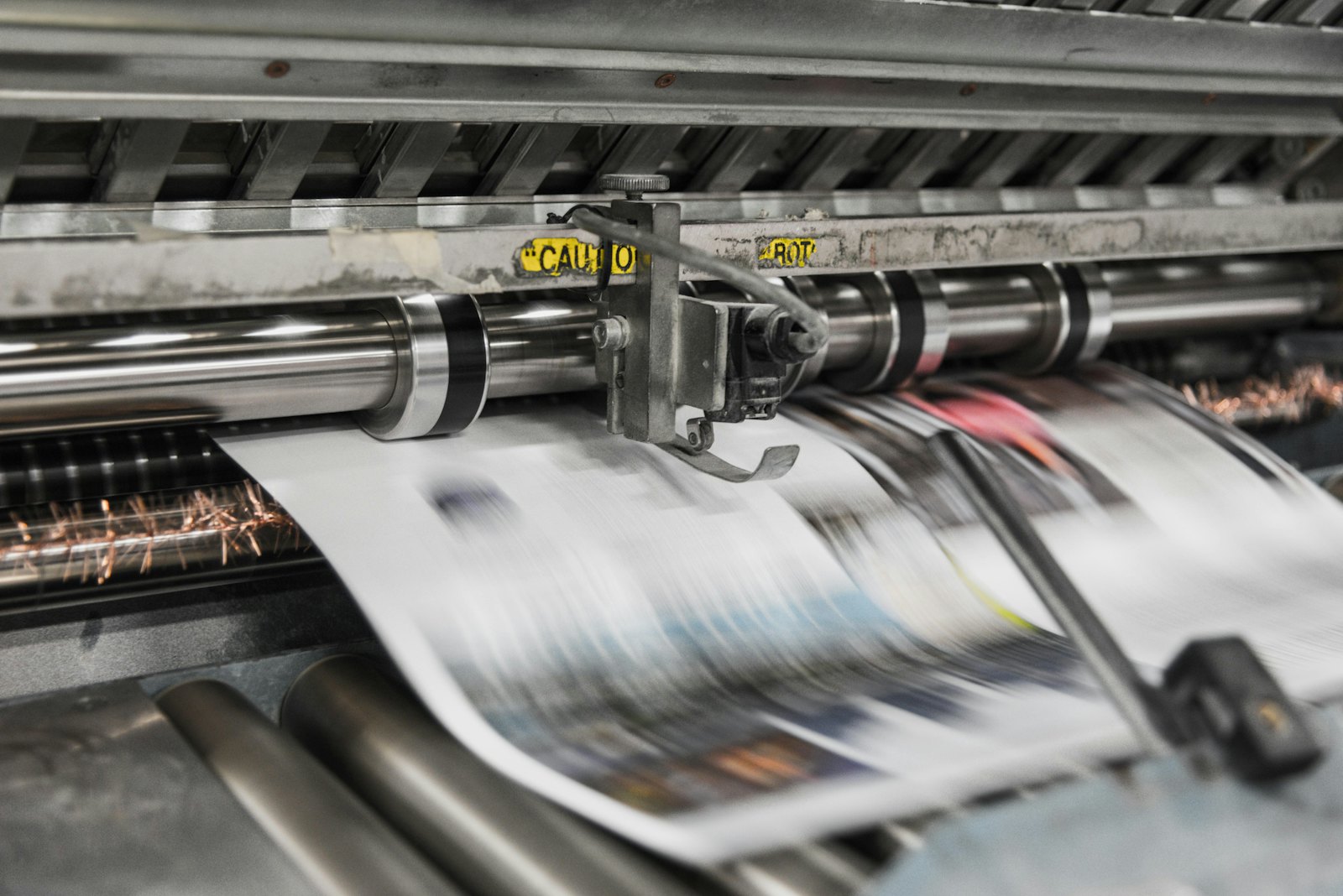 Presses print in CMYK, which is why RGB files shift in color.
What does IngramSpark ask of the interior?
Topic | What IngramSpark says |
|---|---|
PDF type | PDF/X-1a:2001 or PDF/X-3:2002 |
Fonts | All fonts embedded. Acrobat's default "Standard" setting doesn't embed the 14 base fonts and can cause a rejection |
Layout | One PDF with single pages; spreads are rejected |
Bleed | 0.125 inch (3 mm) on the top, bottom and outside edge; no bleed at the spine |
Crop marks | Don't include them: they can show up in the printed books |
Margins | At least 0.5 inch (13 mm) all around recommended |
Color | For color books, all images in CMYK; black and white in grayscale |
Ink coverage | Total CMYK value not above 240%; the recommended rich black is 60/40/40/100 |
Spot and ICC | For black and white: no spot colors or ICC profiles. For color: convert spot colors to CMYK |
Resolution | 300 ppi for grayscale images, 600 ppi for 1-bit line art; images under 72 ppi are rejected for color |
IngramSpark itself says that files with more than 240% may be rejected, but may also go through. If a later file does run into trouble, IngramSpark asks for a corrected copy.
And the cover?
The cover is a PDF on the template you create with IngramSpark's template generator, with one page for simplex. It also says:
PDF/X-1a:2001 or PDF/X-3:2002.
Bleed of 0.125 inch (3 mm) on all four sides.
All images in CMYK; RGB files are converted to CMYK, possibly with unexpected colors.
At most 240% total ink coverage.
A barcode is mandatory.
Don't move any part of the template except the barcode.
What can you do with PDFengine?
IngramSpark requirement | What you can do with PDFengine |
|---|---|
Checking | The free Print-ready check shows the color space, fonts and PDF/X status of your PDF |
Fonts embedded | Embed fonts embeds available fonts |
PDF/X-1a or PDF/X-3 | In Print-ready PDF you pick PDF/X-4, PDF/X-1a or PDF/X-3 under the "PDF/X version" option. Choose X-1a: that delivers PDF/X-1a:2001, exactly what IngramSpark names. According to our measurements, PDF/X-3 delivers X-3:2003, while IngramSpark names X-3:2002. With X-1a and X-3, transparency is flattened and your file may look different; the tool warns you about that. With X-1a only CMYK, grey and spot colors remain. There is no external certification: PDFengine checks the properties of the result itself. |
240% ink | The "Maximum ink coverage" option in Print-ready PDF starts at 280%; 240% follows after validation. It also works in the PDF/X-4 route and not together with X-1a or X-3, which IngramSpark asks for. So you can't enforce this with PDFengine right now. Converting to a print profile alone is no guarantee: in our measurements, files still came out at 285 to 359% ink afterwards. Check it in your own software. |
Bleed | Print-ready PDF can add 3 mm, and with "Spine side (books)" it leaves the spine without bleed and without crop marks (choose "Spine left on page 1" or "Spine right on page 1"). It doesn't draw any image into the bleed |
Black and white without an ICC profile | The X-1a route also embeds a profile as output intent. For black-and-white interiors IngramSpark wants no ICC profile; test that before you use it, or deliver black-and-white interiors from your own software |
If your design doesn't run to the edge, you still have to fix that in your design app. The check tells you afterwards whether fonts are embedded and what the PDF/X status is.
Frequently asked questions
Can I submit PDF/X-4 to IngramSpark?
The guide only names PDF/X-1a:2001 and PDF/X-3:2002. PDF/X-4 isn't in it, so don't leave Print-ready PDF on its default X-4.
Why no bleed at the spine?
The guide says that bleed on the inside edge (the spine) causes wrong positioning. So for the interior you give bleed on three sides.
What is rich black at IngramSpark?
The guide recommends 60% cyan, 40% magenta, 40% yellow and 100% black. According to the guide, you set small text in 100% K.
Can there be a crop mark in my file?
No. IngramSpark warns that the marks can show up in the printed books.
Can PDFengine limit my file to 240% ink for IngramSpark?
Not yet. The maximum ink coverage option starts at 280%, works in the PDF/X-4 route and can't be combined with PDF/X-1a or PDF/X-3, which IngramSpark asks for. Not automatically. Converting with a print profile such as ISO Coated v2 or PSO Coated gives you the right color space, but doesn't limit the total ink. In our measurements, files came out at 285 to 359% ink after that conversion. Printer marks in the color "All" (registration) also count for 400%, because a RIP puts them on all four plates. That is why PDFengine has a separate option for maximum ink coverage. Read what total ink coverage is.
Where to go next
Check your file with the Print-ready check and read the complete guide to a print-ready PDF. PDFengine is not affiliated with IngramSpark, and IngramSpark has not approved these tools.
Sources and verification
Checked on October 9, 2026:
IngramSpark File Creation Guide, version date 8.24.26 on the title page; we read the text locally from the PDF because the web view wasn't usable.
Related Articles

How to deliver a newspaper ad PDF: the 240% ink limit, ISOnewspaper26v4 and GWG2015 explained
Your newspaper wants GWG2015, ISOnewspaper26v4 and max 240% ink. Here is what that means, why a prof...

Can ChatGPT, Claude or Gemini Convert Email to PDF? What AI Can (and Can't) Do
No AI assistant can natively convert .eml or .msg to PDF. But Claude + MCP bridges the gap — here's...