
Coldset PDF requirements at Janssen/Pers Rotatiedruk: PDF 1.3, WAN-IFRA profile and 6 mm bleed
Founder, PDFengine

Janssen/Pers Rotatiedruk, a Dutch printer, asks for coldset print jobs as a PDF that follows the cPDF specification (Acrobat 4, version 1.3), in CMYK with the WAN-IFRAnewspaper26v5 profile. Total ink coverage is a maximum of 240%, preferably 220%. For pages that run to the edge and are trimmed afterward, bleed is 6 mm (0.24 in), with bleed and crop marks. You deliver one PDF per page.
These requirements come from a Dutch-language article on janssenpers.nl (page in Dutch), 'Het aanleveren van bestanden voor coldset drukwerk bij Janssen/Pers Rotatiedruk' (how to deliver files for coldset printing at Janssen/Pers Rotatiedruk), checked on October 9, 2026. The page shows no date; the URL points to April 8, 2025. This is one printer's specification from one page. We don't claim these requirements apply anywhere else.
Key Takeaways
PDF version: cPDF, Acrobat 4, so PDF 1.3. The page doesn't mention a PDF/X variant.
Profile WAN-IFRAnewspaper26v5, including the background simulation settings.
Ink coverage maximum 240%, preferably 220%.
Bleed 6 mm (0.24 in), only on pages that run off the edge and are trimmed afterward; bleed and crop marks are then required.
CMYK only (no RGB or PMS), one PDF per page, at least 300 dpi, fonts embedded or converted to outlines.
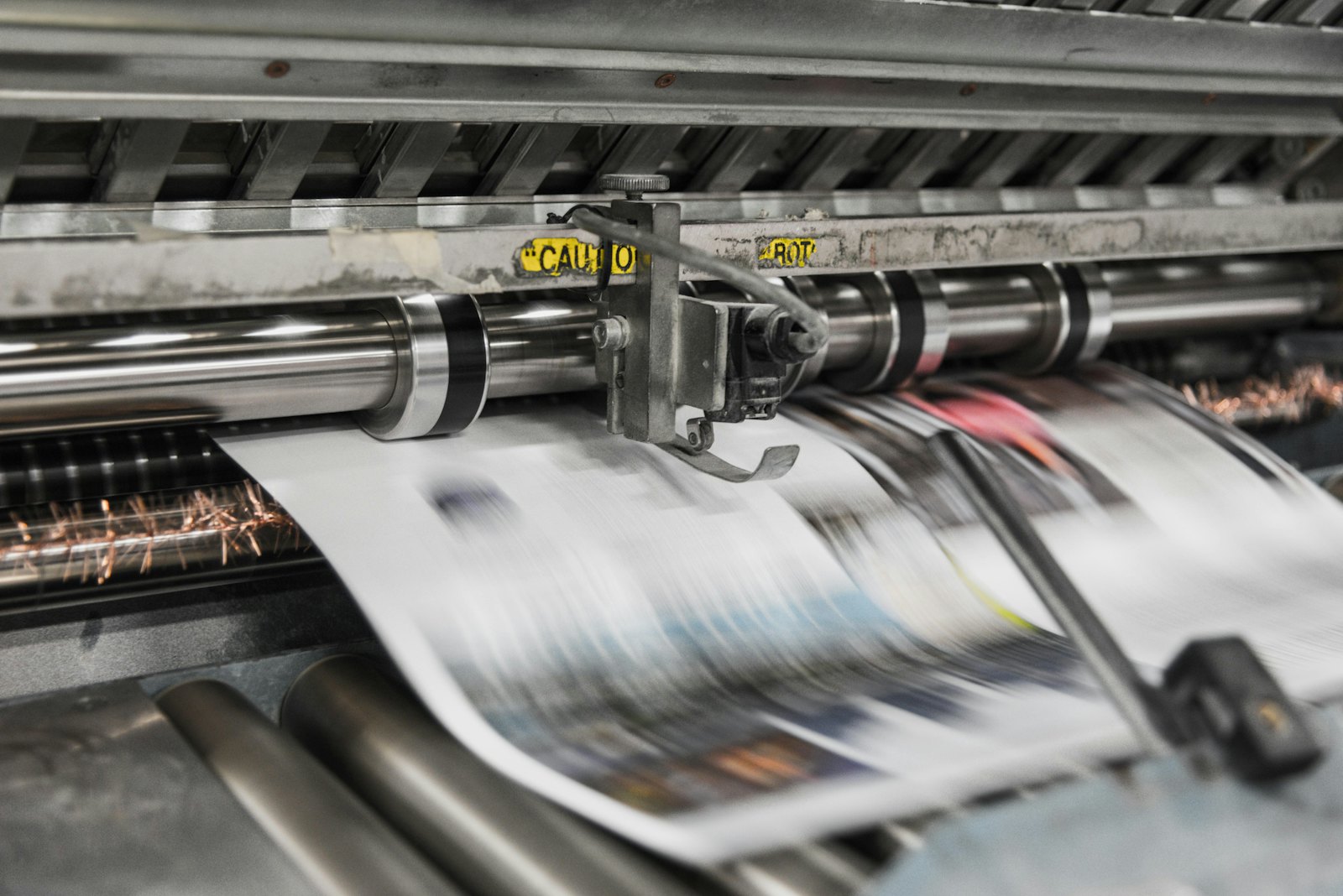 Presses print in CMYK, which is why RGB files shift in color.
What does Janssen/Pers ask for?
Topic | What the page says |
|---|---|
PDF version | cPDF format (Acrobat 4, version 1.3) |
Color profile | WAN-IFRAnewspaper26v5, with the matching background simulation settings |
Color space | CMYK only; no RGB or PMS |
Ink coverage | Maximum 240%, preferably 220% |
Bleed | 6 mm (0.24 in), only on pages that run off the edge and are trimmed afterward |
Crop marks | Bleed and crop marks required on pages that run off the edge; size and style aren't given |
Fonts | Embed or convert to outlines |
Images | At least 300 dpi |
Overprint | Overprint settings must be correct |
Setup | One PDF per page |
File names | Only '_' and '-' as special characters |
The page also gives the formats (page area and type area) for broadsheet, tabloid, magazine, Berliner and A4. Those aren't covered in this article; look them up at the source. Not mentioned: a PDF/X variant, a transparency setting, and the bleed for pages without bleed.
What can you do with PDFengine?
Requirement | What you can do with PDFengine |
|---|---|
Checking | The free print-ready check shows color space, fonts and PDF/X status |
WAN-IFRAnewspaper26v5 | That profile is one of the choices in Print-ready PDF (220% ink). Also read which color profile your printer wants |
PDF 1.3 | The PDF/X-1a choice in Print-ready PDF produces, by our measurement, a file with PDF 1.3 as its header. Janssen/Pers asks for cPDF and doesn't mention PDF/X; whether their check accepts our X-1a file as cPDF, we don't know. Confirm it with a test file. With X-1a, transparency is flattened and only CMYK, grayscale and spot colors remain |
Maximum 240% | The WAN-IFRAnewspaper26v5 profile doesn't limit total ink on its own during conversion. The 'Maximum ink coverage' option in Print-ready PDF starts at 280%; 240% follows after validation, and the option works in the PDF/X-4 route. For now, set the limit in your own software. |
One PDF per page | The 'Every page as a separate file' option in Print-ready PDF delivers one PDF per page in a ZIP |
6 mm bleed | Print-ready PDF can set 6 mm (0.24 in): bleed can be any number from 0 to 10 mm (0 to 0.39 in). It only sets up the bleed area and doesn't draw any image into it |
Bleed and crop marks | Print-ready PDF has a crop marks option; the page doesn't give the dimensions, so deliver a test file |
Fonts | Embed fonts embeds the fonts that are available |
In short: the profile and one file per page are achievable with PDFengine (once the page option is live); PDF 1.3 works via X-1a, with acceptance still to be confirmed. For now, handle the 240% ink limit and the 6 mm bleed in your own software.
Frequently asked questions
Is PDF/X required at Janssen/Pers?
The page doesn't mention a PDF/X variant. What it does mention is the cPDF format, Acrobat 4, version 1.3.
What is 240% compared with 220%?
Janssen/Pers names 240% as the maximum and 220% as the preference. The WAN-IFRAnewspaper26v5 profile is set at 220%. Read more in our guide to newspaper ad PDFs.
Do I always have to supply 6 mm bleed?
Only on pages that run off the edge and are trimmed afterward. For pages without bleed, the page names no requirement.
Does the newspaper profile automatically set ink to 220%?
No, not automatically. Converting with a press profile such as ISO Coated v2 or PSO Coated gives you the right color space but doesn't limit total ink. In our measurements, files came out at 285 to 359% ink after that conversion. Registration marks in the color 'All' also count as 400%, because a RIP puts them on all four plates. That's why PDFengine has a separate option for maximum ink coverage. Read what total ink coverage is.
Where to go from here
Start with the print-ready check and, if in doubt, submit a test file before you send all the pages. PDFengine is not affiliated with Janssen/Pers, and they have not approved these tools.
Sources and verification
Checked on October 9, 2026:
Het aanleveren van bestanden voor coldset drukwerk bij Janssen/Pers Rotatiedruk (page in Dutch), no date on the page; April 8, 2025 according to the URL
Related Articles

How to deliver a newspaper ad PDF: the 240% ink limit, ISOnewspaper26v4 and GWG2015 explained
Your newspaper wants GWG2015, ISOnewspaper26v4 and max 240% ink. Here is what that means, why a prof...

Can ChatGPT, Claude or Gemini Convert Email to PDF? What AI Can (and Can't) Do
No AI assistant can natively convert .eml or .msg to PDF. But Claude + MCP bridges the gap — here's...