
Submitting a print-ready PDF to Print.com: PDF/X-1a or X-4, 3 mm bleed and 280% for brochures
Founder, PDFengine

Print.com preferably asks for a PDF exported as PDF/X-1a or PDF/X-4, in CMYK with the profile ISO Coated v2 (ECI) or PSO Coated v3, with 3 mm (0.12 in) bleed on all sides and with embedded fonts. For glued brochures an extra limit applies: the color coverage may not be higher than 280%.
Below is what Print.com itself says, page by page, checked on October 9, 2026. Note that these are Dutch-language pages of a printer active in the Netherlands, and that the general knowledge base page and the product pages do not say exactly the same thing. So always look at your own product as well.
Key Takeaways
Preferably PDF/X-1a or PDF/X-4; CMYK, not RGB.
Profile: ISO Coated v2 (ECI) or PSO Coated v3.
Bleed: 3 mm (0.12 in) on all sides. According to the knowledge base, keep text and logos at least 3 mm from the trim line; according to the brochure page, at least 5 mm (0.20 in).
Embed fonts and use at least 300 dpi at the real print size.
Brochures: at most 280% color coverage; you do not need to supply crop marks.
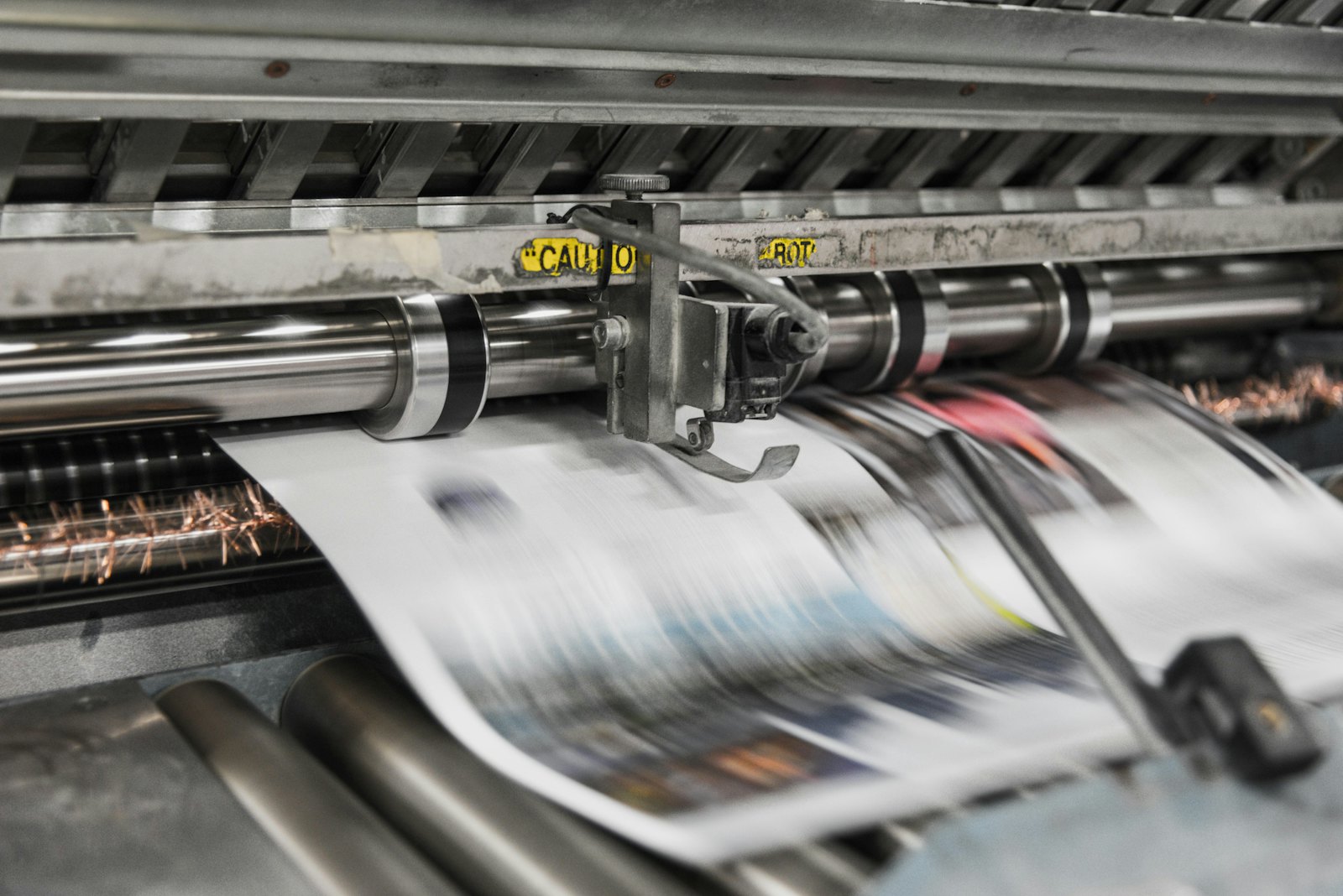 Printing presses print in CMYK, which is why RGB files shift in color.
What does Print.com's general delivery help say?
The Dutch-language knowledge base page about sharp prints (updated June 3, 2026) says:
Topic | What Print.com says |
|---|---|
File type | PDF; JPEG and PNG are discouraged because they almost always cause problems with resolution or color |
PDF/X | Preferably the export setting PDF/X-1a or PDF/X-4 |
Color | CMYK; RGB is converted automatically when printing |
Profile | ISO Coated v2 (ECI) or PSO Coated v3 |
Bleed | 3 mm (0.12 in) on all sides |
Safe margin | Text and logos at least 3 mm (0.12 in) from the trim line |
Fonts | Embed when exporting |
Resolution | At least 300 dpi, at the actual print size |
The page names no ink coverage, no crop marks and no transparency requirement. For checking, Print.com refers to the preflight in Adobe Acrobat Pro.
And for a glued brochure?
The product page for glued brochures says more: 3 mm (0.12 in) bleed all around, text and important images at least 5 mm (0.20 in) from the trim edges, and a maximum color coverage of 280%. You do not need to supply crop marks, registration marks or color bars, because Print.com adds those itself during production. You deliver the interior as one PDF with single pages, and the cover as a spread with front, spine and back; you read the spine width from the order app.
Do you have two PDFs? Give them names that sort alphabetically, for example A-cover and B-interior.
For flyers, the product page we checked names no delivery specifications; it refers to the order app. So look there for your own product.
What can you do with PDFengine?
The quickest route: in Print-ready PDF, choose Print.com under "Destination". PDFengine then sets PDF/X-4, the ISO Coated v2 (ECI) profile and 3 mm bleed in one go. If you would rather have PSO Coated v3, choose the FOGRA51 profile yourself. What this does not cover: crop marks (the knowledge base page does not mention them, so set that yourself) and the 280% for brochures, which you set yourself under "Maximum ink coverage". This follows the knowledge base page as we read it on October 11, 2026.
Print.com requirement | What you can do with PDFengine |
|---|---|
Checking | The free print-ready check shows color space, fonts and PDF/X status, without Acrobat |
PDF/X-4 and profile | Convert to PDF/X-4 converts RGB and existing CMYK to one of our print profiles and adds the same profile as output intent. Paid tool, not externally certified. The ISO Coated v2 and PSO Coated v3 profiles are in there under the names FOGRA39 and FOGRA51 |
3 mm bleed | Print-ready PDF can add 3 mm of bleed. That sets up the bleed area; it does not draw any image into it |
Fonts | Embed fonts embeds available fonts |
PDF/X-1a or PDF/X-4 | In Print-ready PDF, under the "PDF/X version" option, you choose PDF/X-4, PDF/X-1a or PDF/X-3. With X-1a and X-3, transparency is flattened and your file can look different; the tool warns about this. With X-1a only CMYK, gray and spot colors remain. There is no external certification: PDFengine checks the properties of the result itself. Print.com names both; X-4 is the more modern choice and does not have that flattening |
280% for brochures | The "Maximum ink coverage" option in Print-ready PDF limits the total ink to 280% and measures the final file again. It works in the PDF/X-4 route. If PDFengine cannot show that the ceiling has been met (for example with overprint, blend modes or RGB colors that are really used), you get an explanation instead of a file. Converting to a print profile alone is no guarantee: in our measurements, files still came out at 285 to 359% ink afterwards. Limited photos can become larger than the original. Check the result yourself. |
Frequently asked questions
Is PDF/X required at Print.com?
Print.com writes "preferably". So it is a preference and not a hard requirement, but it is the recommendation.
Which color profile do I choose at Print.com?
ISO Coated v2 (ECI) or PSO Coated v3. What those two stand for, you can read in which colour profile your printer wants.
Do I need crop marks in my Print.com file?
For glued brochures no: Print.com adds them itself. For other products, the pages we checked say nothing about it.
Why does Print.com name both 3 mm and 5 mm for text?
The general knowledge base names at least 3 mm to the trim line, the brochure page at least 5 mm. So for brochures, use 5 mm.
Does converting to the ISO Coated v2 profile automatically get me to 280% ink?
Not automatically. Converting with a print profile such as ISO Coated v2 or PSO Coated gives you the right color space, but does not limit the total ink. In our measurements, files came out at 285 to 359% ink after that conversion. Printer's marks in the color "All" (registration) also count for 400%, because a RIP puts them on all four plates. That is why PDFengine has a separate option for maximum ink coverage. Read what total ink coverage is.
Where to go from here
Start with the print-ready check. PDFengine is not affiliated with Print.com and Print.com has not approved these tools; we only describe what Print.com itself publishes.
Sources and verification
Checked on October 9, 2026 (all pages in Dutch):
What do I need to deliver to guarantee sharp prints? (page in Dutch; updated June 3, 2026)
Glued brochure (page in Dutch)
Printing flyers (page in Dutch): contains no delivery specifications
The Print.com destination in Print-ready PDF was checked on October 11, 2026 against the knowledge base page (the first one above).
Related Articles

How to deliver a newspaper ad PDF: the 240% ink limit, ISOnewspaper26v4 and GWG2015 explained
Your newspaper wants GWG2015, ISOnewspaper26v4 and max 240% ink. Here is what that means, why a prof...

Can ChatGPT, Claude or Gemini Convert Email to PDF? What AI Can (and Can't) Do
No AI assistant can natively convert .eml or .msg to PDF. But Claude + MCP bridges the gap — here's...